SMARTRG INC. PROPRIETARY AND CONFIDENTIAL. ALL RIGHTS RESERVED. COPYRIGHT © 2018 81
Quality of Service (QoS) enables prioritization of Internet content to help ensure the best possible performance. This is par-
ticularly useful for streaming video and audio content with minimized potential for drop-outs. QoS becomes significant when the
sum of all traffic (audio, video, data) exceeds the capacity of the line.
In this section, you can disable/enable QoS and configure queues and classification rules.
Quality of Service
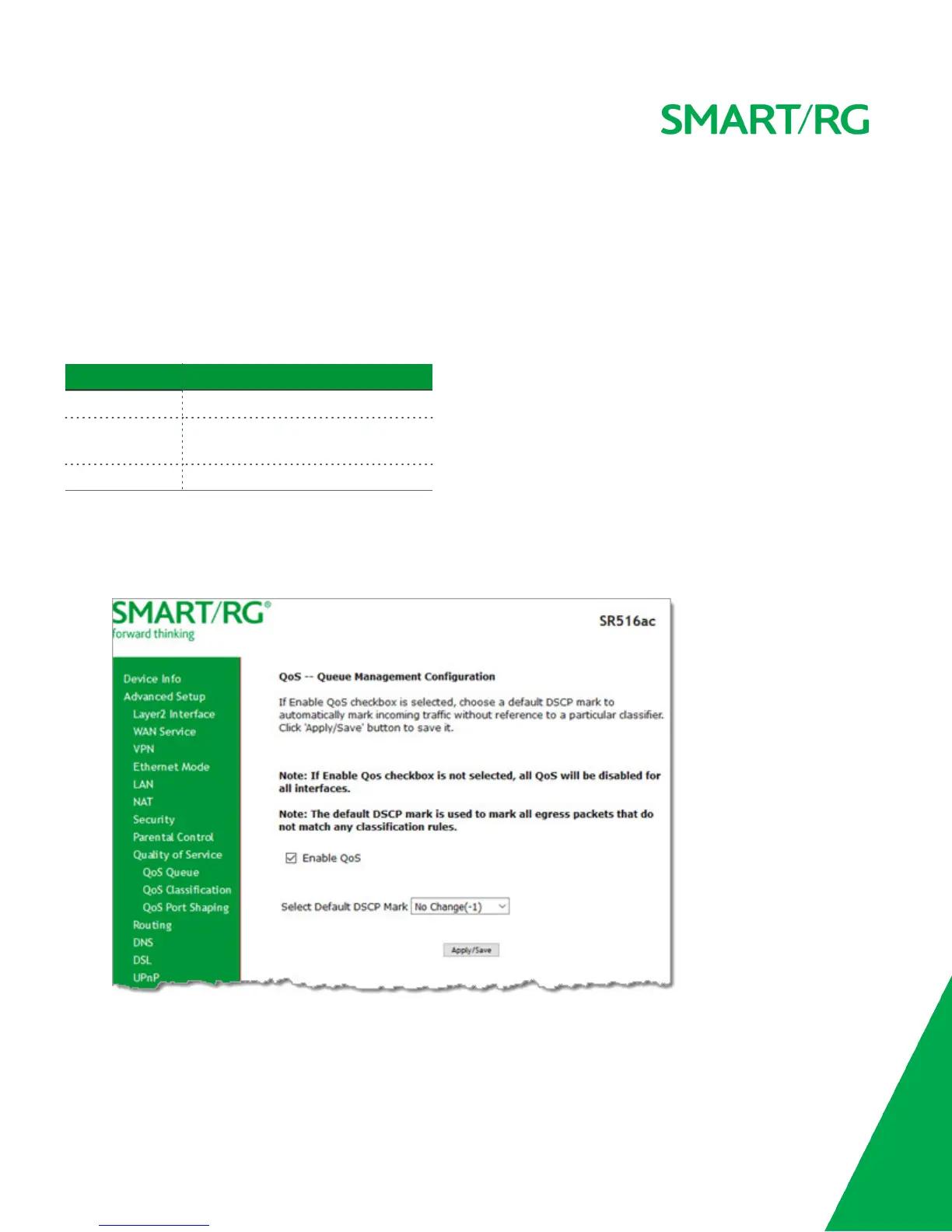
On this page, you can enable or disable QoS and set the DSCP Mark classification.
The maximum number of queues that can be configured vary by mode, as shown below.
Mode Maximum # of queues
ATM 16
Ethernet &
Ethernet WAN
8 per interface
PTM 8
Note: Queues for wireless connections (e.g., WMM Voice Priority) are shown only when wireless is enabled. If the WMM Advert-
ise option on the Wireless > Basic Setup page is disabled, assigning classifications to wireless traffic has no effect.
1. In the left navigation bar, click Advanced Setup > Quality Of Service. The following page appears. The Quality of Service
feature is enabled by default.
2. To disable QoS for ALL interfaces, click the Enable QoS check box to clear it.



 To Next Page