SMARTRG INC. PROPRIETARY AND CONFIDENTIAL. ALL RIGHTS RESERVED. COPYRIGHT © 2018 95
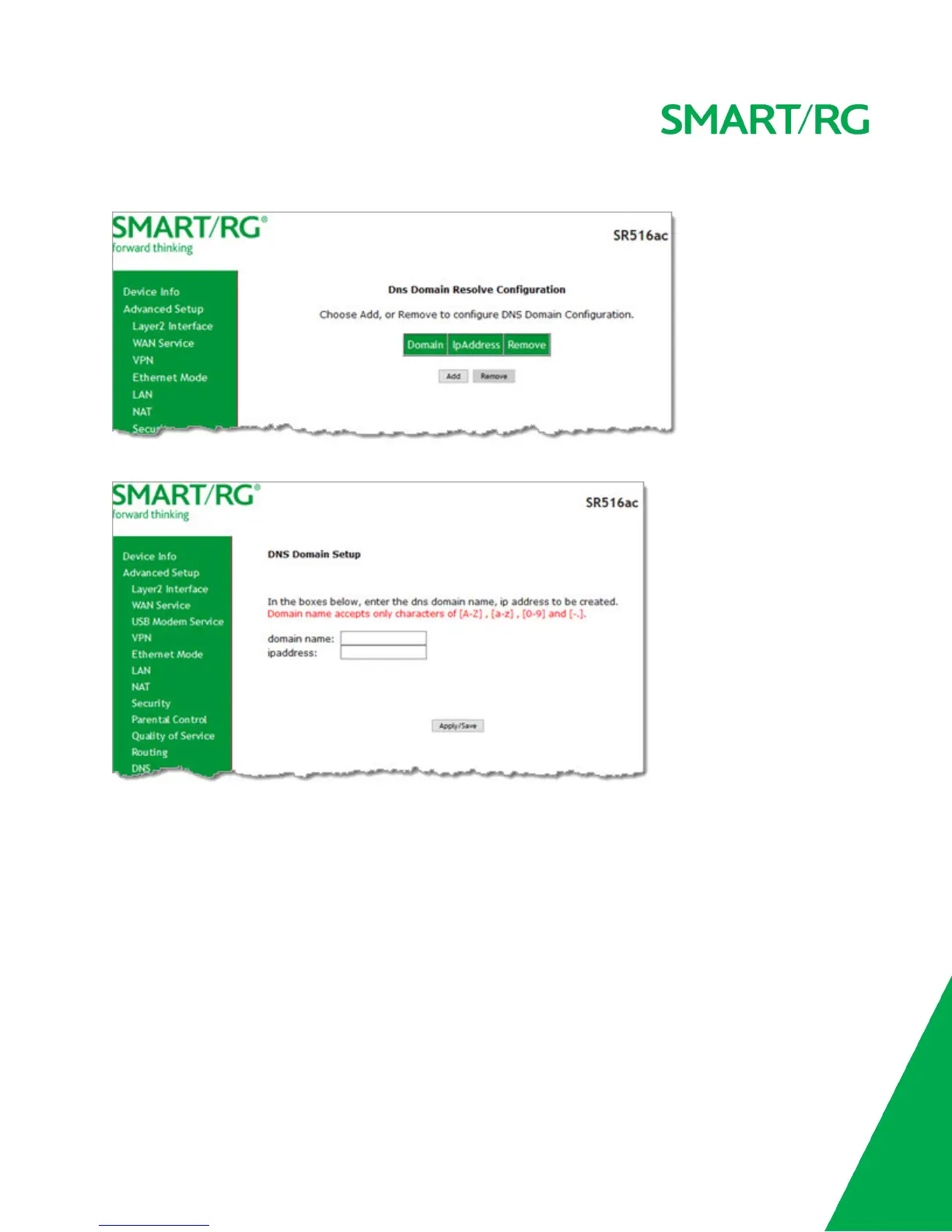
1. In the left navigation bar, click Advanced Setup > DNS > DNS Config. The following page appears.
2. To add a DNS domain, click Add. The following page appears.
3. Enter a domain name and IP address for the domain. Only letters, numbers, dashes, and periods are allowed.
4. Click Apply/Save to apply your settings.
DSL
On this page, you can set the DSL settings. The modem negotiates the modulation mode with the DSLAM; you usually do not need
to modify the factory default settings.



 To Next Page