SMARTRG INC. PROPRIETARY AND CONFIDENTIAL. ALL RIGHTS RESERVED. COPYRIGHT © 2018 19
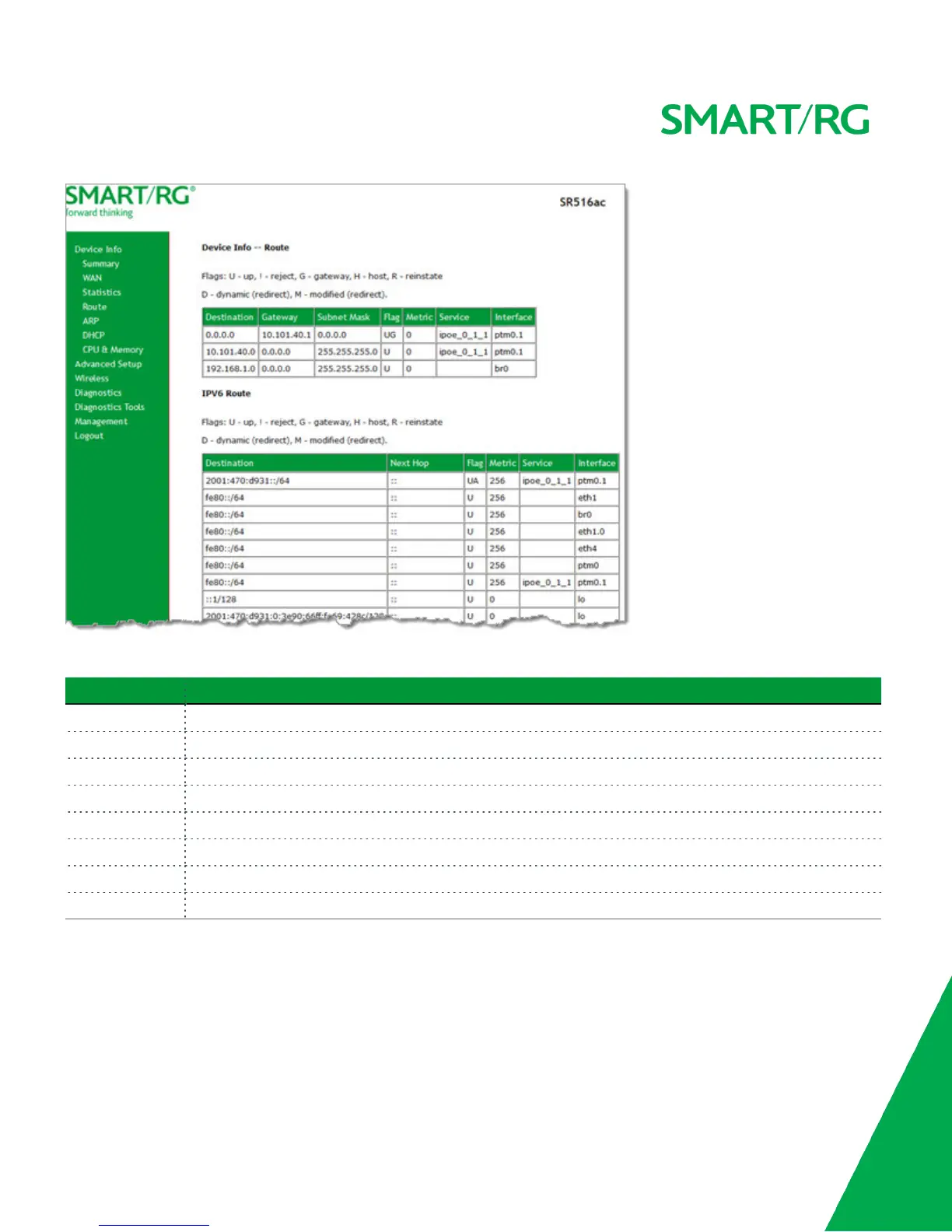
The fields on this page are defined below.
Field Name Description
Destination Destination IP addresses.
Gateway (For IPv4 only) Gateway IP address.
Subnet Mask (For IPv4 only) Subnet Mask.
Next Hop (For IPv6 only) Identifies the next server in the IPv6 path, if any.
Flag Status of the flags.
Metric Number of hops to reach the default gateway.
Service Service type.
Interface WAN/LAN interface.
ARP
On this page, you can view the MAC address and IP address information for the devices connected to the gateway.
In the left navigation bar, click Device Info > ARP. The following page appears.



 To Next Page