SMARTRG INC. PROPRIETARY AND CONFIDENTIAL. ALL RIGHTS RESERVED. COPYRIGHT © 2018 106
After you add one certificate, a Remove button appears on the Trusted CA landing page. Click this button to remove the current
certificate and replace it with a new one.
Power Management
Note: This feature is not currently supported.
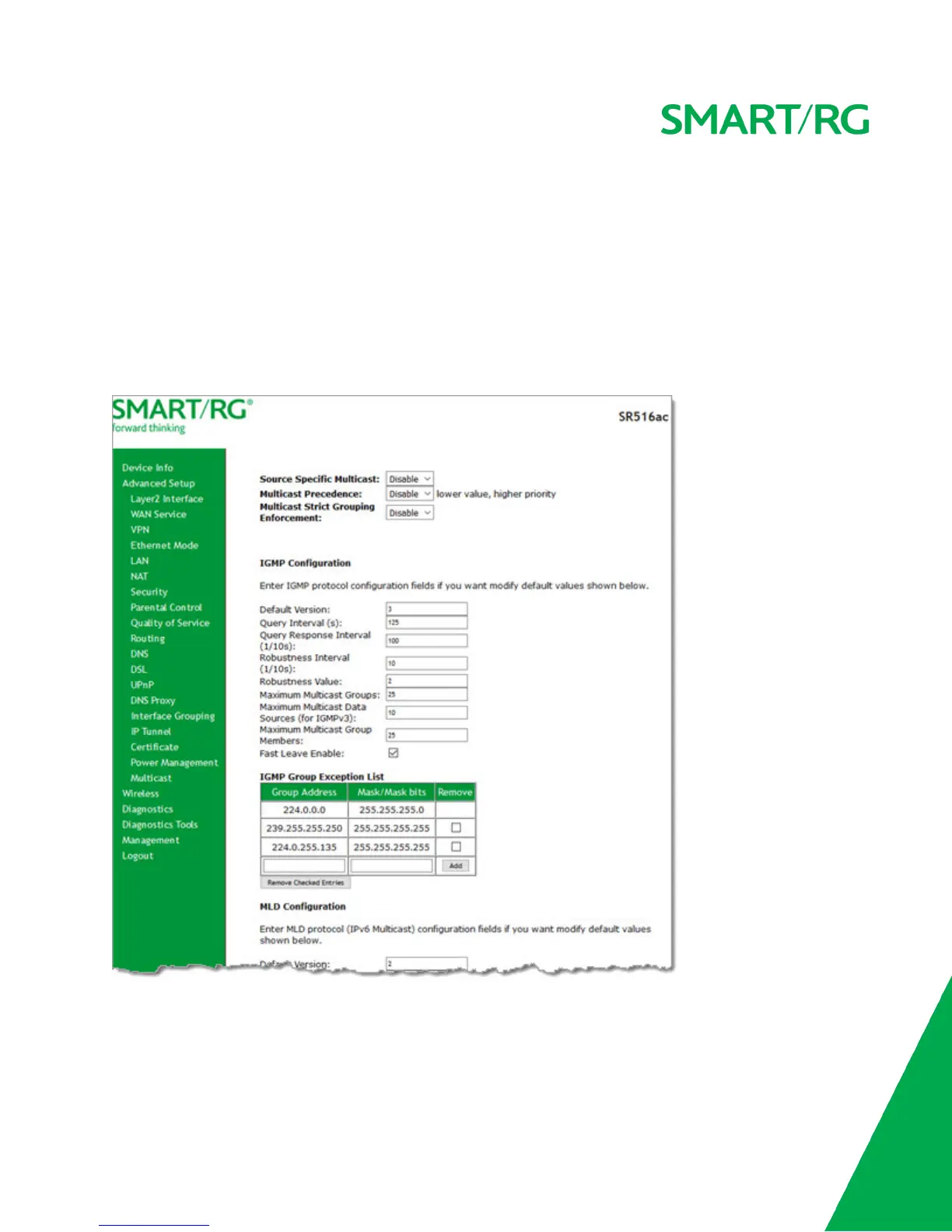
Multicast
On this page, you can configure the multicast parameters.
1. In the left navigation menu, click Advanced Setup > Multicast. The following page appears.
2. Fill in the fields, using the information in the table below. The fields provided for the IGMP and MLD configurations are
largely the same.



 To Next Page