SMARTRG INC. PROPRIETARY AND CONFIDENTIAL. ALL RIGHTS RESERVED. COPYRIGHT © 2018 105
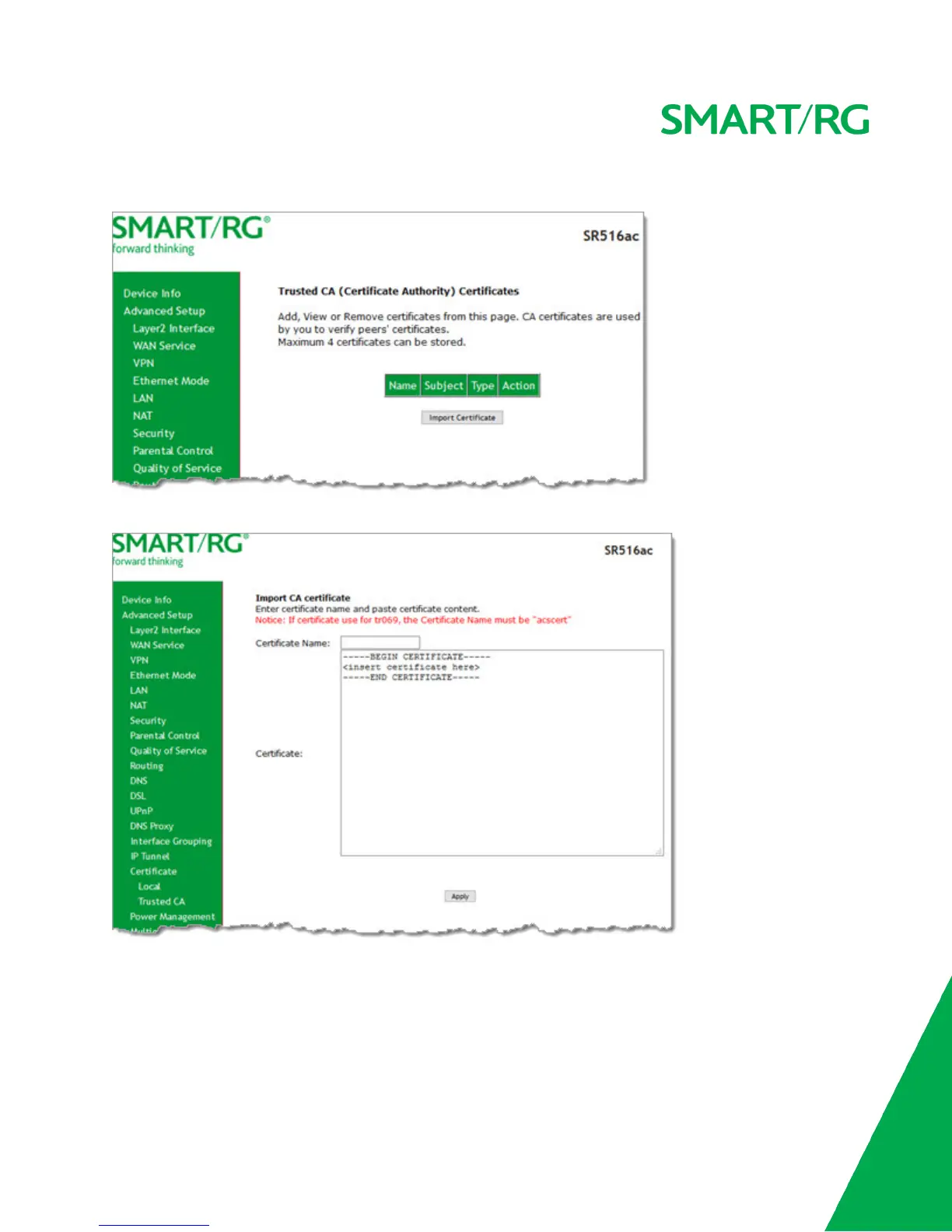
1. In the left navigation bar, click Advanced Setup > Certificate > Trusted CA. The following page appears.
2. To import a certificate, click Import Certificate. The following page appears.
3. In the Certificate Name field, type a descriptive name for this certificate. If you are using this certificate with TR-069,
the name must be "acscert".
4. Paste the certificate details between the BEGIN and END markers.
5. Click Apply to commit this certificate.



 To Next Page