SMARTRG INC. PROPRIETARY AND CONFIDENTIAL. ALL RIGHTS RESERVED. COPYRIGHT © 2018 112
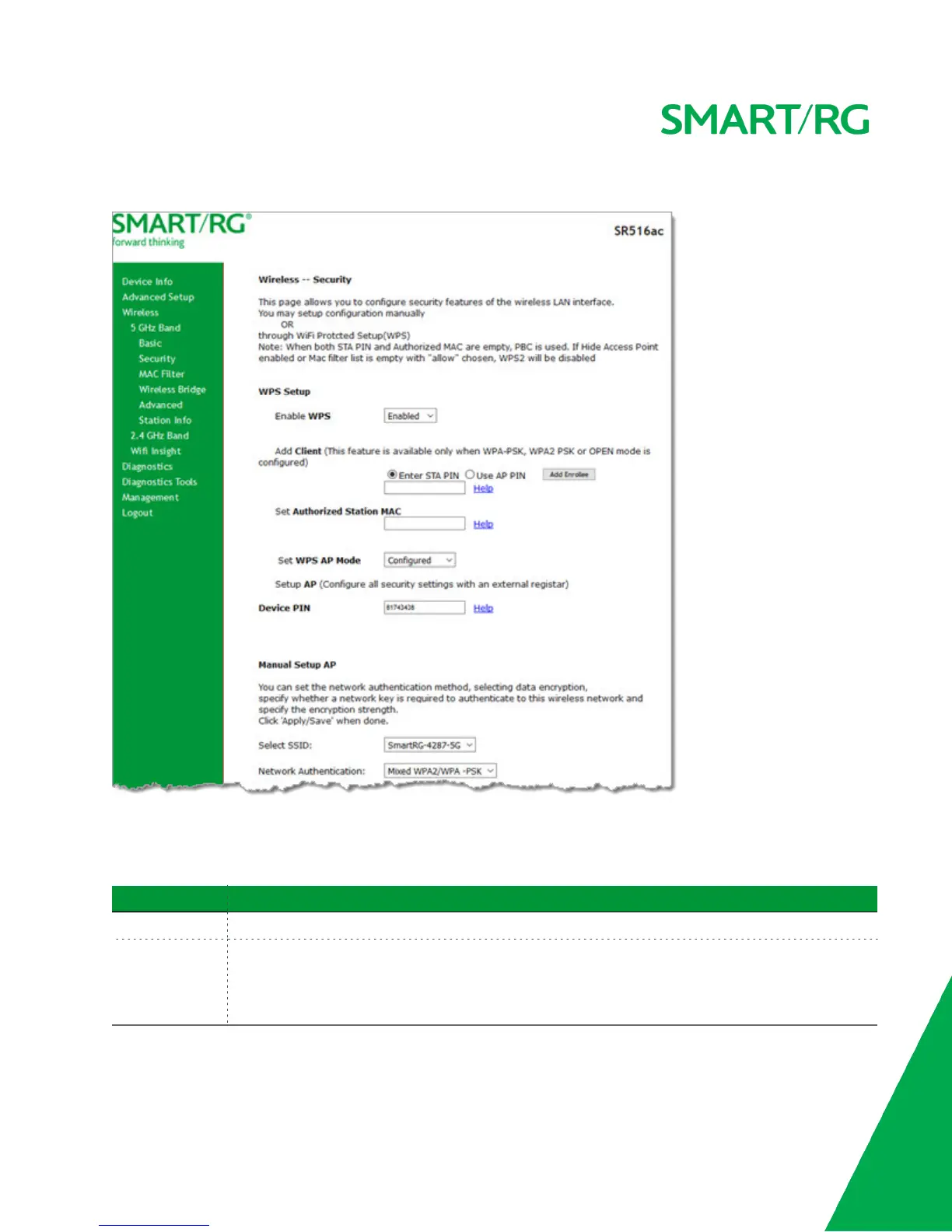
1. In the left navigation bar, click Wireless > 5 GHz Band or 2.4 GHz Band > Security. The following page appears.
2. Modify the settings as needed, using the information provided in the field description table below and in the sections
that explain each authentication method.
The fields in the WPS Setup section are described in the following table.
Field Name Description
Enable WPS This option is enabled by default. To disable WiFi Protected Setup, select Disabled.
Add Client (Available for WPA-PSK, WPA2-PSK and Open Network Authentication methods) Select the method
for generating the WPS PIN. Options are:
l Enter STA PIN: Type the input station PIN for the client in the field below the radio button.
Click Add Enrollee. The PIN is verified.



 To Next Page