SMARTRG INC. PROPRIETARY AND CONFIDENTIAL. ALL RIGHTS RESERVED. COPYRIGHT © 2018 120
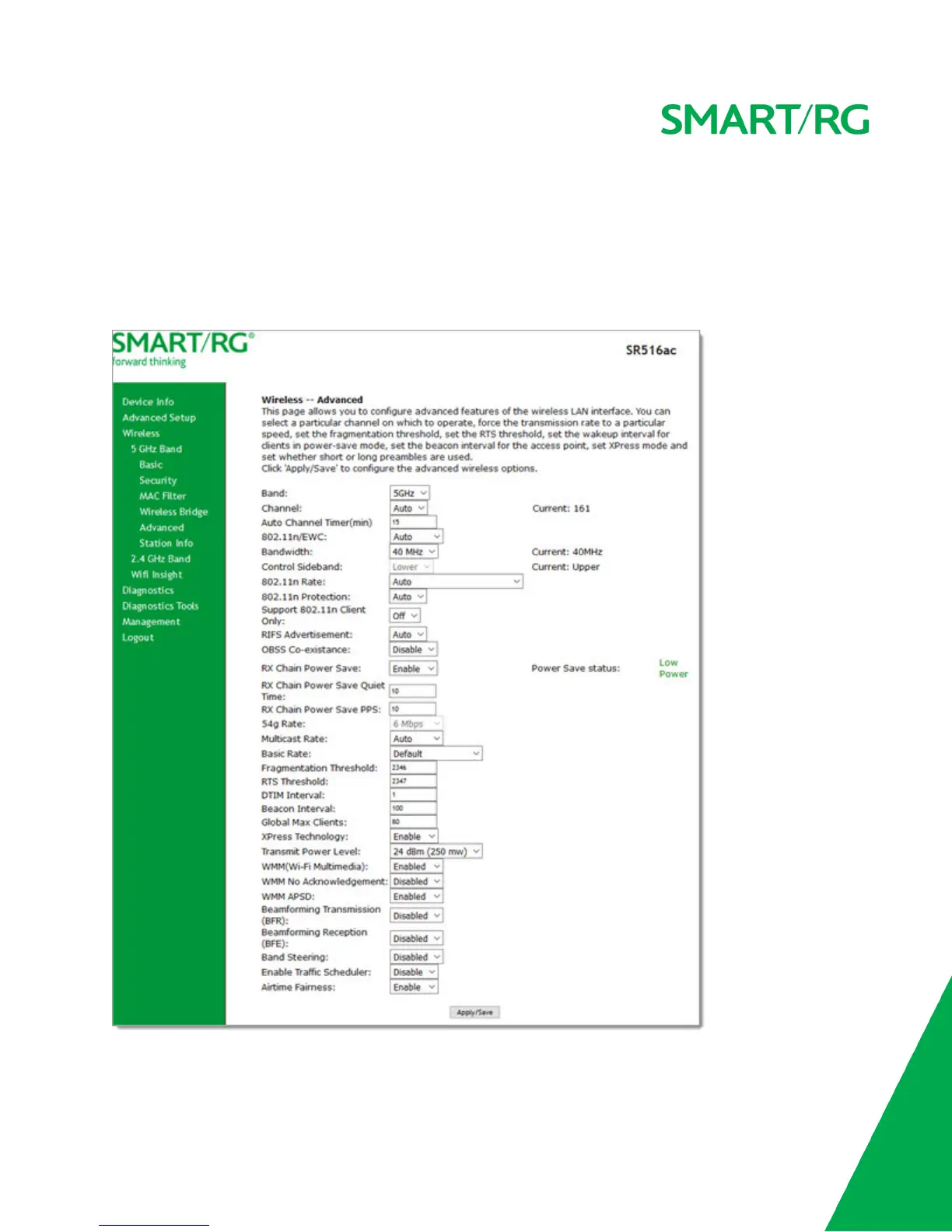
On this page, you can configure the advanced features of the wireless LAN interface. You can select a particular channel on
which to operate, force the transmission rate to a desired speed, set the fragmentation threshold, the RTS threshold, the
wakeup interval for clients in power-save mode, and more.
Note: The default settings work for most environments. It is recommended that only experienced users change settings on this
page.
1. In the left navigation bar, click Wireless > Advanced. The following page appears.



 To Next Page