SMARTRG INC. PROPRIETARY AND CONFIDENTIAL. ALL RIGHTS RESERVED. COPYRIGHT © 2018 61
Field Description
IP Address /
Subnet Mask
(Optional) Modify the IP address and subnet mask of the device. The default IP address is
that of the gateway and the subnet mask is 255.255.255.0.
Enable IGMP Snooping This option is enabled by default. Options are Standard Mode and Blocking Mode. The
default is Blocking Mode.
To disable this option, clear the check box.
Enable IGMP LAN to LAN
Multicast
This option is disabled by default. To enable this option, select Enable.
Enable LAN side firewall Click to enable the LAN-side firewall.
Disable DHCP Server /
Enable DHCP Server
This option is enabled by default. You can modify the address, server and leased time fields
as needed.
To disable the DHCP server, click Disable DHCP Server. Then, if needed, enter different
server information for the LAN.
Edit DHCP Option 60 To modify the vendor class information, click Edit DHCP Option 60, modify the entries, and
click the appropriate action button. Then click Return.
Edit DHCP Option To add information about other DHCP options, click Edit DHCP Option, enter the information
for the desired options, and click the appropriate action button. Then click Return.
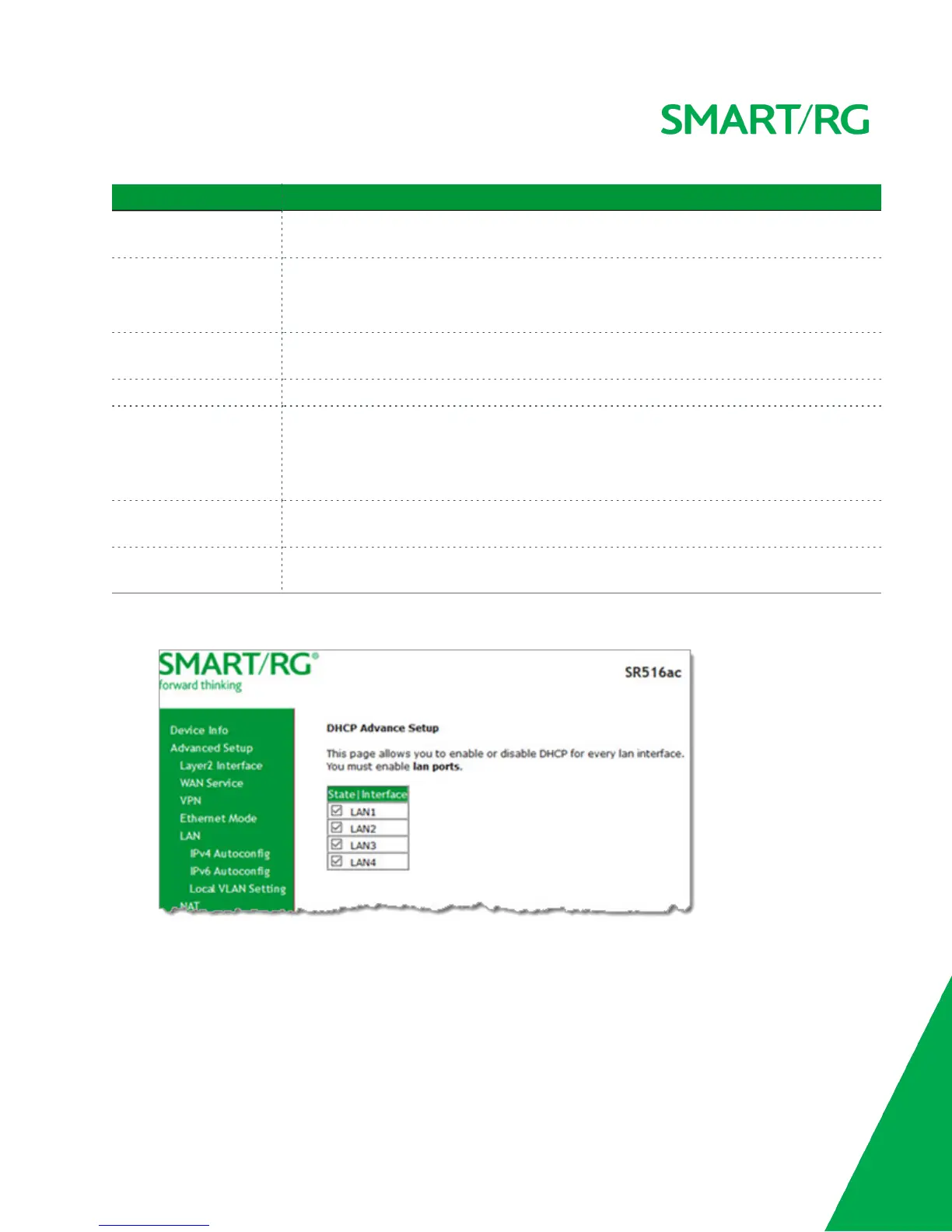
4. To enable or disable DHCP for individual LAN interfaces:
a. Click DHCP Advanced setup. The DHCP Advance Setup page appears.
b. Click the State checkboxes as needed to manage DHCP for each LAN interface in the table, and then click
Advanced Setup > LAN > IPv4 Autoconfig.



 To Next Page