SMARTRG INC. PROPRIETARY AND CONFIDENTIAL. ALL RIGHTS RESERVED. COPYRIGHT © 2018 86
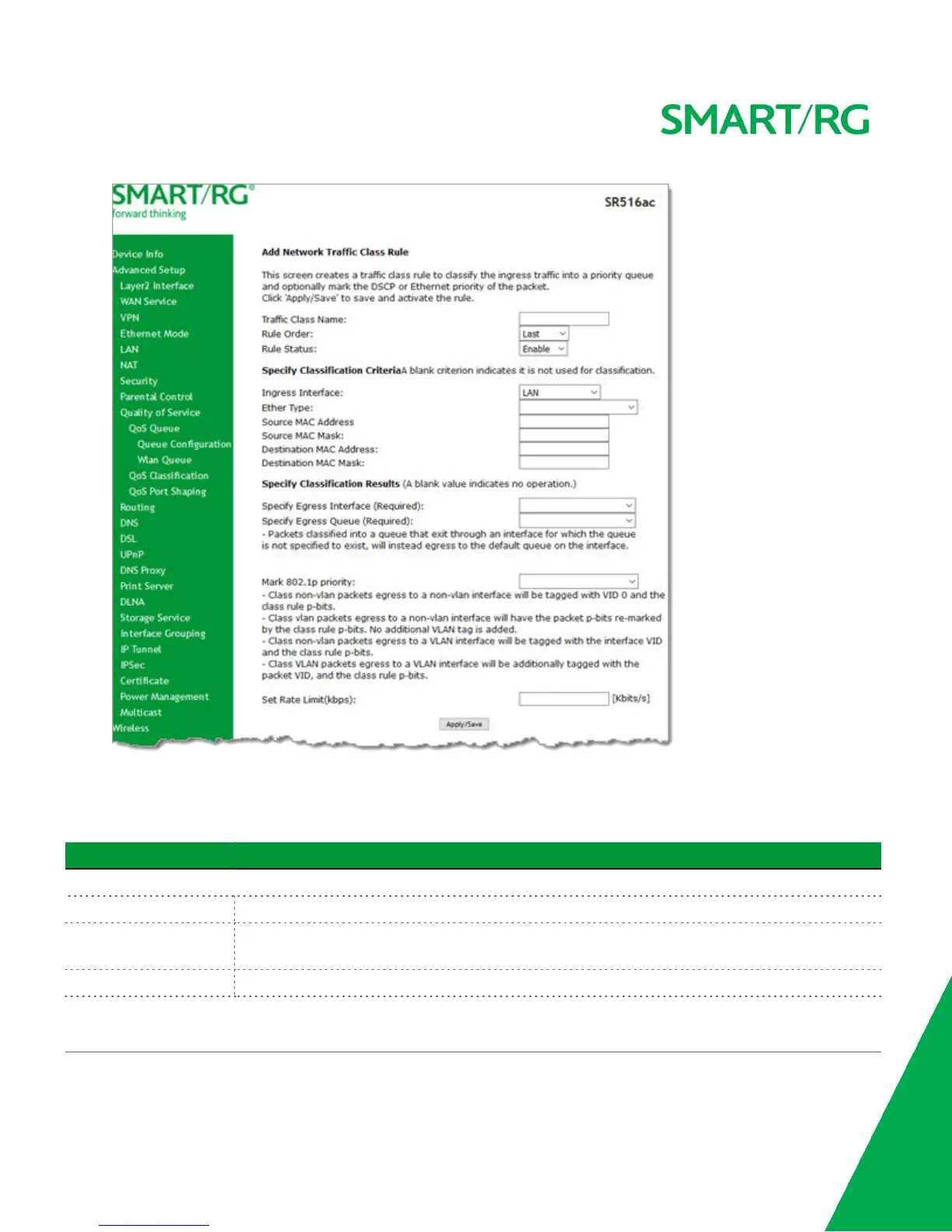
2. Fill in the fields, using the information in the table below.
3. Click Apply/Save to commit your changes.
The fields on this page are defined below.
Field Name Description
Add Network Traffic Class Rule section
Traffic Class Name Enter a descriptive name for this rule.
Rule Order This option is set to Last and cannot be changed. Every rule is set as the very last classification rule
to be processed.
Rule Status Select whether this rule is active or inactive. Options are Enable and Disable. The default is Enable.
Specify Classification Criteria section
All fields in this section are optional. A blank field identifies a criterion that is not used.



 To Next Page