S2 User Handbook
123
18
S2OMC CONTROL ROOM MONITOR CHANNEL
S2OMC CONTROL ROOM
MONITOR CHANNEL
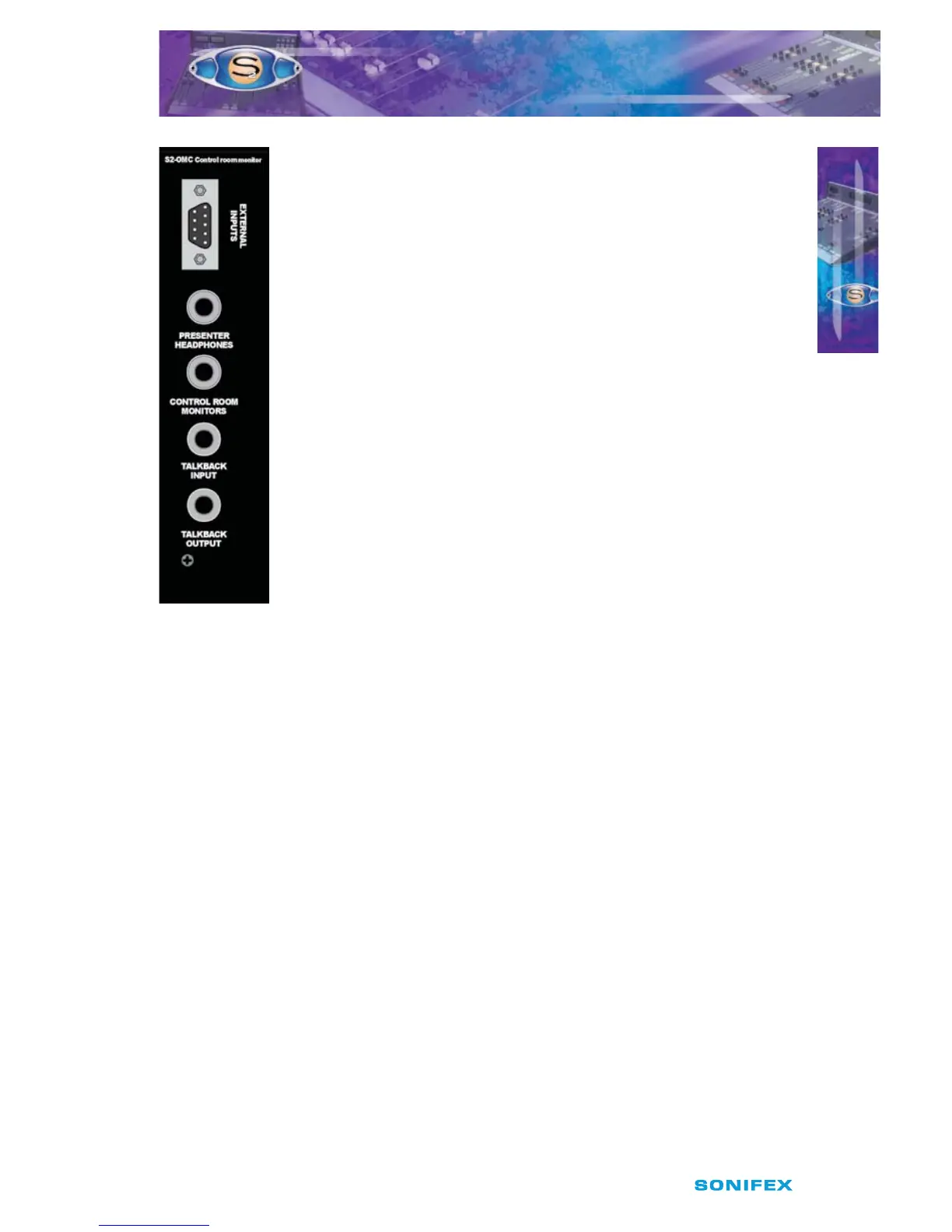
Rear Panel
External Inputs Connector
This 9 pin D type plug is used for the stereo balanced analogue external
input signals.
The connector pin-out is as follows;
Pin 1: Chassis ground.
Pin 2: Ext 1 left phase.
Pin 3: Ext 1 right phase.
Pin 4: Ext 2 left phase.
Pin 5: Ext 2 right phase.
Pin 6: Ext 1 left non-phase.
Pin 7: Ext 1 right non-phase.
Pin 8: Ext 2 left non-phase.
Pin 9: Ext 2 right non-phase.
Presenter Headphones Connector
This standard 6.35mm jack socket is used for the control room
headphones. It is wired in parallel with the headphone connector on the
front panel and has the following connections;
Tip: Left channel.
Ring: Right channel.
Sleeve: Screen.
Control Room Monitors Connector
This standard 6.35mm jack socket is the output for the control room
monitor loudspeakers, and has the following connections;
Tip: Left channel.
Ring: Right channel.
Sleeve: Screen.
A suitable amplier should be used to send this signal to the
loudspeakers, or connect active loudspeakers directly to this output.
Talkback Input Connector
This standard 6.35mm jack socket is used for the Reverse Talkback input,
and has the following connections;
Tip: Talkback audio.
Ring: Talkback control.
Sleeve: Screen.
Talkback Output Connector
This standard 6.35mm jack socket is used for the continuous talkback
output, and has the following connections;
Tip: Talkback audio.
Ring: No connection.
Sleeve: Screen.



 To Next Page