130
S2 User Handbook
19
S2OMS STUDIO MONITOR CHANNEL
S2OMS STUDIO MONITOR CHANNEL
Channel Options and Jumper Settings
The studio monitor channel can be congured in a number of dierent ways depending
on the jumper options set on the board. The on-board processor’s software is congured
by jumpers J1 to J4 and channel identifying links. The control room monitor is identied by
having link LK11 tted.
The standard options available are;
t &OBCMFEJTBCMFHMPCBMUBMLCBDL
t &OBCMFEJTBCMFUBMLCBDLUPMPVETQFBLFST
t &OBCMFEJTBCMFUBMLCBDLEJNNJOHPOMPVETQFBLFST
t &OBCMFEJTBCMFUBMLCBDLEJNNJOHPOIFBEQIPOFT
Summary of Jumper Settings for the Studio Monitor Channel
Jumper Set over Pins Eect
J1
1 & 2
None
Global talkback enabled.
Global talkback disabled.
J2
1 & 2
None
Studio Loudspeaker talkback enabled.
Studio Loudspeaker talkback disabled.
J3
1 & 2
None
Studio Loudspeaker talkback dimming enabled.
Studio Loudspeaker talkback dimming disabled.
J4
1 & 2
None
Studio Headphones talkback dimming enabled.
Studio Headphones talkback dimming disabled.
Note: Options in bold are set as default when shipped.
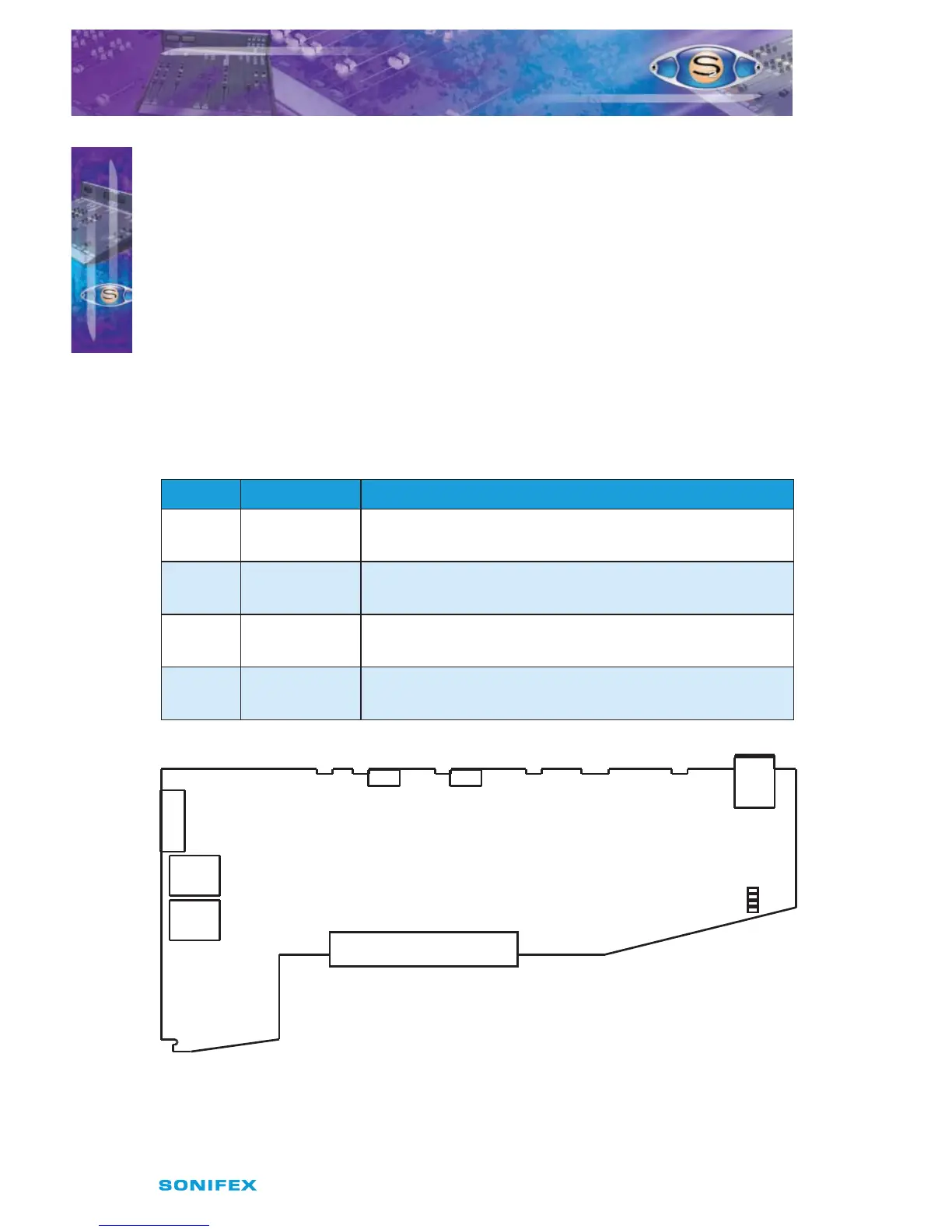
Fig 19-1 : Studio Monitor Board Layout.
J4
Studio
J3
LK11
J2
J1
Jumper Options
J1 = Global T/B Enable
J2 = LS T/B Enable
J3 = LS Dim Enable
J4 = HP Dim Enable



 To Next Page