44
S2 User Handbook
be checked on meters and adjusted via the Trim control and balanced via the Bal control.
The button is illuminated in green when CUE/PFL is active. There is a jumper option to
cancel the CUE/PFL selection when the fader is raised. This button works with both a
momentary and latched operation. If held down, the selection is cancelled when released,
otherwise the button is alternate action.
Fader
The 100mm VCA fader provides unity gain when fully open. The channel input signal is
routed to the outputs whenever the fader is open, the ON button is selected and either or
both of the routing buttons are selected.
ON Selection
The ON button works in conjunction with the fader and is used to control channel remotes,
routing, timers, etc. The button shows various states. When unlit the channel is o. Flashing
red indicates that the channel has been selected to ON but remains unrouted i.e. neither
PGM or AUD is selected. Steady red indicates that the channel is ON and “armed”, ready
for the fader to be raised. Raising the fader changes the illumination to green indicating
that the channel is live. Alternatively, with the button unlit the fader may be raised and
the channel can be operated simply by selecting ON. The illumination in this case toggles
between unlit, channel OFF and green, channel ON. Remotes, etc, are triggered when the
fader is up and the channel ON button shows green.
Scribble Pad
A scribble pad is provided at the bottom for user labelling of the channel function
e.g. “MD 1”
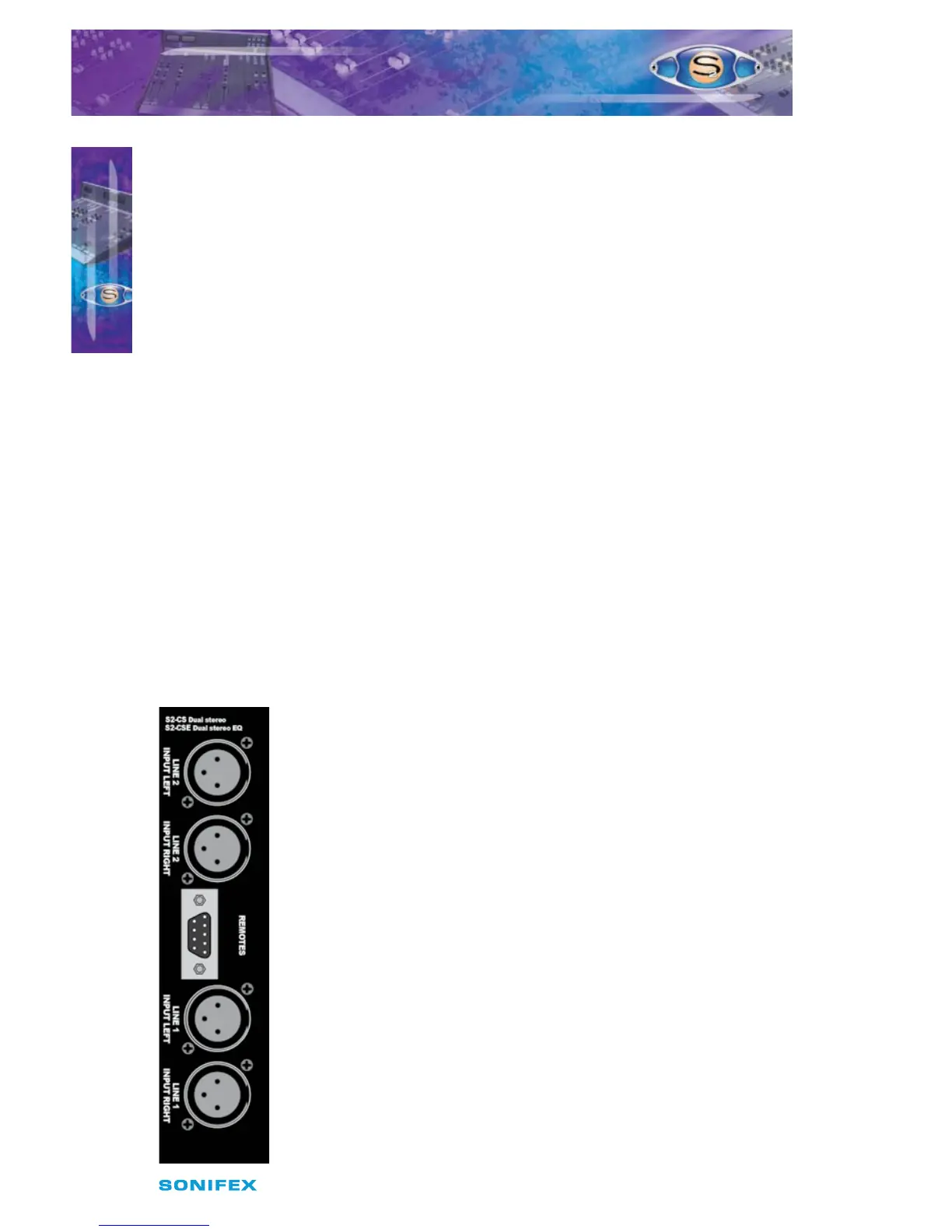
Rear Panel
Line 2 Left Input Connector
This XLR 3 pin socket is used for the left analogue channel of input 2,
and has the following connections;
Pin 1: Screen.
Pin 2: Phase.
Pin 3: Non-phase.
Line 2 Right Input Connector
This XLR 3 pin socket is used for the right analogue channel of input 2,
and has the following connections;
Pin 1: Screen.
Pin 2: Phase.
Pin 3: Non-phase.
Remotes Connector
This 9 pin D type plug provides inputs and outputs for the following
channel functions;
t -JOFSFNPUFTUBSU
t -JOFSFNPUFTUPQ
7
S2CSE/S2CS DUAL STEREO LINE
CHANNEL WITH & WITHOUT EQ
S2CSE/S2CS DUAL STEREO LINE
CHANNEL WITH & WITHOUT EQ



 To Next Page