32
S2 User Handbook
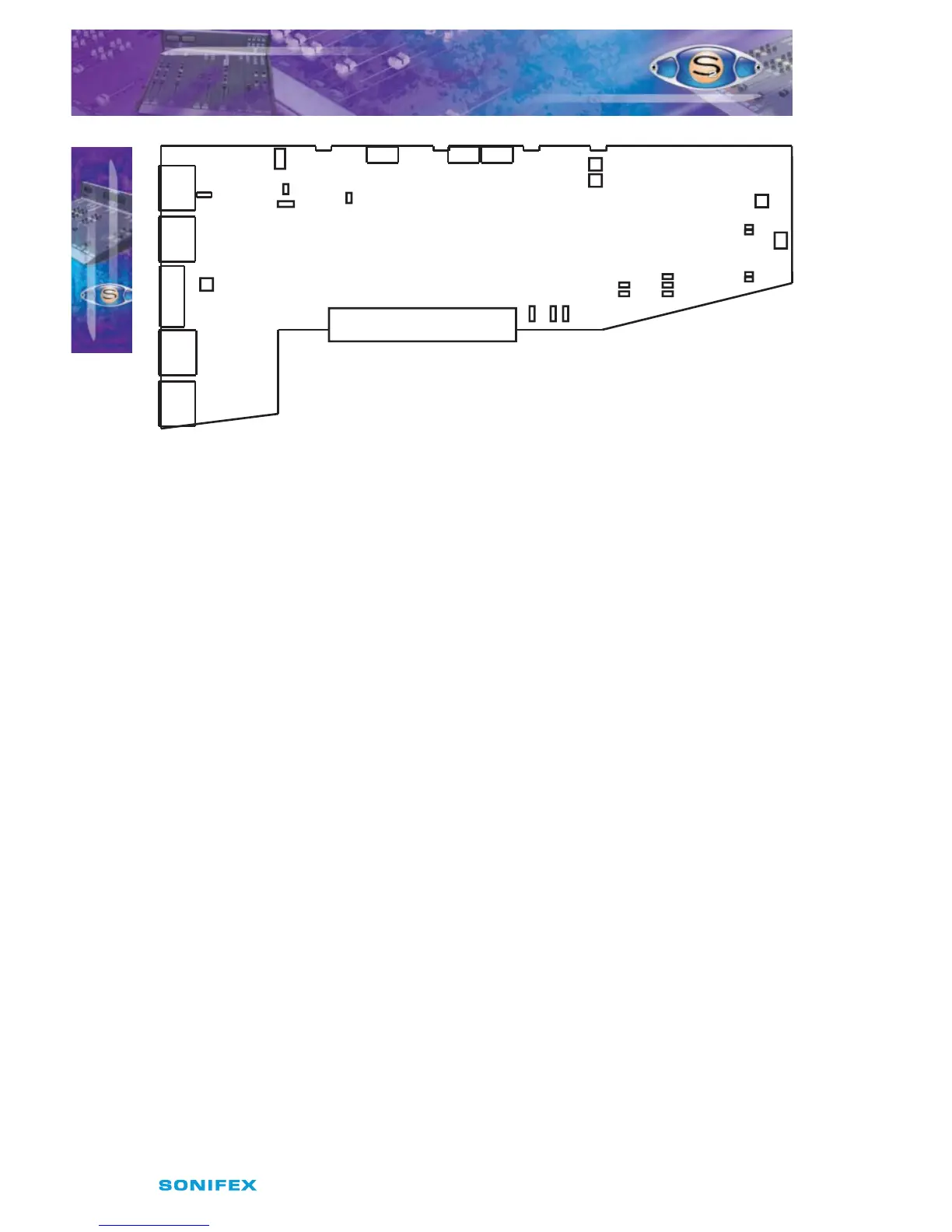
Fig 5-1 : S2 Mic/Line Input Board Layout.
Remote for Mic Cue Light
The remote output for the Microphone input (Input 1) can be used to operate a Mic Cue
light when the channel is ON and the fader is up. This should not be confused with a Mic
Live light. The Mic Cue light is used for indicating to presenter or guest that they should
talk into the microphone. Jumper J1 is placed over pins 1 & 2. This is the default setting and
produces a latched remote output.
Remote for Line
The remote output for the Line input (Input 2) can be used for starting a machine such as
a CD or MD player. The default setting produces a momentary remote output. If a latched
output is required then a jumper should be placed over pins 1 & 2 of J2. The remote stop
output for the Line input is always momentary.
Continuous Momentary Start
The continuous momentary start function is rarely used on the Mic/Line channel and
therefore J3 should be left in the default setting.
CUE/PFL Cancel
The CUE/PFL function is normally an alternate action. Press the button to select and press
again to de-select. However it may be desirable to have the fader up signal cancel a Cue/
PFL selection. Placing a jumper over J4 pins 1 & 2 will enable a previously selected Cue/PFL
function to be cancelled when the fader is up and the channel is ON. The default setting is
none (not tted).
Mic Signalling on Line Input
In certain circumstances it may be desirable that a line input is treated as mic input by the
mixers internal logic whilst still being a line level input. For instance, when a mic is used with
an external pre-amp or eects unit. A mic pre-amp can therefore be placed on the line input
and act in the same way as the standard mic input.
( Please note for external signalling or muting the control room or studio muting functions
must still be enabled.)
S2CML MIC/LINE CHANNEL WITH EQ
S2CML MIC/LINE CHANNEL WITH EQ
5
J6
P3
P1
Mic 1 Trim
Left Sym.
Right Sym.
P5
P6
LK24
LK23
LK15
LK14
Jumper Options
J1 = Latch Start I/P 1
J2 = Latch Start I/P 2
J3 = Cont. Mom. Start from On
J4 = Fader Cancel Cue/PFL
J5 = Mic Signalling on Line Input
J13 = Mic Input Speaker Muting
J15 = Line Input Speaker Muting
Line Input Trim
Phantom
Power
LF
Response
Jumper On
For Mic Insert
J16
J10
J14 J13 J15
JMute 1
Timer Mute 2
J1
J2
1
2
ST
CR
J5
J4
J3
P9
Special
Set VCA 0dB
Mic/Line



 To Next Page