S2 User Handbook
139
METERBRIDGE MODULES
METERBRIDGE MODULES
20
Program
PGM output which can optionally be interrupted by PFL. Plug into the
OUTPUT METER connector on the meterbridge distribution board, and set
jumpers J1-J3.
Select
The output of the meter switch on the AUD output module which can
show PGM, AUD,or CR MON, which is the selected monitor source on the
control room monitor module, (EXT 1, EXT 2,PGM, or AUD) interrupted
by PFL. Plug into the MONITOR METER connector on the meterbridge
distribution board.
PFL
The output of the PFL bus. Plug into the PFL METER connector on the
meterbridge distribution board.
It is therefore possible, depending on the frame size, to house up to three meter panels,
thereby providing a comprehensive metering system. Illuminated LEDs indicate the relevant
source shown on the meters.
The S2-ML53 has an adjustable pot accessible from the front panel which alters the meter
brightness, this can be altered using a jewellers screwdriver.
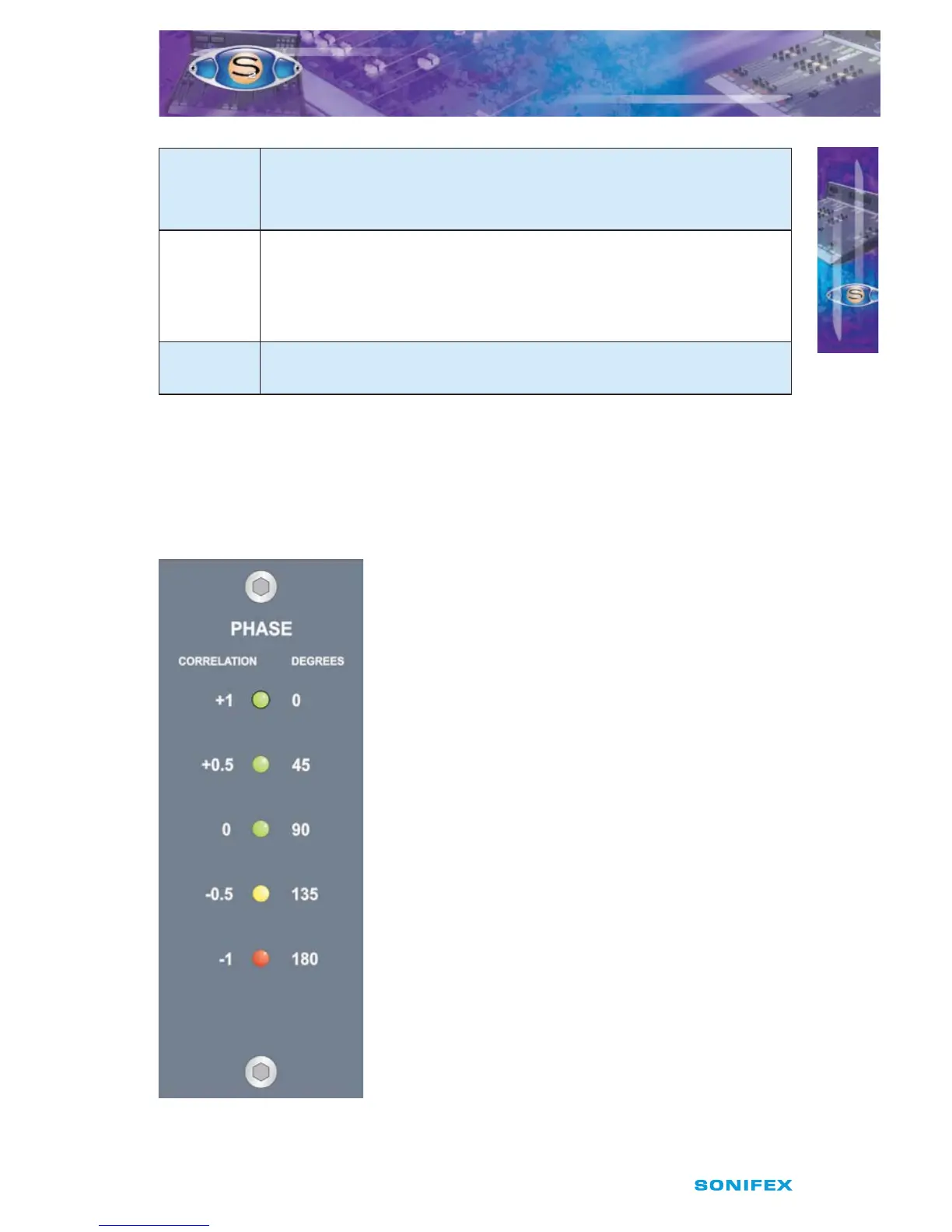
S2-MPH Meterbridge Phase Meter Panel
The S2-MPH is a phase meter which operates on the
selected source to the meters. 5 LED indicators show the
phase angle in 45 degree steps from 0 (in-phase) to 180
(out of phase). A separate phase meter can be linked to
each meter in the meterbridge by use of the supplied
in-line cable.
Fig 20-7 : Phase Meter Panel.



 To Next Page