S2 User Handbook
79
S2CT TELCO CHANNEL WITH EQ
S2CT TELCO CHANNEL WITH EQ
11
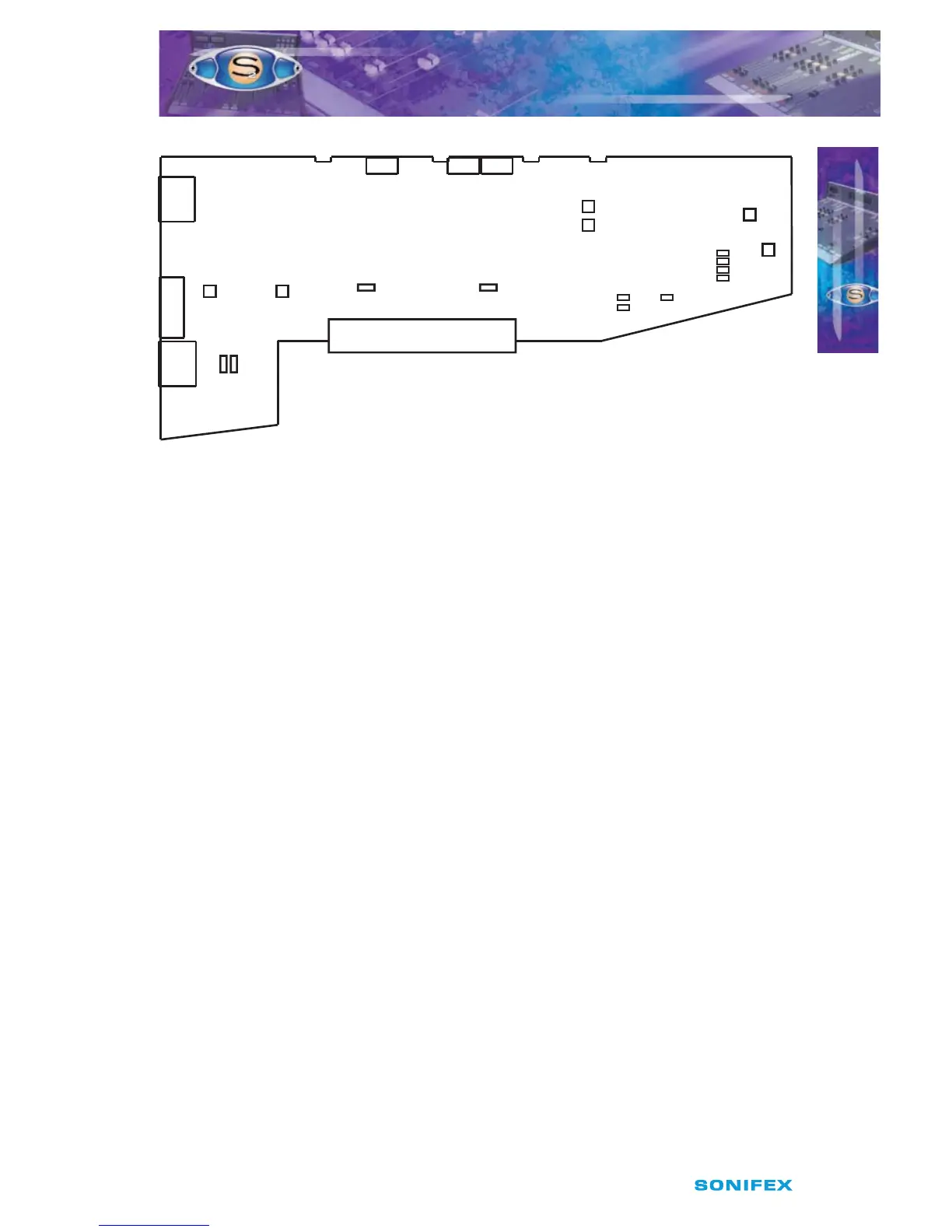
Fig 11-1 : S2 Telco Input Board Layout.
Remote for Hybrid Hold
The remote output of the Telco channel can be used to hold the line on a telephone hybrid
when the channel is ON and the fader is up. The hybrid is also put on hold when the Cue/
PFL & T/B button is selected. Jumper J1 is placed over pins 1 & 2. This is the default setting
and produces a latched remote output. If your hybrid requires a momentary contact then
shift the jumper to pins 2 & 3.
Jumpers J2 and J3 are not tted to the Telco channel.
CUE/PFL & T/B Cancel
The CUE/PFL & T/B function is normally an alternate action. Press the button to select and
press again to de-select. However it may be desirable to have the fader up signal cancel a
CUE/PFL & T/B selection. Placing a jumper over J4 pins 1 & 2 will enable a previously selected
CUE/PFL & T/B function to be cancelled when the fader is up and the channel is ON. The
default setting is none (not tted).
Jumpers J5 to J10 inclusive are not tted to the Telco channel.
Cleanfeed Bus Output Select
The jumpers J11 and J12 determine which of the two true cleanfeed busses the channel
uses. There can only be a maximum of two telco channels in each mixer and they must not
share a cleanfeed bus. If you have only one telco channel, the jumpers are tted over pins
1 & 2 of J11, using cleanfeed 1. If a second telco channel is present in the mixer, then this
second channel will have the jumpers tted over pins 2 & 3 of J12, using cleanfeed 2 only.
Using The Mic Input to Talk to Callers O-Air
To talk to callers connected to a telco module o air using a talkback mic through a mic/
line or mic/mic module, rstly link pins 7 and 9 of the remote D-type on the mic/line (see
page 30) or mic/mic (see page 38) channel to enable the talkback mic function. Ensure that
P5
P6
Left Sym.
Right Sym.
Jumper Options
J1 = Latch Start I/P 1
J4 = Fader Cancel Cue/PFL
P9
Set VCA 0dB
J1
J2
J4
LK24
LK23
LK22
LK21
Telco Trim
P3
C/Feed Trim
P4
CF2
CF1
C/Feed Sel.
J12
CF2
CF1
C/Feed Sel.
J11
P7 P8
Left Right
Cleanfeed
Mix-Minus
Null
Special
Telco



 To Next Page