SETUP
138
Q REGISTERING A NEW CONTACT IN A DIFFERENT
WAY (FROM THE “Call History (Call History)”
SCREEN)
This function is available for OPP compatible Bluetooth
phones.
1. 'LVSOD\WKHSKRQHWRSVFUHHQĺ3
2. Select the
Call History
(Call History) tab and then
select a contact not yet registered in the contact list.
3. Select
Add to Contacts
(Add to Contacts).
4. Follow the steps in “REGISTERING A NEW CONTACT
727+(&217$&7/,67´IURP³67(3´ĺ3
EDITING THE CONTACT DATA
For PBAP compatible Bluetooth phones, this function
is available when “Automatic Contact/History Transfer
(Automatic Contact/History Transfer)” is set to off.
ĺ3
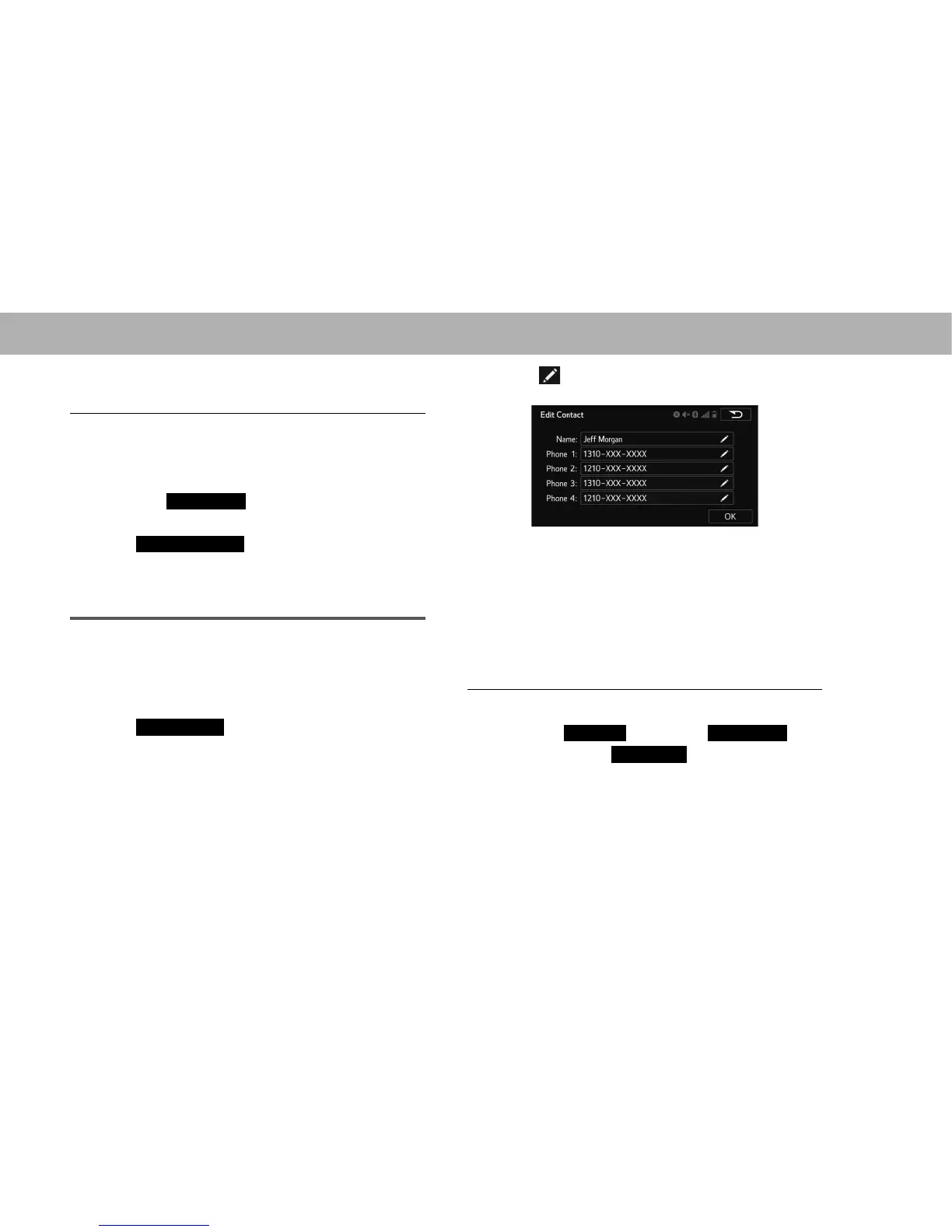
1. Select
Edit Contact
(Edit Contact).
2. Select the desired contact.
3. Select corresponding to the desired name or
number.
XFor editing the name
4. Follow the steps in “REGISTERING A NEW CONTACT
727+(&217$&7/,67´IURP³67(3´ĺ3
XFor editing the number
4. Follow the steps in “REGISTERING A NEW CONTACT
727+(&217$&7/,67´IURP³67(3´ĺ3
Q EDITING THE CONTACT IN A DIFFERENT WAY (FROM
THE “Contact Details (Contact Details)” SCREEN)
1. 'LVSOD\WKHSKRQHWRSVFUHHQĺ3
2. Select the
Contacts
(Contacts),
Call History
(Call
History) tab or the
Speed Dial
(Speed Dial) tab and
then select the desired contact.















 To Next Page