912 Appendix A: Functions and Instructions
|
(“with”)
Í key
expression
|
Boolean expression1
[
and Boolean
expression2
]
...
[
and Boolean expressionN
]
The “with” (|) symbol serves as a binary operator.
The operand to the left of | is an expression. The
operand to the right of | specifies one or more
relations that are intended to affect the
simplification of the expression. Multiple relations
after | must be joined by a logical “and”.
The “with” operator provides three basic types of
functionality: substitutions, interval constraints,
and exclusions.
x+1| x=3 ¸ 4
x+y| x=sin(y)
¸ sin(y) + y
x+y| sin(y)=x
¸ x + y
Substitutions are in the form of an equality, such
as
x=3 or y=sin(x). To be most effective, the left
side should be a simple variable.
expression
|
variable
=
value
will substitute
value
for every
occurrence of
variable
in
expression
.
x^3ì 2x+7! f(x) ¸ Done
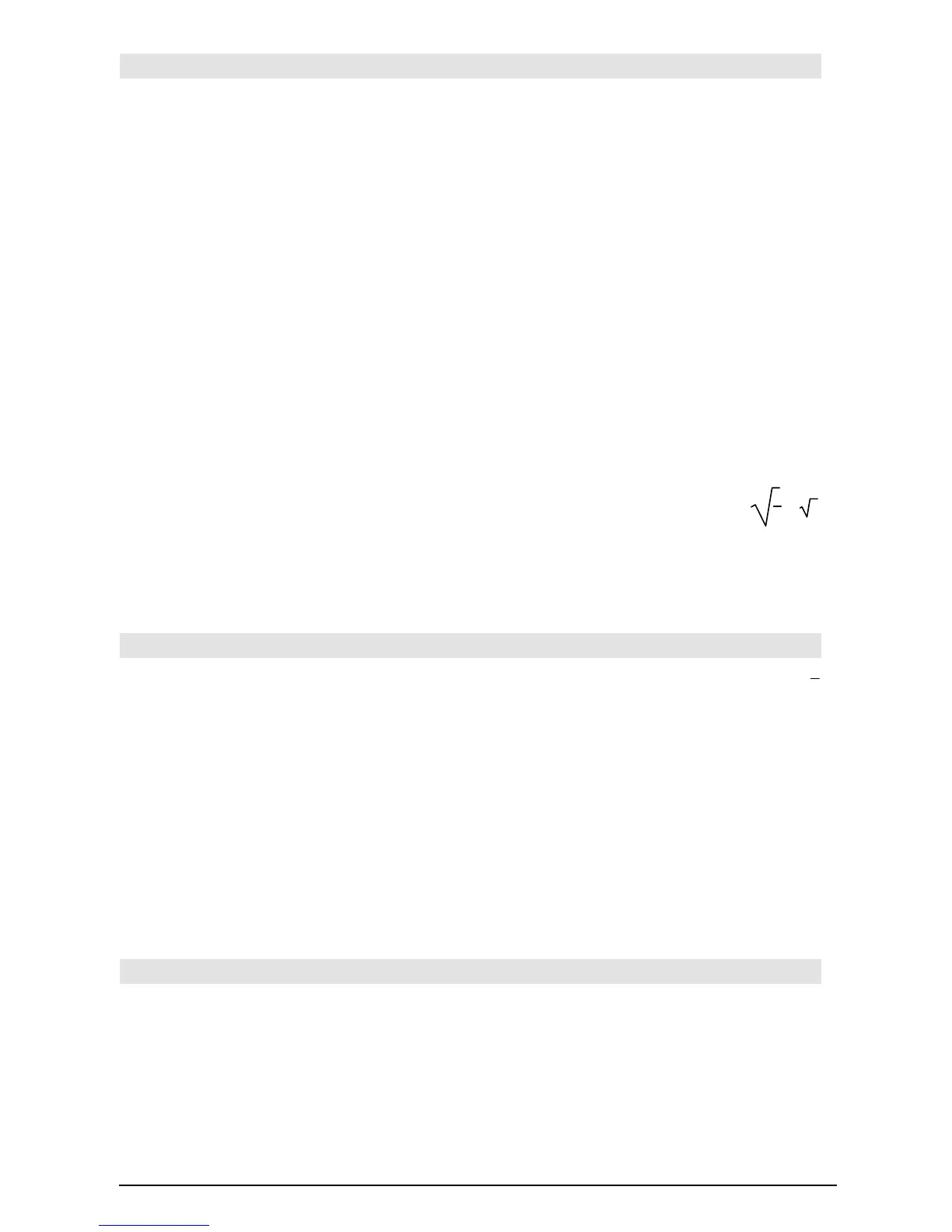
f(x)| x=
‡(3) ¸ ‡3 + 7
(sin(x))^2+2sin(x)
ì 6| sin(x)=d ¸
d
ñ +2dì 6
Interval constraints take the form of one or more
inequalities joined by logical “and” operators.
Interval constraints also permit simplification that
otherwise might be invalid or not computable.
solve(x^2ì 1=0,x)|x>0 and x<2 ¸
x
= 1
‡(x)ù ‡(1/x)|x>0 ¸ 1
‡(x)ù ‡(1/x) ¸
1
x
ø x
Exclusions use the “not equals” (/= or ƒ)
relational operator to exclude a specific value
from consideration. They are used primarily to
exclude an exact solution when using
cSolve(),
cZeros(), fMax(), fMin(), solve(), zeros(), etc.
solve(x^2ì 1=0,x)| xƒ1 ¸ x = ë 1
!
(store)
§ key
expression
!
var
list
!
var
matrix
!
var
expression
!
fun_name(parameter1,...)
list
!
fun_name(parameter1,...)
matrix
!
fun_name(parameter1,...)
If variable
var
does not exist, creates
var
and
initializes it to
expression
,
list
, or
matrix
.
If
var
already exists and if it is not locked or
protected, replaces its contents with
expression
,
list
, or
matrix
.
Hint: If you plan to do symbolic computations
using undefined variables, avoid storing anything
into commonly used, one-letter variables such as
a, b, c, x, y, z, etc.
p/4! myvar ¸
p
4
2cos(x)
! Y1(x) ¸ Done
{1,2,3,4}
! Lst5 ¸ {1 2 3 4}
[1,2,3;4,5,6]
! MatG ¸ [
1 2 3
4 5 6
]
"Hello"
! str1 ¸ "Hello"
¦
(comment)
Program Editor/Control menu or ¥ d key
¦ [
text
]
¦ processes
text
as a comment line, which can be
used to annotate program instructions.
¦ can be at the beginning or anywhere in the
line. Everything to the right of ¦, to the end of
the line, is the comment.
Program segment:
©
:
¦ Get 10 points from the Graph
screen
:For i,1,10
¦ This loops 10 times
©













 To Next Page