101
SETTING FUNCTIONS ON THE SETUP SCREEN
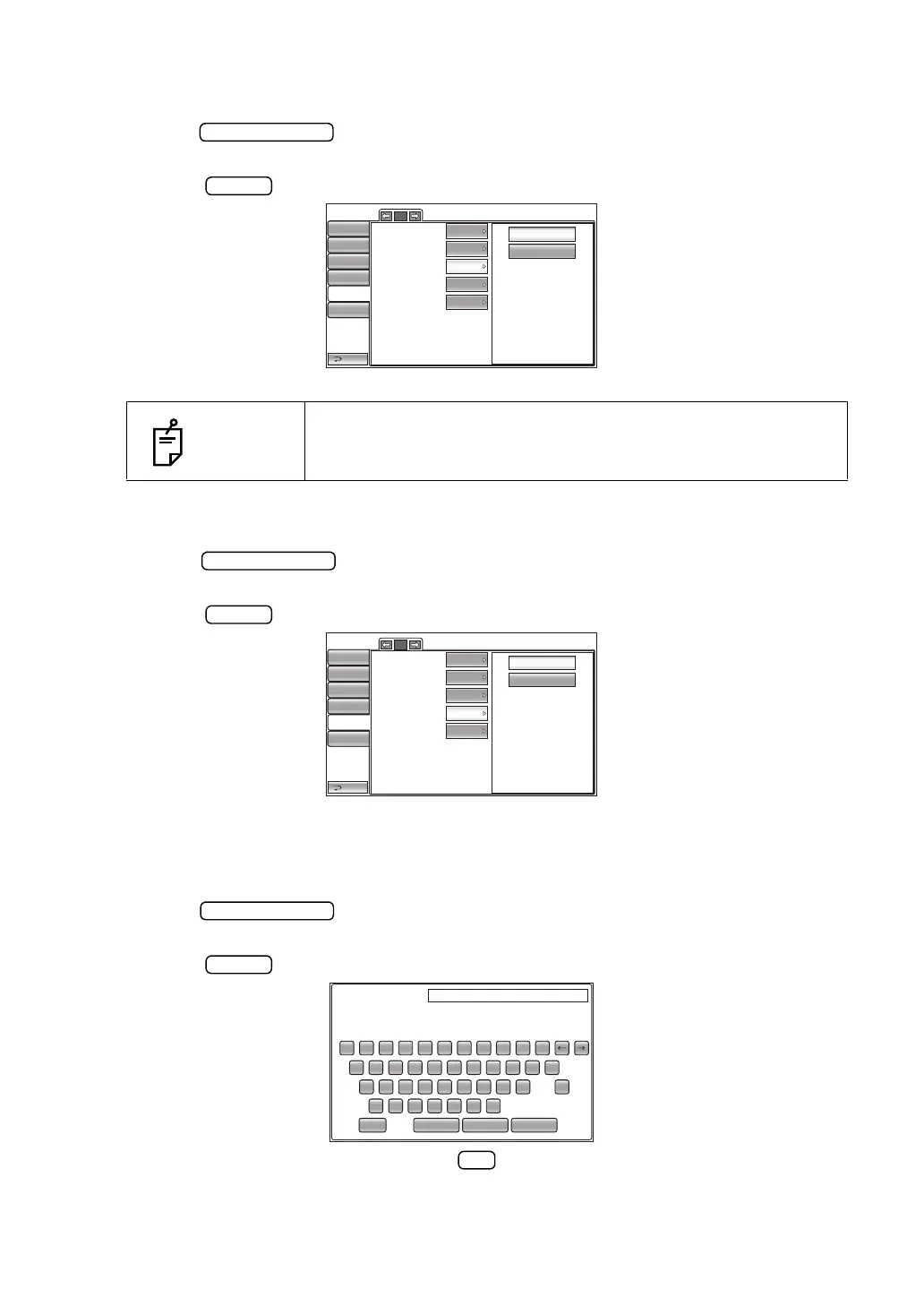
SETTING THE OPERATOR ID REQUEST
The operator ID request can be set. Before shipment, the default setting is "OFF."
1
Tap the
button
of the set item display "Operator ID request" in the "Operator ID"
menu.
2 Tap the button and select "ON" or "OFF."
3 The setting is complete.
SETTING THE FIXED OPERATOR ID
The fixed operator ID can be set. Before shipment, the default setting is "OFF."
1
Tap the
button
of the set item display "Fixed operator ID" in the "Operator ID"
menu.
2 Tap the button and select "ON" or "OFF".
3 The setting is complete.
SETTING THE INPUT FIXED OPERATOR ID FUNCTION
The "Input the fixed operator ID" function can be set. Before shipment, the default setting is "NULL."
1
Tap the
button
of the set item display "Input fixed Ope. ID" in the "Operator ID"
menu.
2 Tap the button, and enter the desired character with the keyboard.
3 The setting is completed by tapping the button.
NOTES
When outputting, operator ID is not inputted, a warning is dis-
played if the setting of "Operator ID request" is ON.
1/1
OFF
ON
Use Operator ID
Prefix of Ope. ID
Operator ID request
Fixed Operator ID
Input Fixed Ope. ID
Return
Initial
Print
Comm
LAN
Special
Input
OFF
OFF
OFF
Input
Operator ID
1/1
OFF
ON
Use Operator ID
Prefix of Ope. ID
Operator ID request
Fixed Operator ID
Input Fixed Ope. ID
Return
Initial
Print
Comm
LAN
Special
Input
OFF
OFF
OFF
Input
Operator ID
Input Fixed Ope. ID (13) Sample
1 2 3 4 5 6 7 8 9 0
BS
q w e r t y u i
z x c v b n m
CancelOKResetCaps.
o p
Del
a s d f
g
h j k l
-
_



 To Next Page