16
COMPONENTS
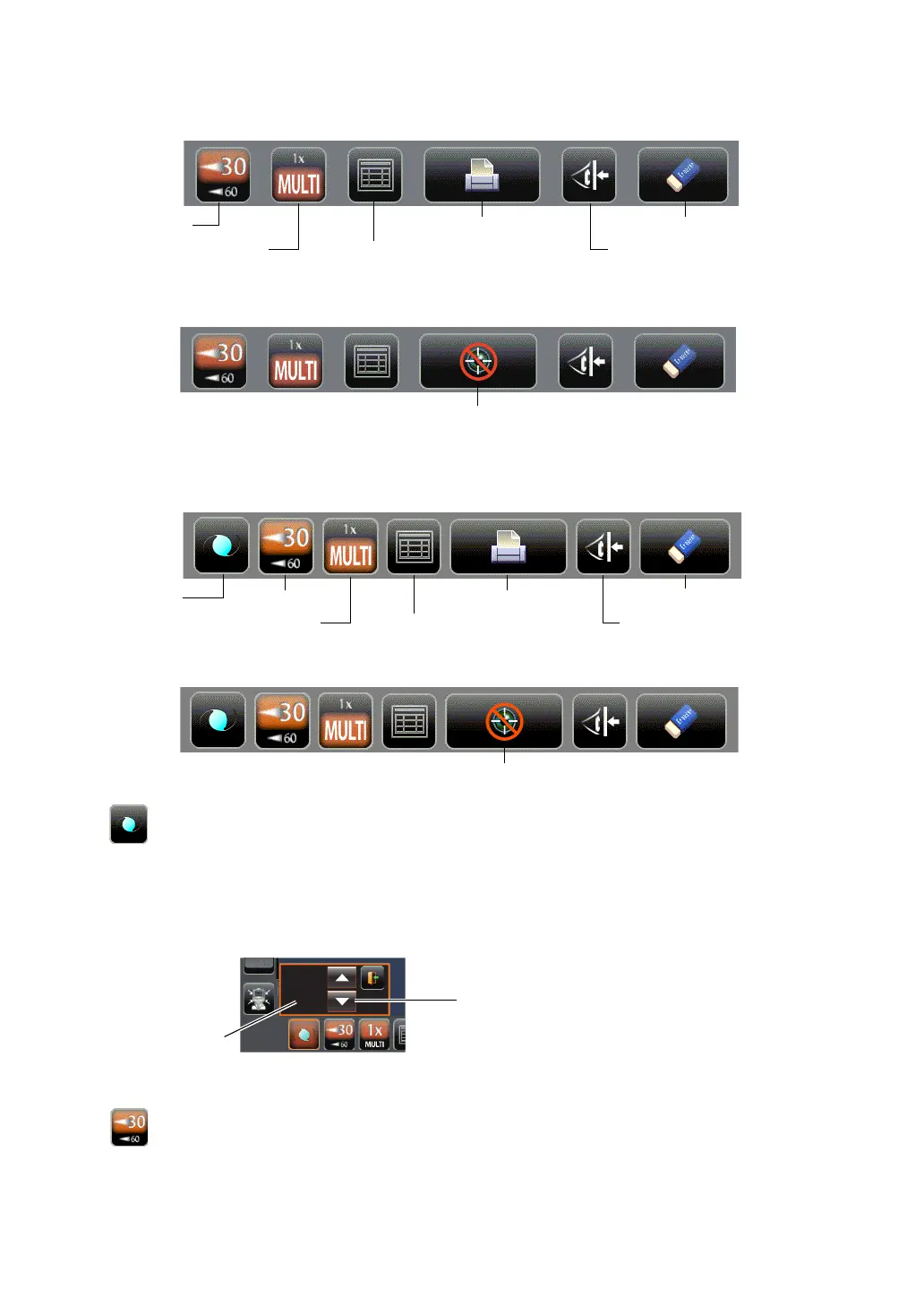
FUNCTION BUTTON (CT-1P)
UNDER MEASUREMENT STANDBY
DURING MEASUREMENT
FUNCTION BUTTON (CT-1)
UNDER MEASUREMENT STANDBY
DURING MEASUREMENT
IOL button(Only in CT-1) . If aligning is impossible in measuring an IOL-inserted eye,
changing the LED brightness may allow the measurement.
The LED brightness can be changed with the up/down button
displayed by tapping this button.
• Before shipment, the default setting is 40.0%.
* Please do not use it other than an IOL-inserted eye.
When the IOL button is selected, "IOL" is displayed on the
control panel and the button is framed in orange.
30/60 button ...................Switches between 1-30 range and 1-60 range.
30/60 button
ALL CLEAR button
Safety stopper buttonCount change button
Print out button
All data button
IOL button
ALL CLEAR button
Safety stopper buttonCount change button
Print out button
All data button
30/60 button
Up/down button
LED brightness



 To Next Page