57
OPTIONAL OPERATIONS
OPTIONAL OPERATIONS
DISPLAYING THE PATIENT ID (PATIENT NO.) OR OPERATOR ID
A patient ID or operator ID of up to 13 characters can be inputted and displayed on the control
panel and printout.
However, if no patient ID is inputted, the patient No. is allocated automatically by the device.
1 Tap the button.
2 Tap the keyboard on the screen and enter characters. Tap the button to set the input
value.
MEASURING ONE EYE ONLY
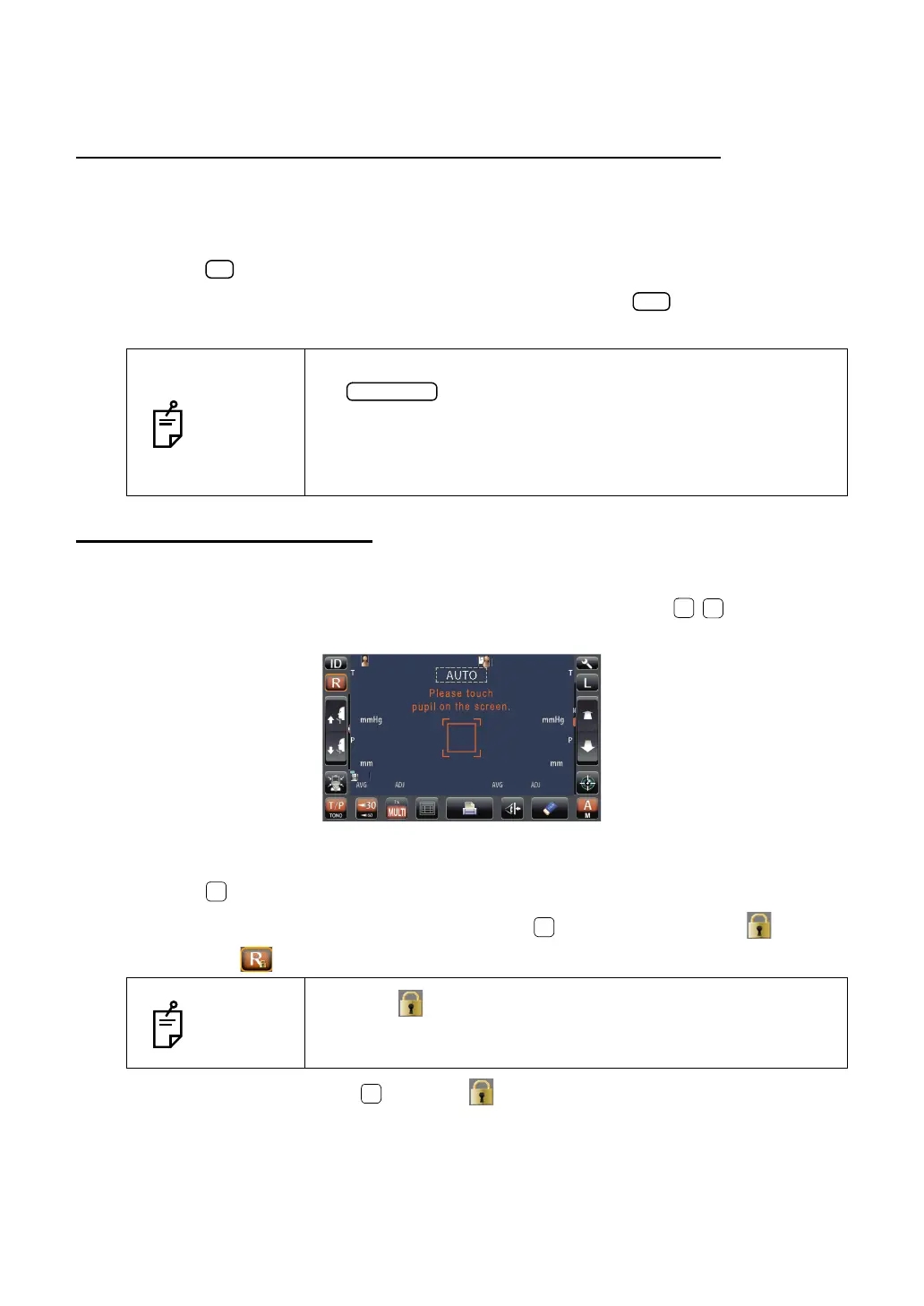
In Auto mode, it is possible to measure one eye only.
The current measurement position is distinguished by the color of the / button; orange
indicates an active measurement position.
MEASURING THE RIGHT EYE ONLY
1 Tap the button to move the measuring head to the right.
2 When the measuring head stops, moving tap the button once again: the lock icon
is displayed .
3 To release the lock, tap the icon: The lock icon disappears.
NOTES
The Patient ID is reset when measurement values are printed or if
the button is tapped.
The Patient No. reset condition can be selected so that the patient
No. is reset upon power on, in the initial setting of the setup
screen.
"Refer to "RESETTING THE PATIENT NO." on page 72.
NOTES
When the lock icon is displayed, the measuring head does not
move to the other eye even when the measurement of one eye is
finished.
PatientID
PatientID
/3
/3
/3
/3
/3
/3
/3
/3
OPCON
ARO



 To Next Page