85
SETTING FUNCTIONS ON THE SETUP SCREEN
SETTING THE XZ MOTOR DIRECTION
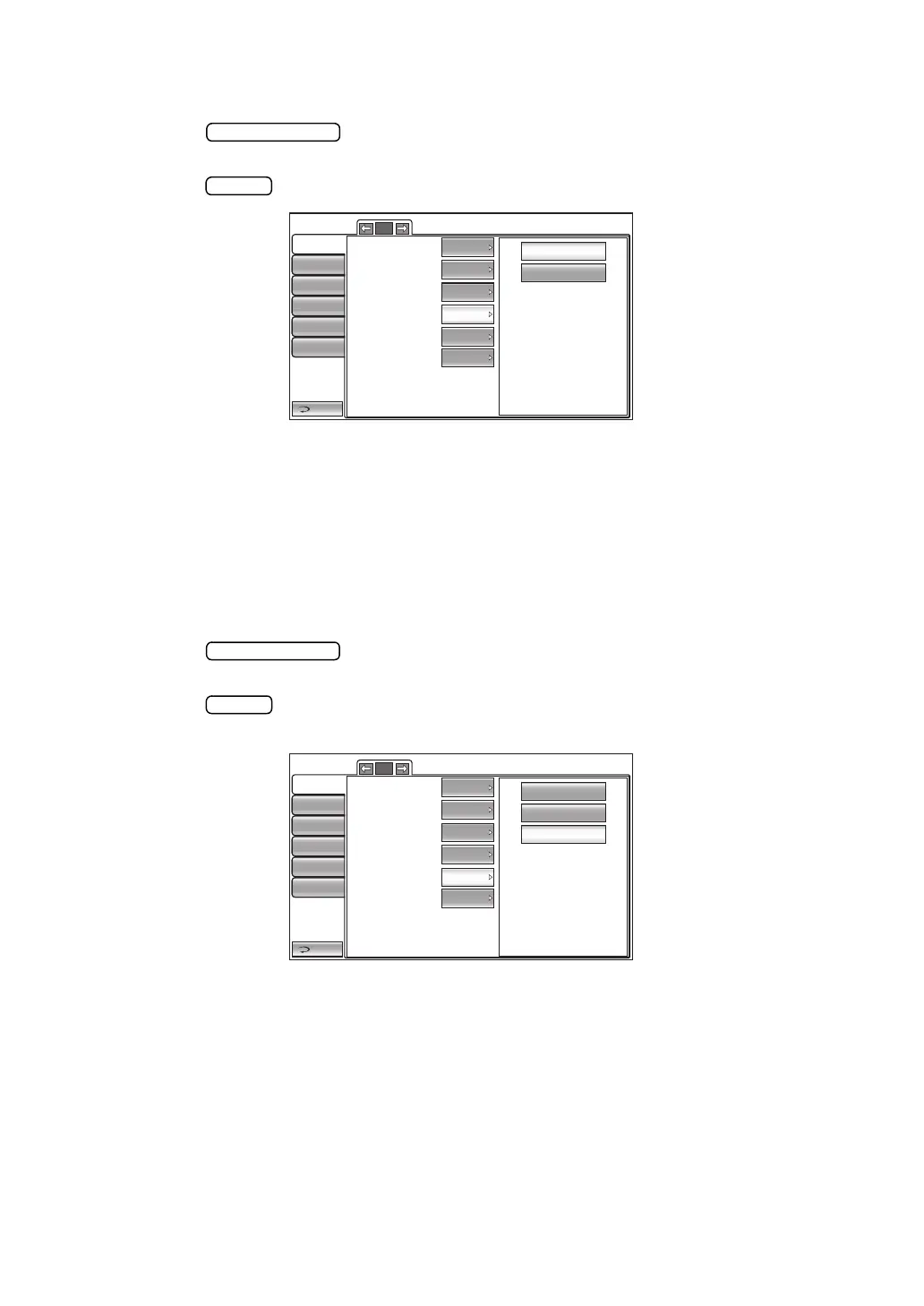
The XZ motor direction can be changed. Before shipment, the default setting is "Adjust."
1 Tap the button of the set item display "XZ MOTOR direction" in the "Ini-
tial" menu.
2 Tap the button and select "Adjust" or "fixed".
3 The setting is complete.
Adjust: The moving direction selected by continuously pushing on control panel
changes according to control panel position.
Fixed: The moving direction selected by continuously pushing on control panel does
not change regardless of control panel position.
SETTING THE MEASUREMENT DATA RECORDING WAY
The measurement data recording way can be selected. Before shipment, the default setting is
"Data with error."
1 Tap the button of the set item display "Meas. data recording way" in the
"Initial" menu.
2 Tap the button and select "Data on credibility", "Data without error" or "Data with
error".
3 The setting is complete.
Data on credibility: Measurement data is displayed in the order from low to high reliability.
Data without error: The measurement data without error is displayed.
Data with error: All the measurement data (including data with error) is displayed.
Adjust
Fixed
Return
Initial
Print
Comm
LAN
Special
Operator ID
5/5
Packing mode
R/L
Shaded characters
XZ MOTOR direction
Adjust
R/L notation
ON
ON
Meas. data recording way
Meas.count change mode
Multi
Data wit...
Data on credibility
Data without error
Data with error
Return
Initial
Print
Comm
LAN
Special
Operator ID
5/5
Packing mode
R/L
Shaded characters
XZ MOTOR direction
Meas. data recording way
Adjust
Data wit...
R/L notation
ON
ON
Meas.count change mode
Multi



 To Next Page