97
SETTING FUNCTIONS ON THE SETUP SCREEN
SETTING THE DATA OUTPUT FORMAT
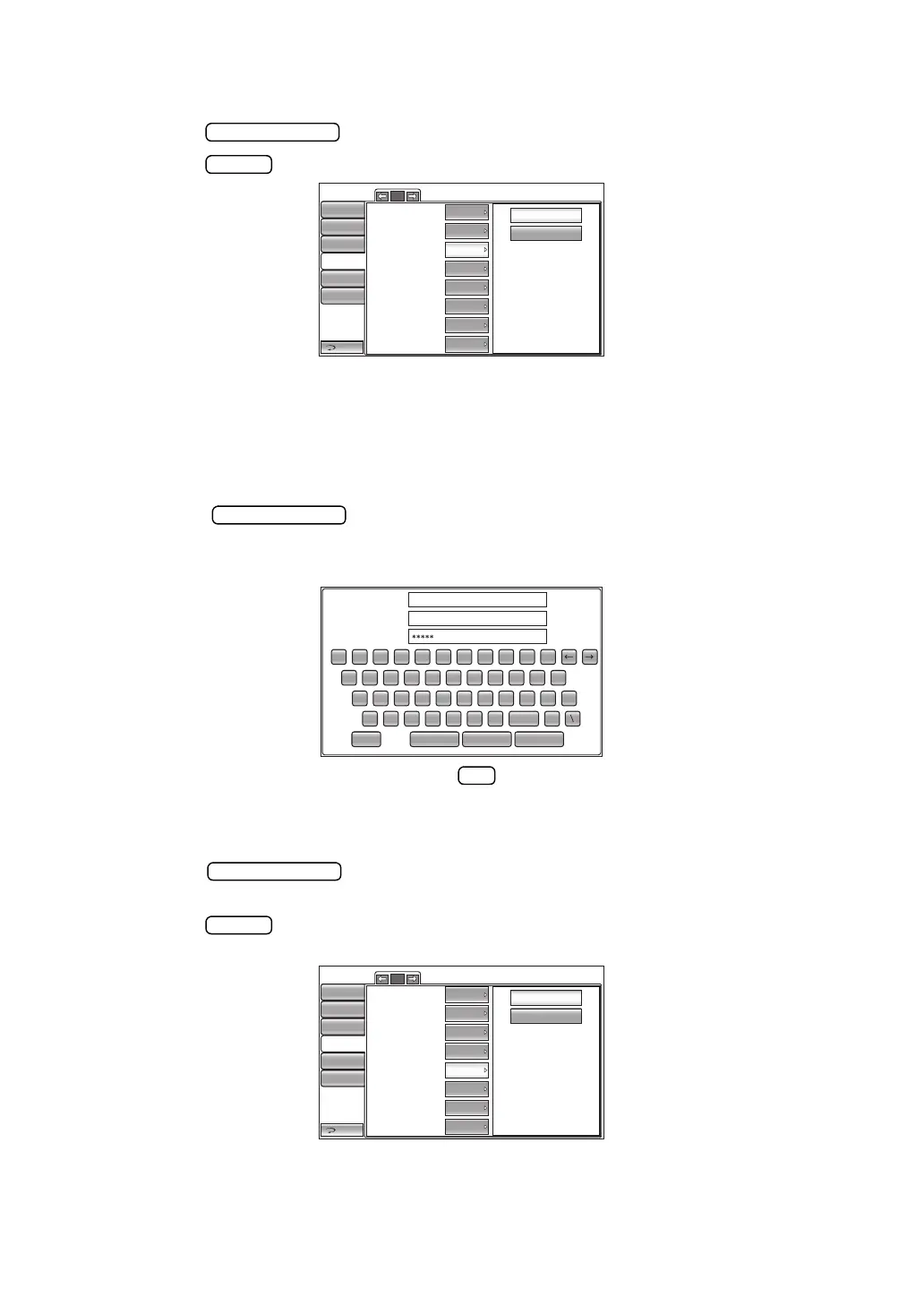
The data output format can be set. Before shipment, the default setting is "OFF."
1 Tap the button of the set item display "Data format" in the "LAN" menu.
2 Tap the button and select "OFF" or "STD5."
3 The setting is complete.
OFF :Data file is not outputted
STD5 :TOPCON STD5 format
SETTING THE SHARED FOLDER
The shared folder can be set. Before shipment, the default setting is "NULL"
1 Tap the button of the set item display "Shared folder setting" in the
"LAN" menu.
2 The message input screen is displayed. Enter the desired character with the keyboard.
3 The setting is completed by tapping the button.
SETTING THE IP ADDRESS SETTING
The IP address setting can be set to "Fix" or "Auto". Before shipment, the default setting is "Fix."
1 Tap the button of the set item display "IP address setting" in the "LAN"
menu.
2 Tap the button and select "FIX (Set IP address to fix)" or "AUTO (Set IP address
to auto".
3 The setting is complete.
1/2
OFF
STD5
LAN connection
XML file output
Data format
Shared folder setting
IP address setting
IP address
Subnet mask
Default gateway
Return
Initial
Print
Comm
LAN
Special
ON
OFF
OFF
Input
FIX
0.0.0.0
0.0.0.0
0.0.0.0
Operator ID
Shared folder (32)
User Name (32)
Password (16)
1 2 3
Sample
topcon
4 5 6 7 8 9 0
BS
q w e r t y u i
z x c v b n m .
space
CancelOKResetCaps.
o p
Del
a s d f
g
h j k l
-
_
_
1/2
FIX
AUTO
LAN connection
XML file output
Data format
Shared folder setting
IP address setting
IP address
Subnet mask
Default gateway
Return
Initial
Print
Comm
LAN
Special
ON
OFF
OFF
Input
FIX
0.0.0.0
0.0.0.0
0.0.0.0
Operator ID



 To Next Page