77
SETTING FUNCTIONS ON THE SETUP SCREEN
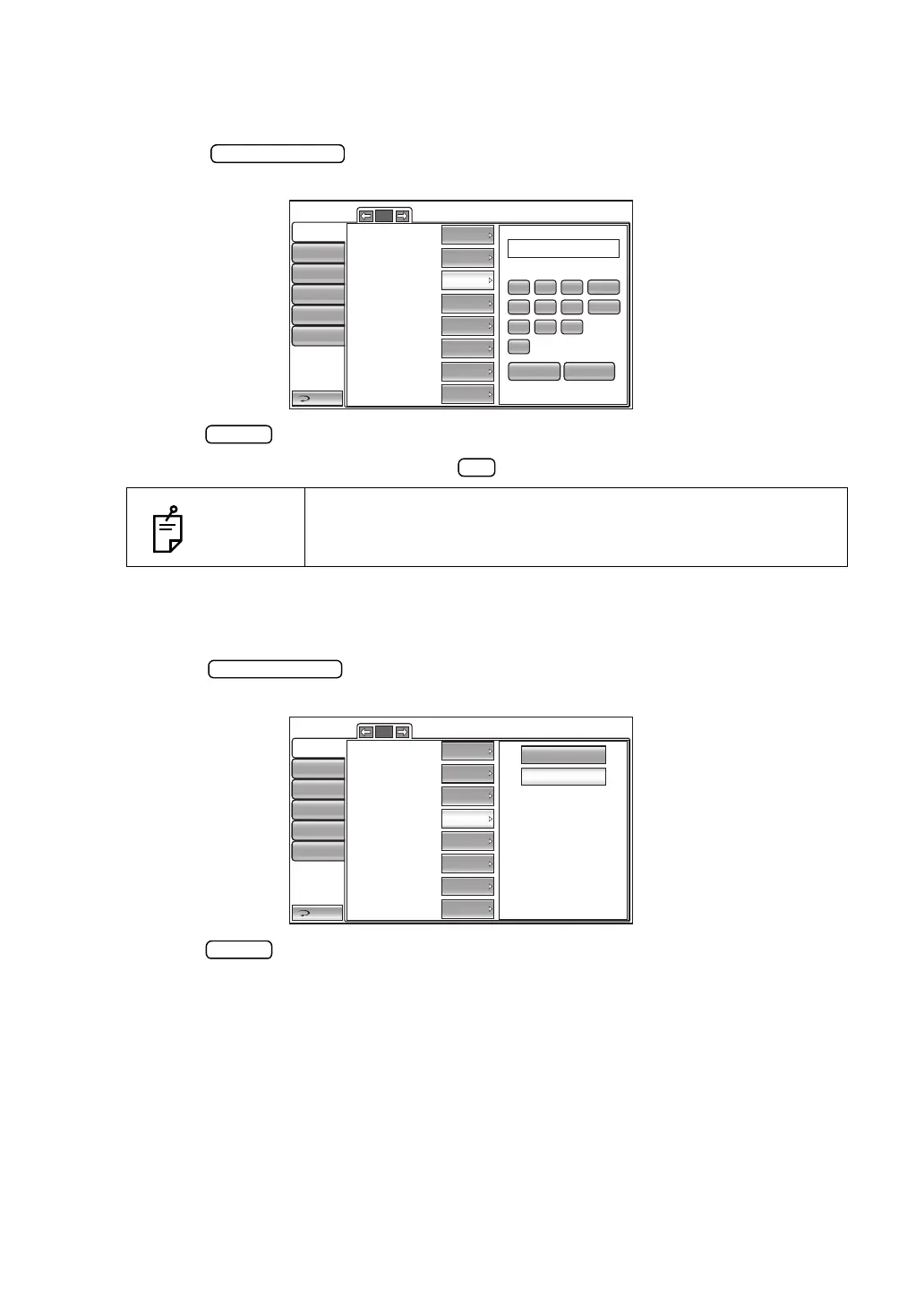
SETTING THE ADDITIONAL MEASUREMENT
The number of additional measurements can be set. Before shipment, the default setting is
"1".
1 Tap the button of the set item display "Add Measure" in the "Initial"
menu.
2 Tap the button and enter the number by the ten-key display.
3 The setting is completed by tapping the button.
SETTING LOW CREDIBILITY MEASUREMENT
It is possible to select whether the value of low reliability is included to count cycle of measure-
ment or not. Before shipment, the default setting is "Including."
1 Tap the button of the set item display "Low Credibility Measure" in the
"Initial" menu.
2 Tap the button and select Including (the value of low reliability is included) or No
Including (the value of low reliability is excluded)."
3 The setting is complete.
NOTES
The input number range is 0-99.
Return
Initial
Print
Comm
LAN
Special
BS
7
4
1
0
8
5
2
9
6
3
AC
OK CANCEL
Operator ID
3/5
Cont. cycle(TONO)
Cont. cycle(PACHO)
Add Measure
3
3
1
2011 1101Date/Time
Init. measure mode
Tono display Unit
Pacho display Unit
T/P
mmHg
mm
IncludingLow Credibility Measure
No Including
Including
Return
Initial
Print
Comm
LAN
Special
Operator ID
3/5
Cont. cycle(TONO)
Cont. cycle(PACHO)
Add Measure
3
3
1
2011 1101
Date/Time
Init. measure mode
Tono display Unit
Pacho display Unit
T/P
mmHg
mm
IncludingLow Credibility Measure



 To Next Page