90
SETTING FUNCTIONS ON THE SETUP SCREEN
PRINTING THE SERIAL NUMBER
The serial number can be displayed on the printout.
Before shipment, the default setting is "ON."
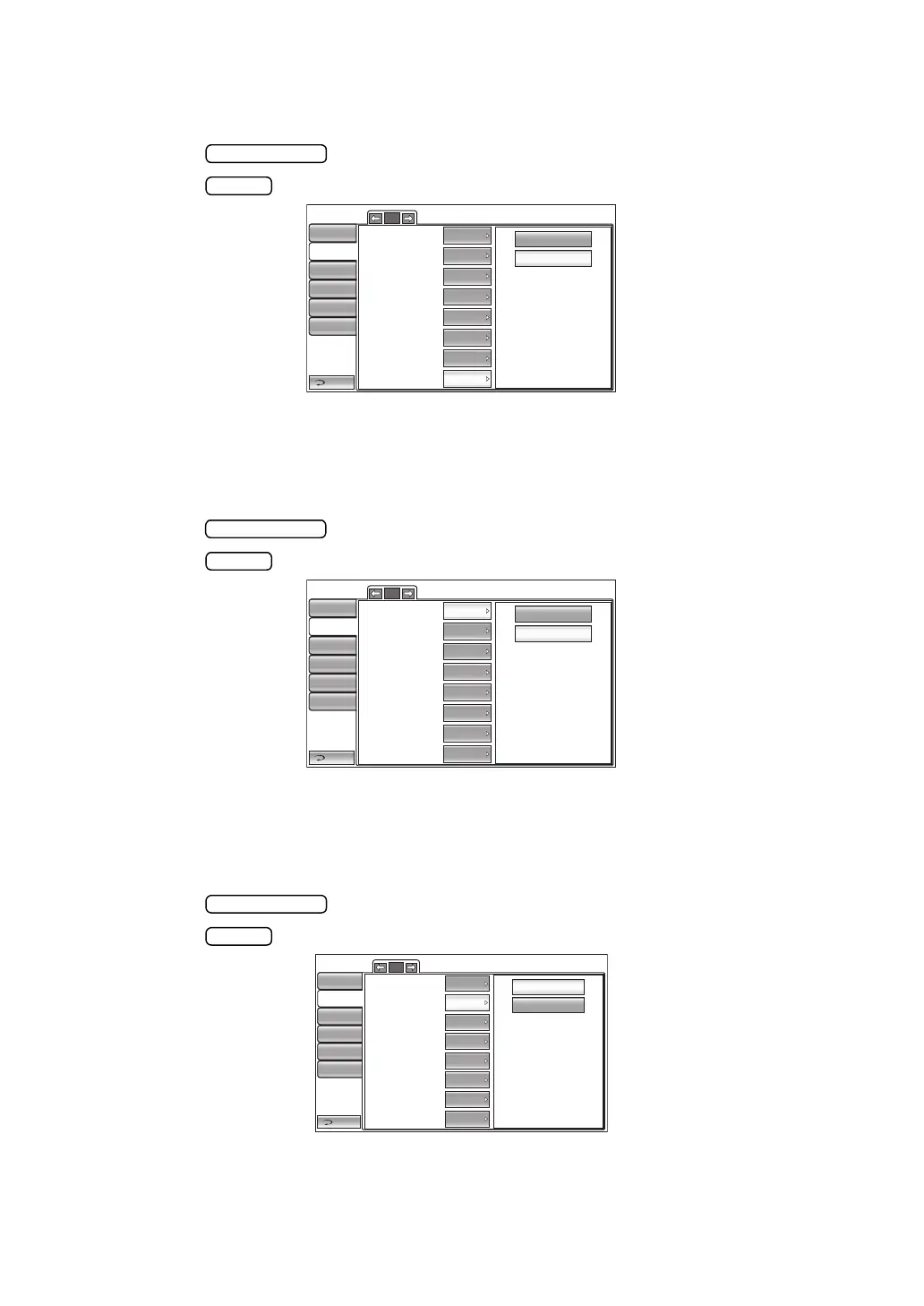
1 Tap the button of the set item display "Serial number" in the "Print" menu.
2 Tap the button and select "ON" or "OFF."
3 The setting is complete.
PRINTING THE TOPCON LOGO
The TOPCON logo can be displayed on the printout.
Before shipment, the default setting is "ON (Print TOPCON logo)".
1 Tap the button of the set item display "TOPCON logo" in the "Print" menu.
2 Tap the button and select "ON" or "OFF."
3 The setting is complete.
SETTING THE MESSAGE
It is possible to set the message data print to "ON" or "OFF." Before shipment, the default set-
ting is "OFF".
1 Tap the button of the set item display "Message" in the "Print" menu.
2 Tap the button and select "ON" or "OFF."
3 The setting is complete.
1/2
OFF
ON
Barcode
Operator ID
Name
Date
Date style
Patient No./Patient ID
Device ID number
Serial number
Return
Initial
Print
Comm
LAN
Special
OFF
OFF
ON
ON
OFF
ON
ON
Operator ID
DMY
2/2
OFF
ON
TOPCON logo
Message
Message data
Printer order
Measure correction
mmHg Display on hPa
IOP ADJ Formula
Return
Initial
Print
Comm
LAN
Special
ON
OFF
Input
ON
ON
ON
Operator ID
SIMPLE
Auto cut
ON
2/2
OFF
ON
Return
Initial
Print
Comm
LAN
Special
Operator ID
TOPCON logo
Message
Message data
Printer order
Measure correction
mmHg Display on hPa
IOP ADJ Formula
ON
OFF
Input
ON
ON
ON
SIMPLE
Auto cut
ON



 To Next Page