79
SETTING FUNCTIONS ON THE SETUP SCREEN
SETTING THE DISPLAY UNIT OF OCULAR PRESSURE MEASUREMENT VALUES (TONO)
The display unit of ocular pressure measurement values can be changed. Before shipment,
the default setting is "mmHg."
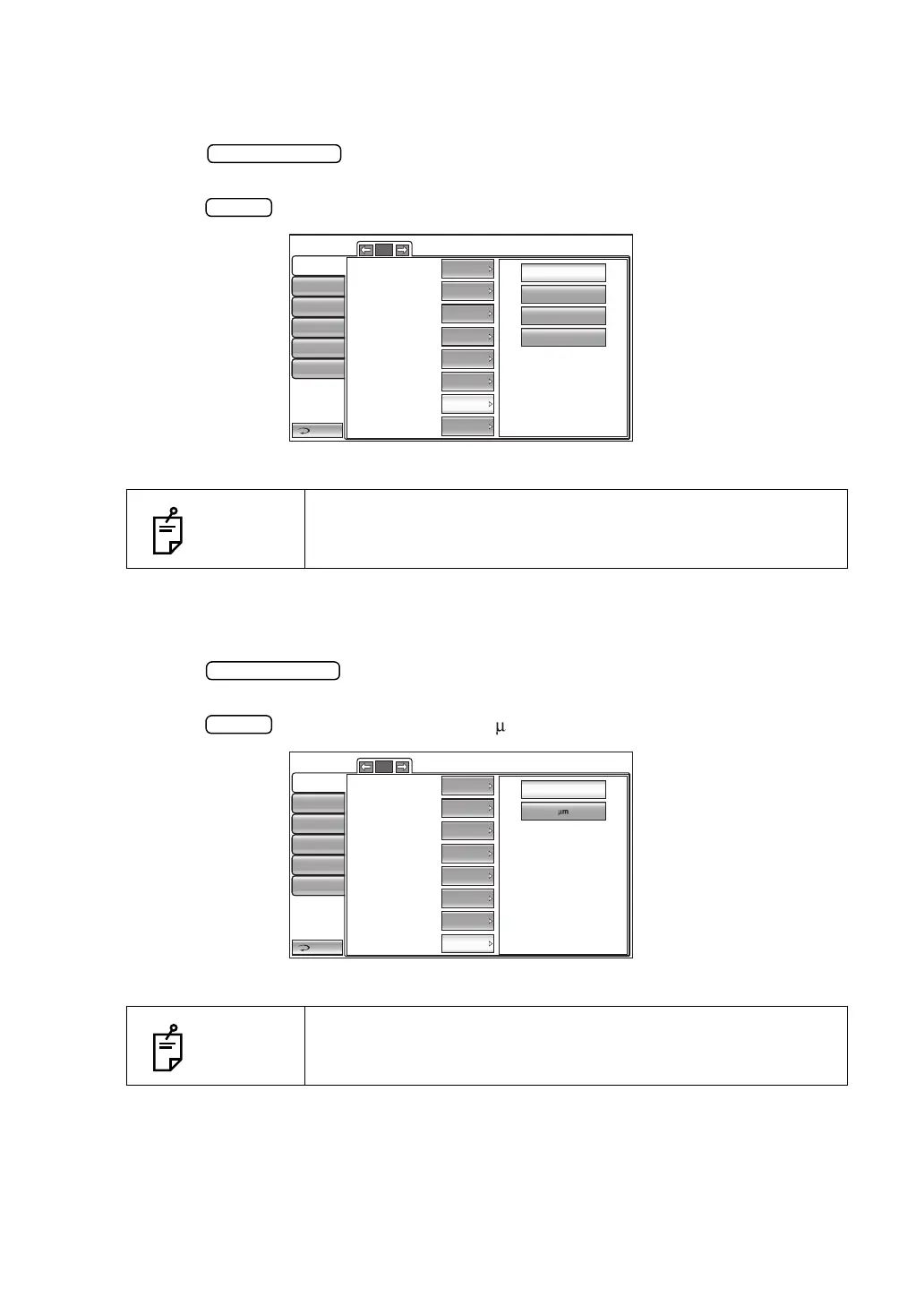
1 Tap the button of the set item display "Tono display Unit" in the "Initial"
menu.
2 Tap the button and select "mmHg," "digit," "hPa", "Torr."
3 The setting is complete.
SETTING THE DISPLAY UNIT OF CORNEA THICKNESS MEASUREMENT VALUES (PACHO)
The display unit of cornea thickness measurement value can be changed. Before shipment,
the default setting is "mm."
1 Tap the button of the set item display "Pacho display unit" in the "Initial"
menu.
2 Tap the button and select "mm" or " m."
3 The setting is complete.
NOTES
When "hPa" is selected, hPa values and values after mmHg con-
version will be displayed by "DISPLAYING ALL MEASUREMENT
DATA." See page 54 for details.
NOTES
Only in CT-1P.
mmHg
digit
hPa
Torr
Return
Initial
Print
Comm
LAN
Special
Operator ID
3/5
Cont. cycle(TONO)
Cont. cycle(PACHO)
Add Measure
3
3
1
2011 1101
Date/Time
Init. measure mode
Tono display Unit
Pacho display Unit
T/P
mmHg
mm
IncludingLow Credibility Measure
mm
Return
Initial
Print
Comm
LAN
Special
Operator ID
3/5
Cont. cycle(TONO)
Cont. cycle(PACHO)
Add Measure
3
3
1
2011 1101
Date/Time
Init. measure mode
Tono display Unit
Pacho display Unit
T/P
mmHg
mm
IncludingLow Credibility Measure



 To Next Page