96
SETTING FUNCTIONS ON THE SETUP SCREEN
LAN CONNECTION
The LAN menu contains settings related to data output to the LAN.
SETTING THE LAN CONNECTION
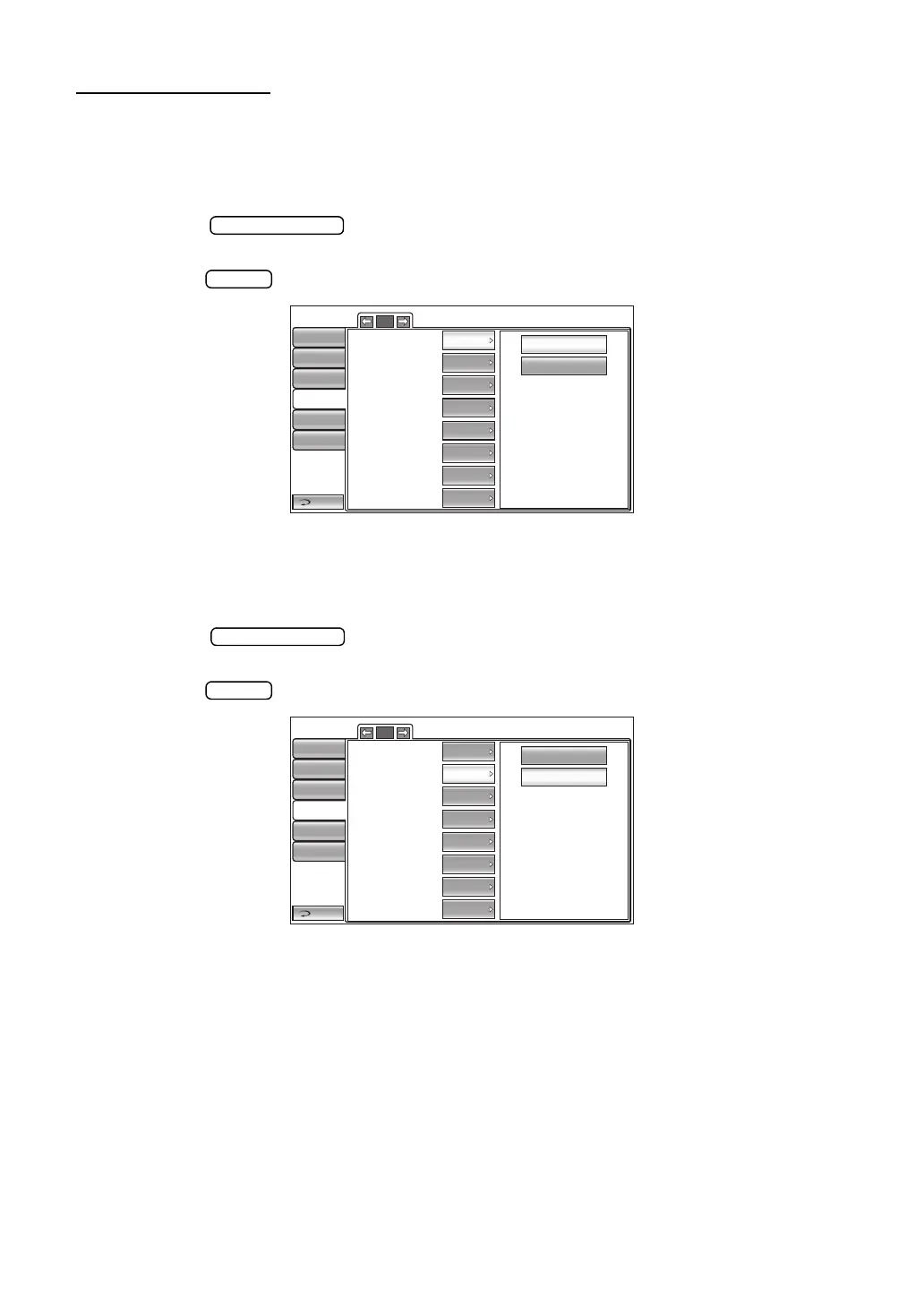
The LAN connection can be set. Before shipment, the default setting is "OFF."
1 Tap the button of the set item display "LAN connection" in the "LAN"
menu.
2 Tap the button and select "ON" or "OFF."
3 The setting is complete.
SETTING THE XML FILE OUTPUT
The XML file output can be set. Before shipment, the default setting is "ON."
1 Tap the button of the set item display "XML file output" in the "LAN"
menu.
2 Tap the button and select "ON" or "OFF".
3 The setting is complete.
1/2
OFF
ON
LAN connection
XML file output
Data format
Shared folder setting
IP address setting
IP address
Subnet mask
Default gateway
Return
Initial
Print
Comm
LAN
Special
ON
OFF
OFF
Input
FIX
0.0.0.0
0.0.0.0
0.0.0.0
Operator ID
1/2
OFF
ON
LAN connection
XML file output
Data format
Shared folder setting
IP address setting
IP address
Subnet mask
Default gateway
Return
Initial
Print
Comm
LAN
Special
ON
OFF
OFF
Input
FIX
0.0.0.0
0.0.0.0
0.0.0.0
Operator ID



 To Next Page