95
SETTING FUNCTIONS ON THE SETUP SCREEN
SETTING THE OUTPUT PORT
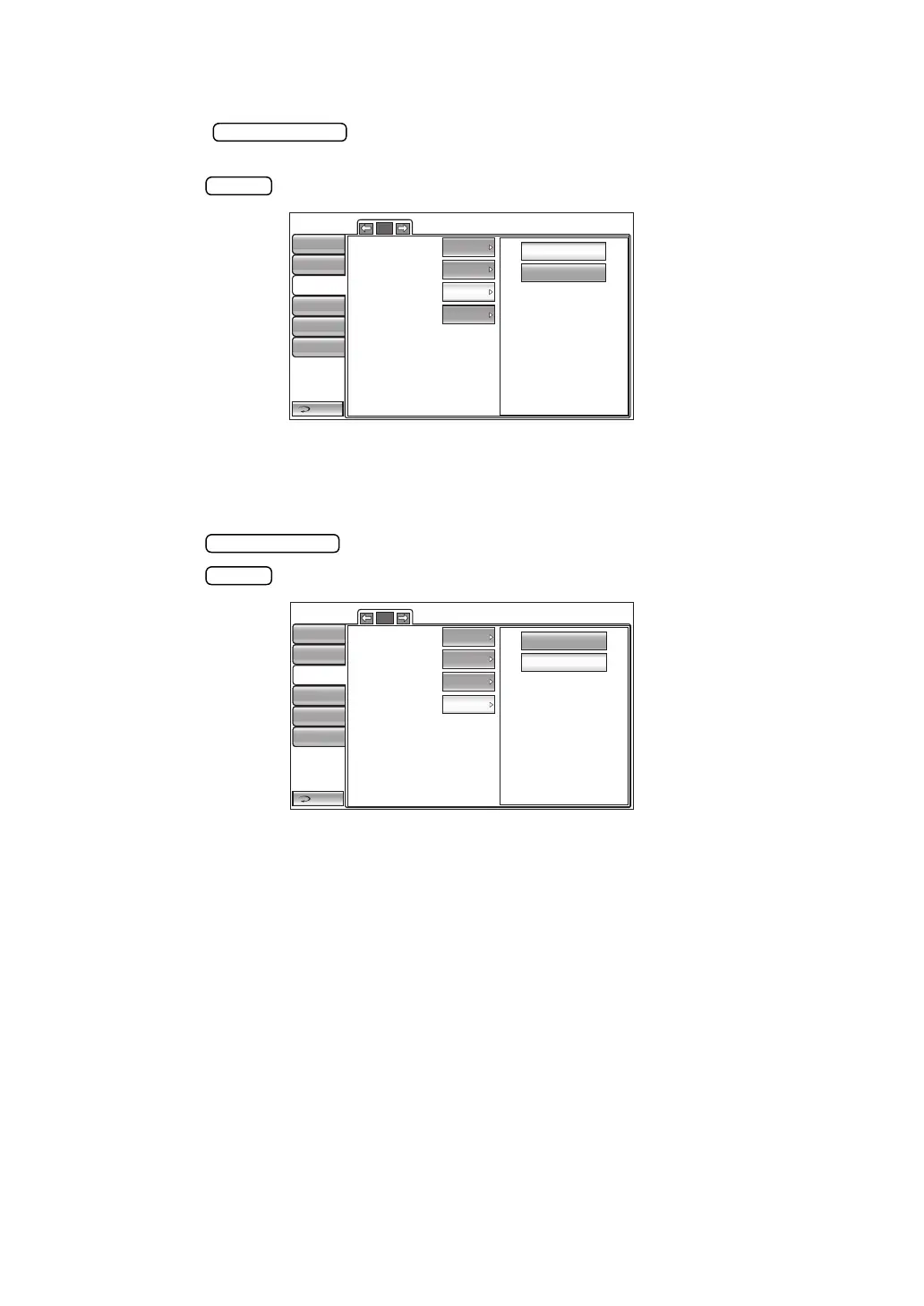
The output port can be set. Before shipment, the default setting is "OFF".
1 Tap the button of the set item display "Output port" in the "Comm"
menu.
2 Tap the button and select "ON" or "OFF."
3 The setting is complete.
SETTING THE BAUDRATE
The baud rate can be set. Before shipment, the default setting is "9600bps."
1 Tap the button of the set item display "Baudrate" in the "Comm" menu.
2 Tap the button and select "2400bps" or "9600bps."
3 The setting is complete.
1/1
OFF
ON
Output data
Format
Output port
Baudrate
Return
Initial
Print
Comm
LAN
Special
MODE1
TONO
OFF
9600bps
Operator ID
1/1
2400bps
9600bps
Output data
Format
Output port
Baudrate
Return
Initial
Print
Comm
LAN
Special
MODE1
TONO
OFF
9600bps
Operator ID



 To Next Page