75
SETTING FUNCTIONS ON THE SETUP SCREEN
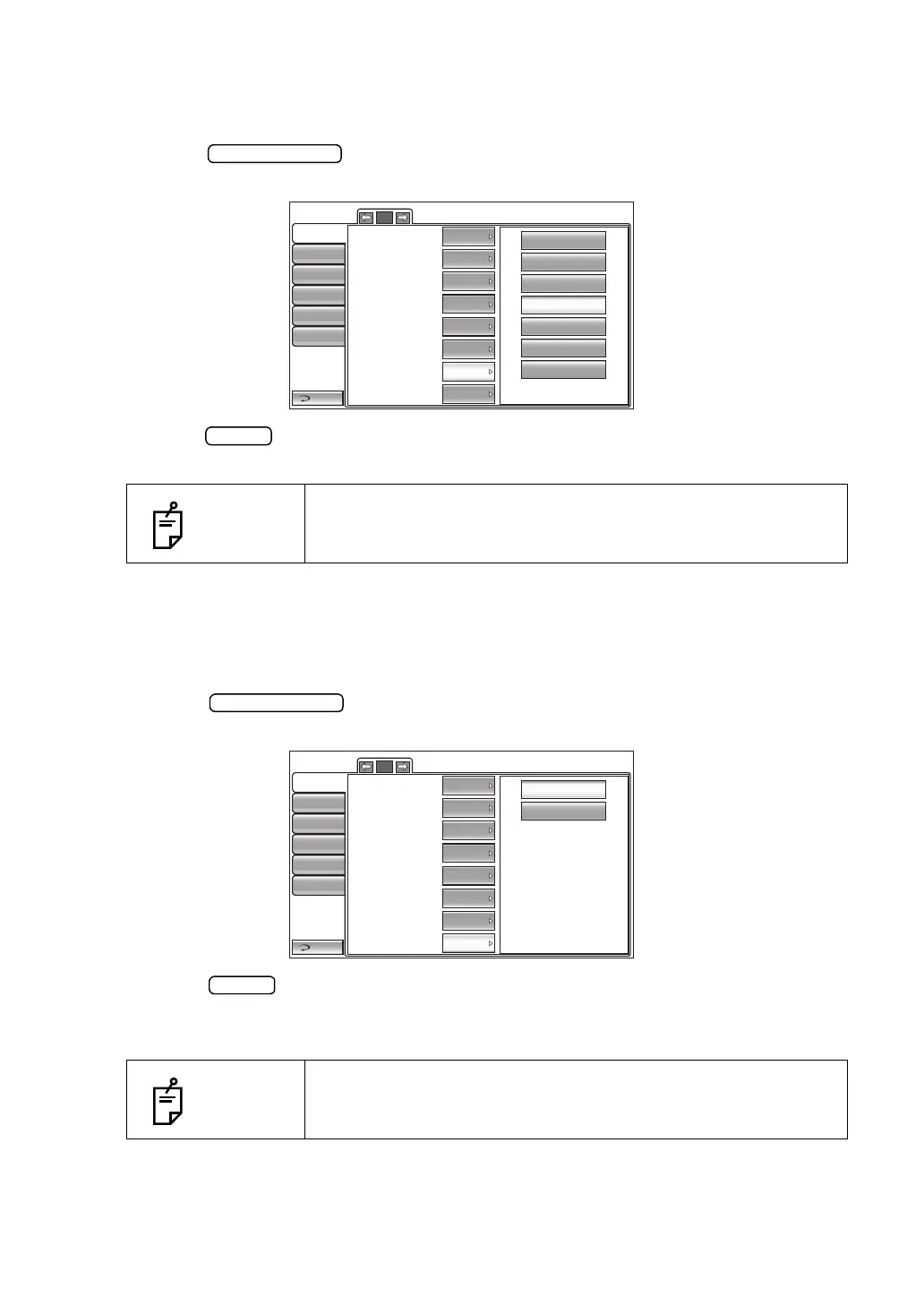
SETTING THE AUTO POWER SAVE
The power save timer can be set. Before shipment, the default setting is "10 min" (to get to the
power save status in 10min).
1 Tap the button of the set item display "Auto power save" in the "Initial"
menu.
2 Tap the button and select "OFF," "1 min," "5 min," "10 min," "20 min," "30 min" or
"60 min".
3 The setting is complete.
SETTING THE TOUCH MEASUREMENT
On the manual measurement with patient eye enlargement, whether or not to perform touch
measurement can be set. Before shipment, the default setting is "OFF".
1 Tap the button of the set item display "Touch Measure" in the "Initial"
menu.
2 Tap the button and select ON (to perform touch measurement) or OFF (not to
perform touch measurement)."
3 The setting is complete.
NOTES
When "OFF" is set, the power save function does not work.
NOTES
When the setting is "OFF", alignment operation remains on the
enlarged display.
OFF
1 min
5 mm
10 min
20 min
30 min
60 min
Return
Initial
Print
Comm
LAN
Special
Operator ID
2/5
Patient No. reset
Show patient ID
Required patient ID
Device ID number
OFF
OFF
ON
1
Show Device ID number
Stand by mode
Auto power save
RIGHT
OFF
10 min
Touch Measure
OFF
OFF
ON
Return
Initial
Print
Comm
LAN
Special
Operator ID
2/5
Patient No. reset
Show patient ID
Required patient ID
Device ID number
OFF
OFF
ON
1
Show Device ID number
Stand by mode
Auto power save
RIGHT
OFF
10 min
Touch Measure
OFF



 To Next Page