68
SETTING FUNCTIONS ON THE SETUP SCREEN
INITIAL SETTING (INITIAL)
INITIAL contains settings related to the initial status upon power on. Measurement functions
including measurement mode, auto mode and the number of continuous measurements, as
well as the display of the measurement results, the date and language can be set.
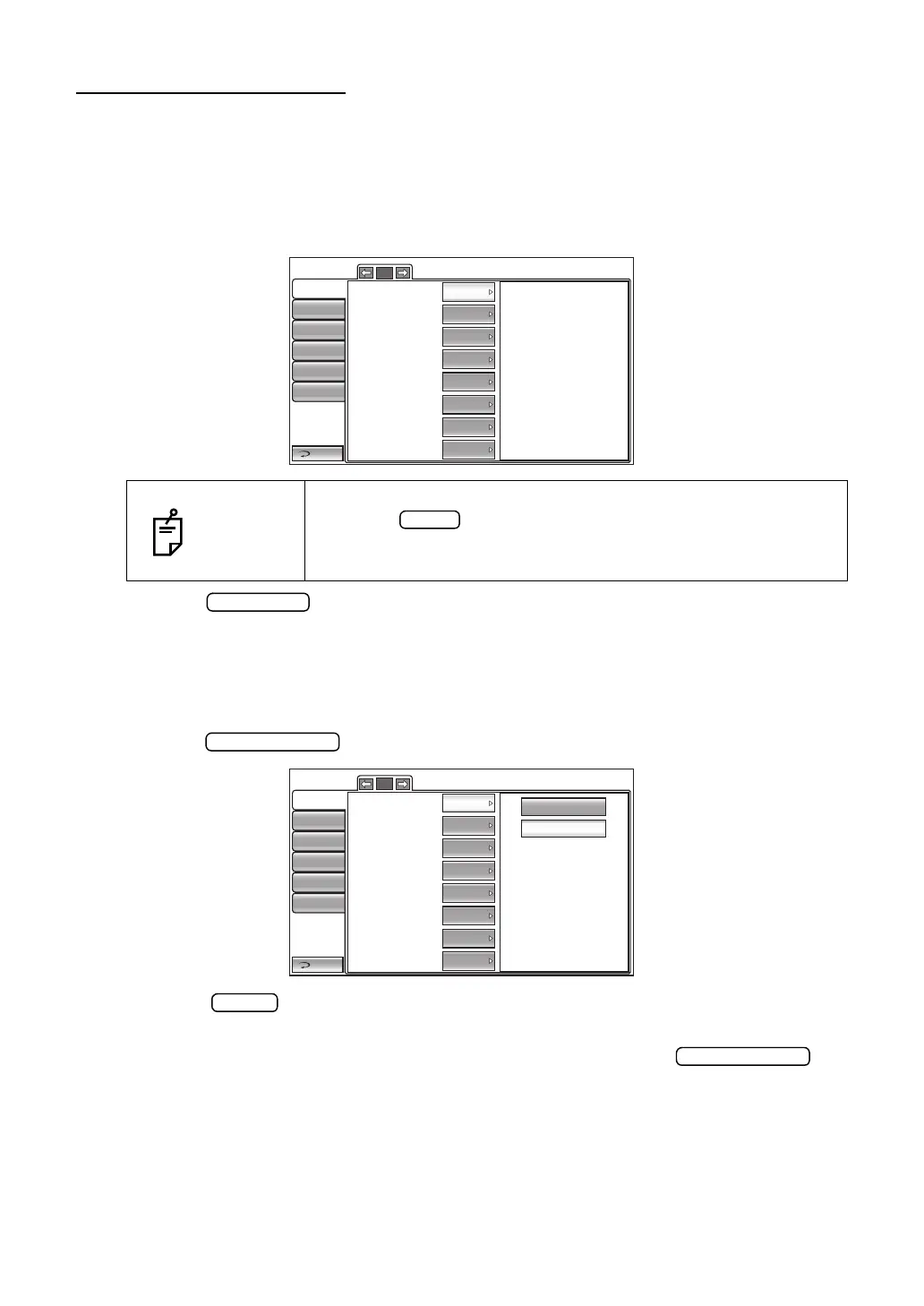
1 Tap the category "Initial" of the "SETUP screen." The programmable items for the initial
setting are displayed.
2 Tap the button, as needed, until the set item to be checked/changed is dis-
played.
SETTING THE BUZZER SOUND
It is possible to set whether or not to set the buzzer sound. Before shipment, the default set-
ting is "ON" (Buzzer sounds).
1 Tap the button of the set item display "Buzzer" in the "Initial" menu.
2 Tap the button and select "ON" (Buzzer sounds) or "OFF" (Buzzer does not
sound).
3 The setting is completed and the changed setting is displayed on the but-
ton.
NOTES
To exit from this screen
• Tap the button.
• The "SETUP screen" is exited and the "MEASUREMENT
screen" returns.
Return
Initial
Print
Comm
LAN
Special
Operator ID
1/5
Buzzer
Start mode
Auto print
Printer
Show Tono value
Show Pacho value
Show Tono average
Show Adj value
Auto
ON
ON
ON
ON
ON
ON
ON
OFF
ON
Return
Initial
Print
Comm
LAN
Special
Operator ID
1/5
Buzzer
Start mode
Auto print
Printer
Show Tono value
Show Pacho value
Show Tono average
Show Adj value
Auto
ON
ON
ON
ON
ON
ON
ON



 To Next Page