87
SETTING FUNCTIONS ON THE SETUP SCREEN
SETTING THE PRINTER
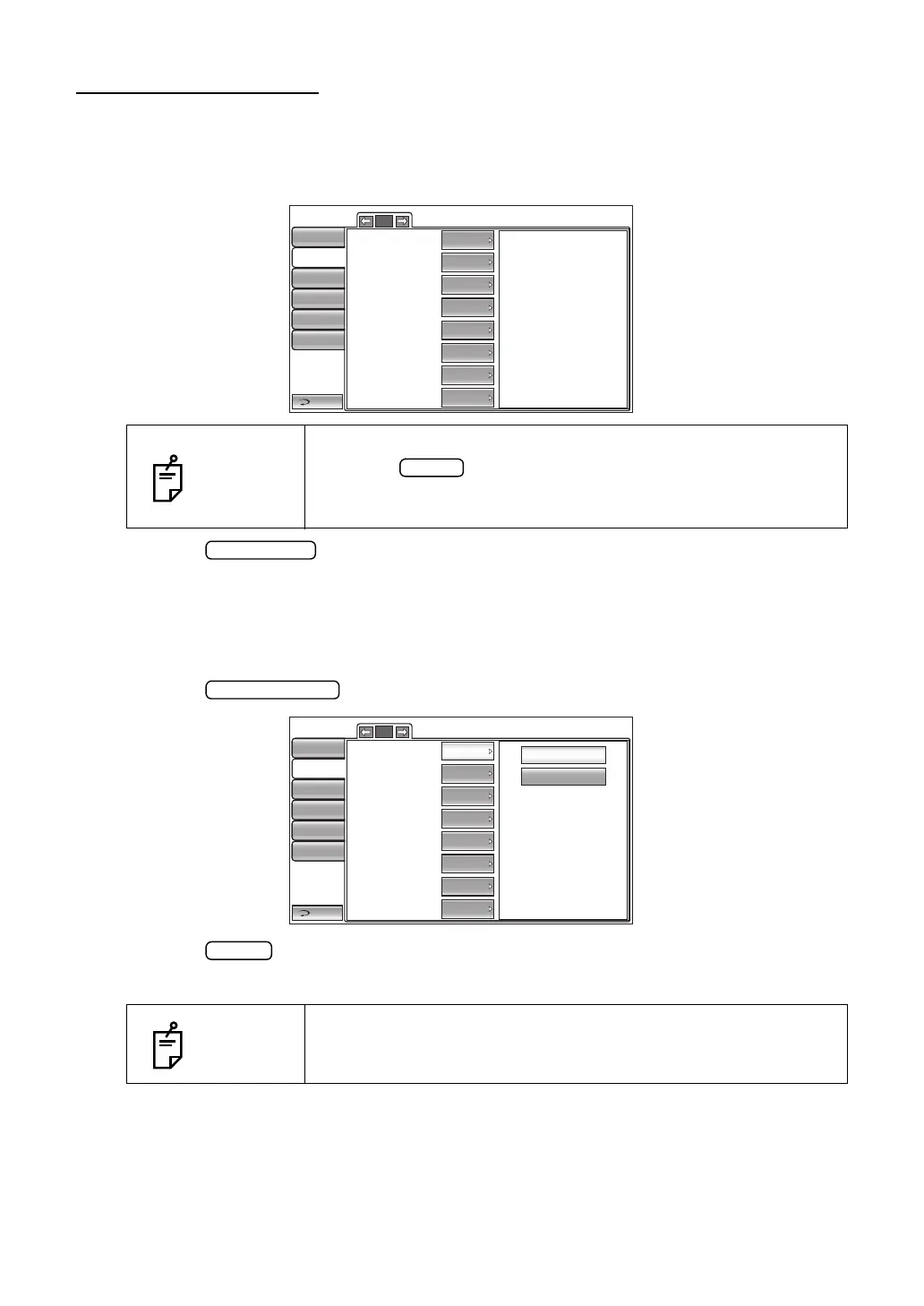
PRINT contains settings related to output from the printer.
1 Tap the index "Print" of the "SETUP screen." The set items for the print setting are dis-
played.
2 Tap the button, as needed, until the set item to be checked/changed is dis-
played.
SETTING THE BARCODE
The barcode can be displayed on the printout. Before shipment, the default setting is "OFF"
(Do not print barcode).
1 Tap the button of the set item display "Barcode" in the "Print" menu.
2 Tap the button and select "ON (Print Barcode)" or "OFF (Do not print Barcode)."
3 The setting is complete.
NOTES
To exit from this screen
• Tap the button.
• The "SETUP screen" is exited and the "MEASUREMENT
screen" returns.
NOTES
The printed barcode is created from the Device ID number and the
Patient No.
1/2
Barcode
Operator ID
Name
Date
Date style
Patient No./Patient ID
Device ID number
Serial number
Return
Initial
Print
Comm
LAN
Special
OFF
OFF
ON
ON
DMY
OFF
ON
ON
Operator ID
1/2
OFF
ON
Barcode
Operator ID
Name
Date
Date style
Patient No./Patient ID
Device ID number
Serial number
Return
Initial
Print
Comm
LAN
Special
OFF
OFF
ON
ON
OFF
ON
ON
Operator ID
DMY



 To Next Page