69
SETTING FUNCTIONS ON THE SETUP SCREEN
SETTING THE START MODE
The start mode can be changed upon power on. Before shipment, the default setting is "Auto."
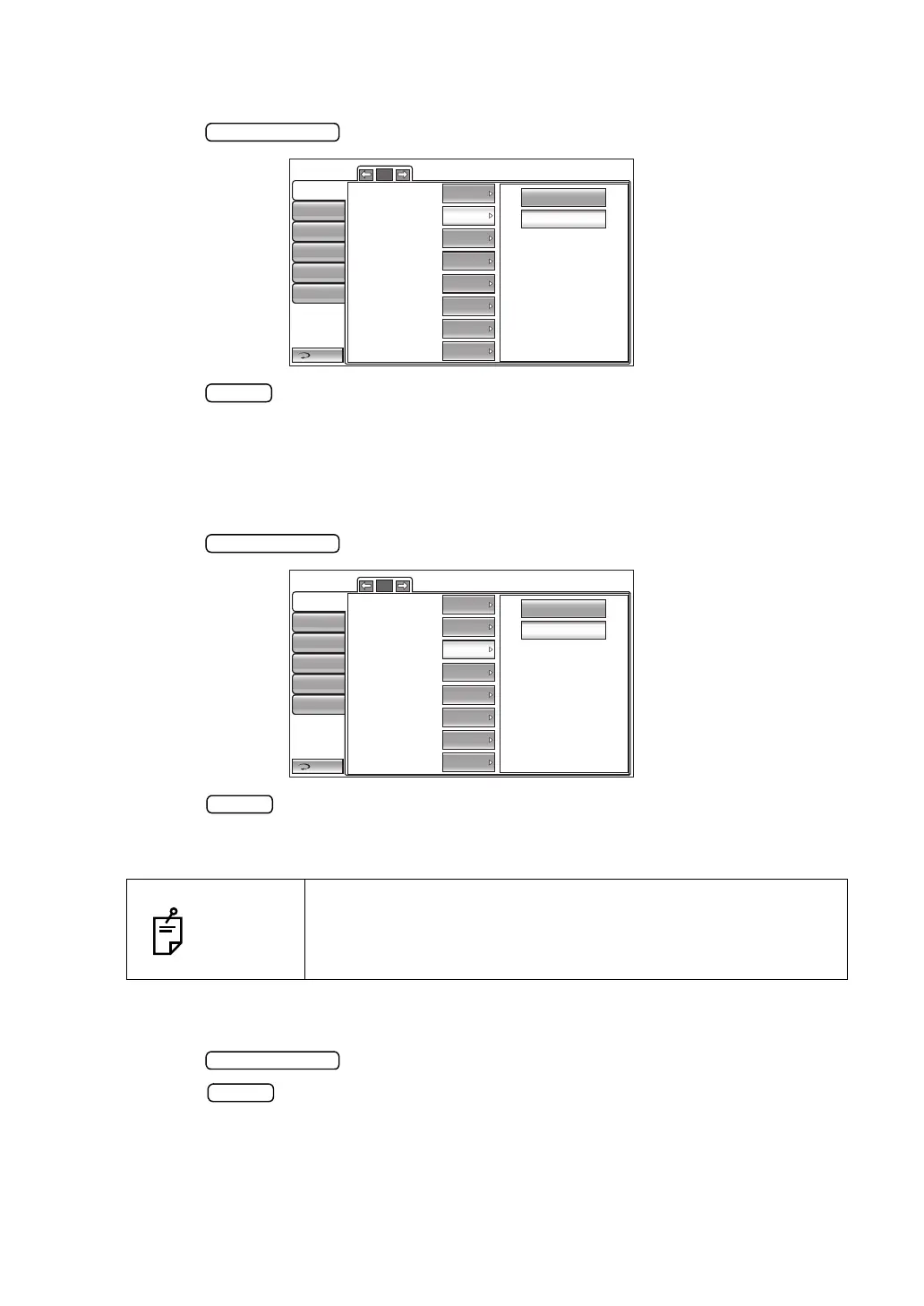
1 Tap the button of the set item display "Start mode" in the "Initial" menu.
2 Tap the button and select "Manual" or "Auto".
3 The setting is complete.
SETTING AUTO PRINT
After measuring the right and left eyes under auto mode, the results can be printed automati-
cally by the printer. Before shipment, the default setting is "ON" (Auto Print is performed).
1 Tap the button of the set item display "Auto Print" in the "Initial" menu.
2 Tap the button and select "ON" (Auto Print is performed) or "OFF" (Auto Print is
not performed).
3 The setting is complete.
SETTING THE PRINTER
The internal thermal printer can be set. Before shipment, the default setting is "ON."
1 Tap the button of the set item display "Printer" in the "Initial" menu.
2 Tap the button and select "ON (Printing is performed.)" or "OFF (Printing is not
performed.)"
3 The setting is complete.
NOTES
If the eye to be measured is set to the right/left eye only, the auto
print function will be performed after the selected eye is mea-
sured. For the setting of the eye to be measured, see "MEASUR-
ING ONE EYE ONLY" on page 57.
Manual
Auto
Return
Initial
Print
Comm
LAN
Special
Operator ID
1/5
Buzzer
Start mode
Auto print
Printer
Show Tono value
Show Pacho value
Show Tono average
Show Adj value
Auto
ON
ON
ON
ON
ON
ON
ON
OFF
ON
Return
Initial
Print
Comm
LAN
Special
Operator ID
1/5
Buzzer
Start mode
Auto print
Printer
Show Tono value
Show Pacho value
Show Tono average
Show Adj value
Auto
ON
ON
ON
ON
ON
ON
ON



 To Next Page