51
BASIC OPERATIONS
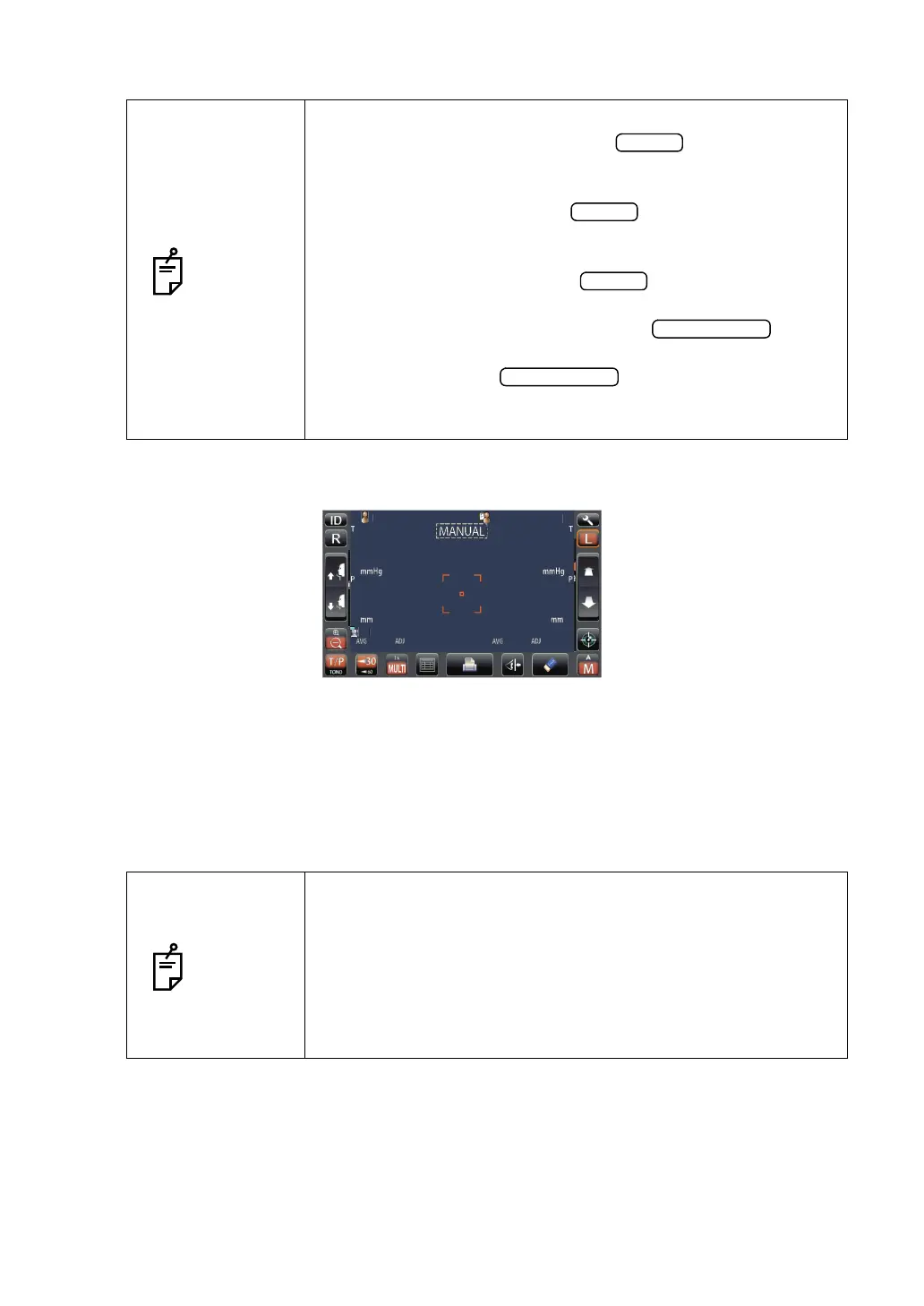
7 Measurement is performed and measurement values are displayed on the control panel.
DISPLAYING MEASUREMENT VALUES
With regard to measurement values, for both TONO and PACHO(only in CT-1P), data of the
latest three measurements are displayed on the control panel.
Figures only: Measurement was done correctly.
[ ] figures: When the reliability of measurement is low.(only TONO)
ERROR: Measurement was not done correctly.
OVER: When the measurement range is exceeded.(only TONO)
NOTES
• Even if fine alignment has not been achieved, measurement
can be performed by tapping the button. To ensure
correct measurement, try to get fine alignment.
• Only when the outer alignment mark is displayed, measurement
can be done by pressing the button or by tapping the
screen.
• When rotating the control panel to operate it at the upper part of
the product, do not press the button too hard, so as
not to lose the alignment.
• To stop alignment in the middle, tap the button.
It is possible to stop alignment also by tapping the control panel
anywhere, while an button is displayed. When
"Align Stopped. Please re-touch pupil." is displayed, please tap
the pupil on the control panel again.
NOTES
• In TONO average value display, low-reliability numerical data
with [ ] are not added to average value calculation.
However, if all measurement data are numerical data with [ ],
average value calculation is done using these data.
• In the data printout, manual measurement values will have M
marks beside them.
• For explanation of the messages on the control panel screen,
refer to “MESSAGE LIST” on page 111.
PatientID
PatientID
14
[15]
16
14
[15]
16
15
17
14
15
17
14
3
3
3
3
0.499
0.493
0.493
0.499
0.493
0.493
15
15
15
15
15
15
15
15
0.500
0.503
0.506
0.500
0.503
0.506
3
3
3
3
OPCON
ARO



 To Next Page