56
BASIC OPERATIONS
OPERATION AFTER USE
1 Tap the button on control panel.
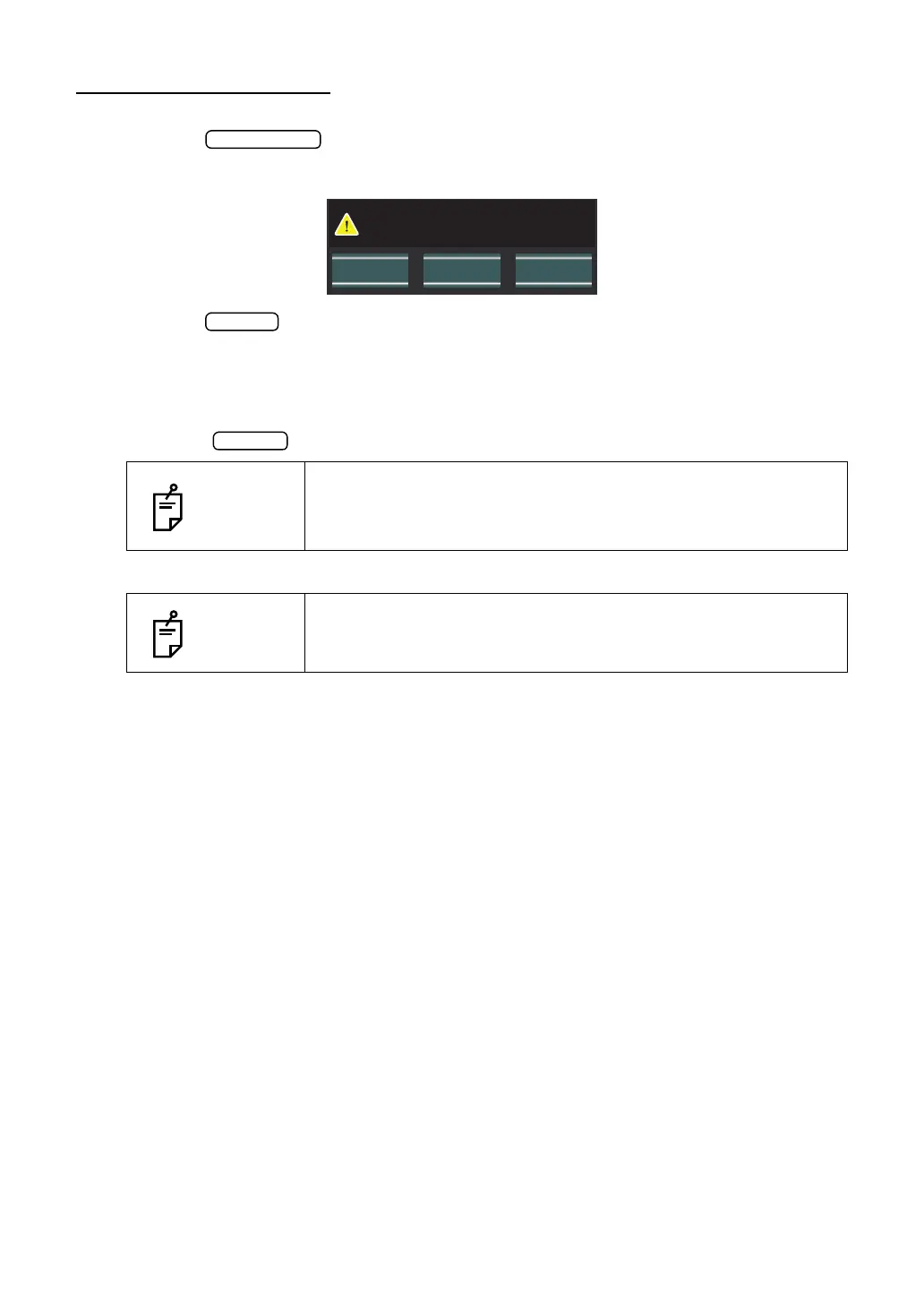
2 Then, the confirming message of Air check/End operation is displayed.
3 Tap the button. Return the chinrest and measuring head to their initial positions.
4 The message of "Please don't turn the main switch off until the unit stops." is displayed.
5 The operation is complete, then the message of "The unit stops completely. Please turn
the main switch." is displayed.
6 Turn the switch to off.
7 Unplug the power cable from a 3-pin AC inlet with grounding.
NOTES
When external devices are connected to external I/O terminals,
turn off the power of these devices too. (if the power switch is pro-
vided)
NOTES
When the instrument is not used for a long period of time, unplug
the power supply cable, and detach the cable connected to the
external I/O terminal.
Perform air check
or Turn off the unit?
CANCELAir Check Turn off



 To Next Page