45
BASIC OPERATIONS
DISPLAYING MEASUREMENT VALUES
With regard to measurement values, for both TONO and PACHO(only in CT-1P), the data of
the latest three measurements are displayed on the control panel.
Figures only: Measurement was done correctly.
[ ] figures: When the reliability of measurement is low.(only TONO)
ERROR: Measurement was not done correctly.
OVER: When the measurement range is exceeded.(only TONO)
When the auto print setting is "OFF" in the initial setting, print out measurement results by tap-
ping the button, as necessary.
NOTES
• When the alignment status has continued for more than 30 sec-
onds, "Please touch pupil on the screen." is displayed, then the
mode is changed automatically to the Manual measurement mode.
• To stop alignment in the middle, tap the button.
It is possible to stop alignment also by tapping the control panel
anywhere, while an button is displayed. When
"Align Stopped. Please re-touch pupil." is displayed, please tap
the pupil on the control panel again.
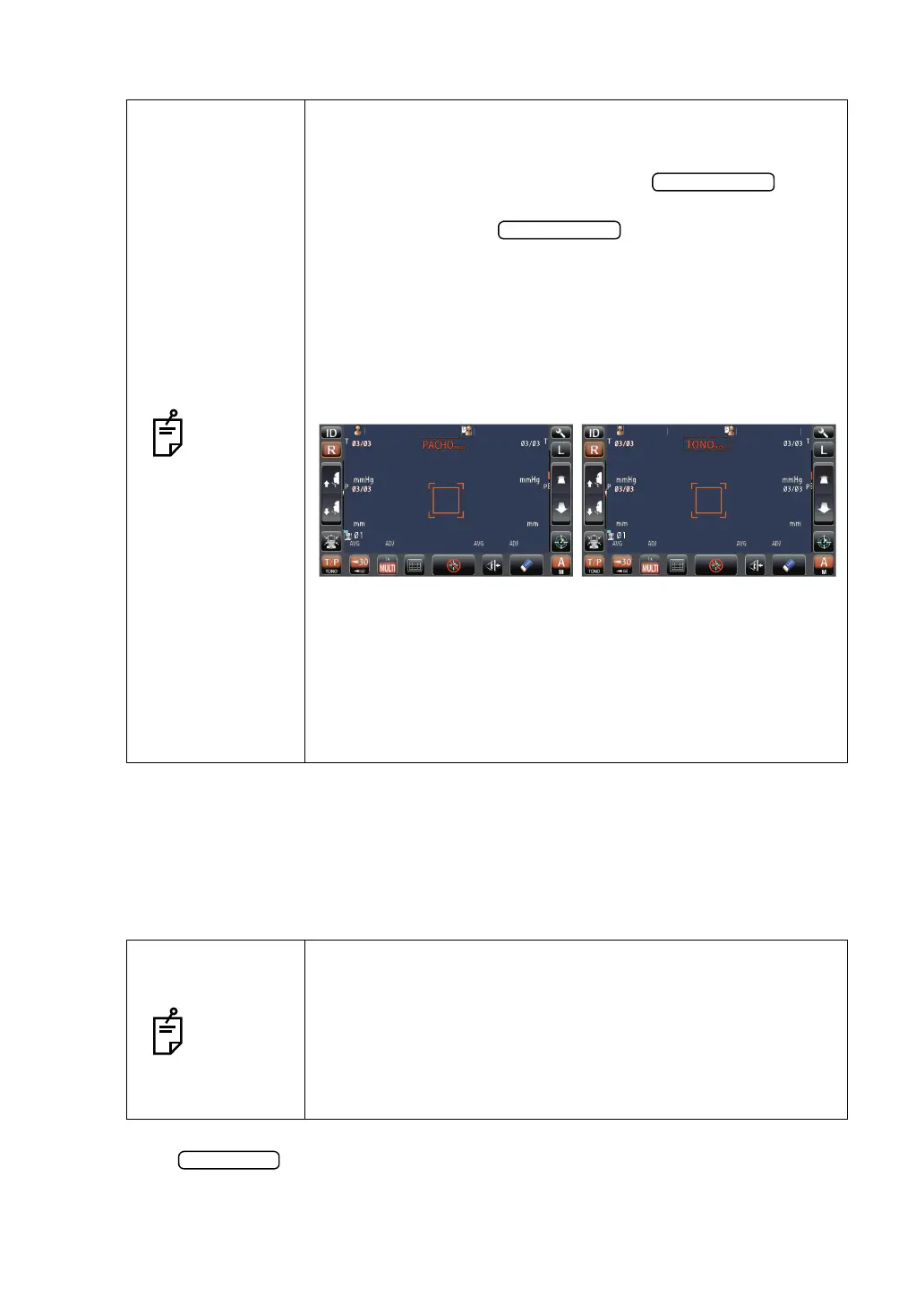
• When TONO measurement is performed, the AUTO/MANUAL
mark is changed to "TONO meas.". When PACHO measure-
ment is performed, AUTO/MANUAL mark is changed to
"PACHO meas."(only in CT-1P). When TONO measurement is
performed, the mark is changed to "TONO meas.". The mark
indicates the current status of measurement.
• If the alignment status has continued for more than 3 seconds
in PACHO measurement, the measurement stops to change to
TONO measurement. In this case, PACHO data is not mea-
sured for remaining number of times is treated as error data.
(only in CT-1P)
• If the start button is tapped before all PACHO measurements
are complete, PACHO data is not measured for remaining num-
ber of times is treated as error data.(only in CT-1P)
NOTES
• In TONO average value display, low-reliability numerical data
with [ ] are not added to the average value calculation.
However, if all measurement data are numerical data with [ ],
the average value calculation is done using these data.
• For explanation of the messages on the control panel screen,
refer to “MESSAGE LIST” on page 111.
• When data is printed out, the "M" mark is printed on the value
measured by using the start button in Auto mode.
PatientID
PatientID
15
15
15
15
15
15
15
15
T
TOPCONTAROU
PatientID
PatientID
15
15
15
15
15
15
15
15
TOPCONTAROU
0.499
0.493
0.493
0.499
0.493
0.493
0.500
0.503
0.506
0.500
0.503
0.506



 To Next Page