44
BASIC OPERATIONS
2 Alignment starts automatically. As the main body approaches the patient, focus of mea-
surement screen changes and measurement is performed.
The measurement result is dis-
played
.
NOTES
When the measuring head is at the limit of movement in the for-
ward direction, "TOO CLOSE" is displayed and the buzzer
sounds, and when it is at the limit of movement in the backward
direction, "TOO FAR" is displayed. Using the
button, move the measuring head to a position
until the pupil image comes to the center.
NOTES
•
When the "Full Auto" of "R/L move mode" is selected in the initial
setting, the instrument measuring head moves automatically to the
other eye side for measuring. If the patient closes or blinks their
eyes at the time of the right-and-left eye change, the change may
be unable to be performed correctly. If the "Manual" of "R/L move
mode" is selected, press the button or button of the other
eye side. If the
"
Auto(RL)
"
of
"
R/L move mode
"
is selected, the
measuring head moves automatically to the other eye side, how-
ever a measurement is not performed.
• Auto print (available only under Auto mode)
When the auto print setting is "ON" in the initial setting, mea-
surement results are printed out automatically after measuring
the right and left eyes. (See page 69.)
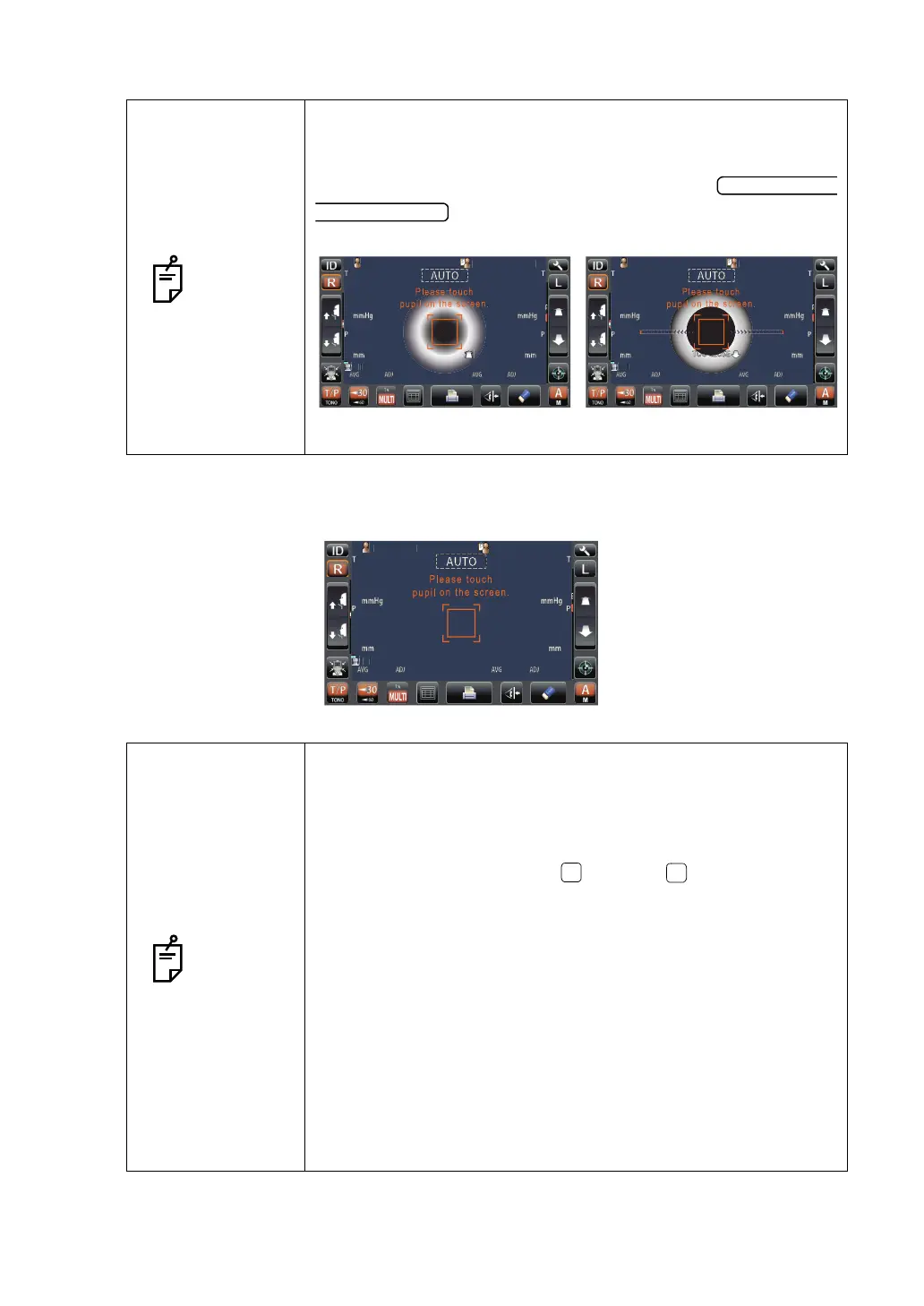
• When "Please touch pupil on the screen." is displayed, please
confirm if the patient's eye fits normal conditions for measuring.
Then tap the pupil on the control panel again.
• If measurement values were not obtained for the set measure-
ment count due to measurement errors, an additional measure-
ment is performed. For the additional measurement, see page 77.
PatientID
PatientID
/3
/3
/3
/3
/3
/3
/3
/3
OPCON
ARO
TOPCONTAROU
TOOFARTOOFAR
Limit of movement in the
backward direction
Limit of movement in the
forward direction
PatientID
PatientID
/3
/3
/3
/3
/3
/3
/3
/3
1
OPCON
ARO
TOPCONTAROU
TOOCLOSE
PatientID
PatientID
3/3
3/3
3/3
3/3
15
15
15
15
15
15
15
15
OPCON
ARO
TOPCONTAROU
14
[15]
16
14
[15]
16
15
17
14
15
17
14
0.499
0.493
0.493
0.499
0.493
0.493
0.500
0.503
0.506
0.500
0.503
0.506
3/3
3/3
3/3
3/3



 To Next Page