84
SETTING FUNCTIONS ON THE SETUP SCREEN
SETTING THE R/L NOTATION
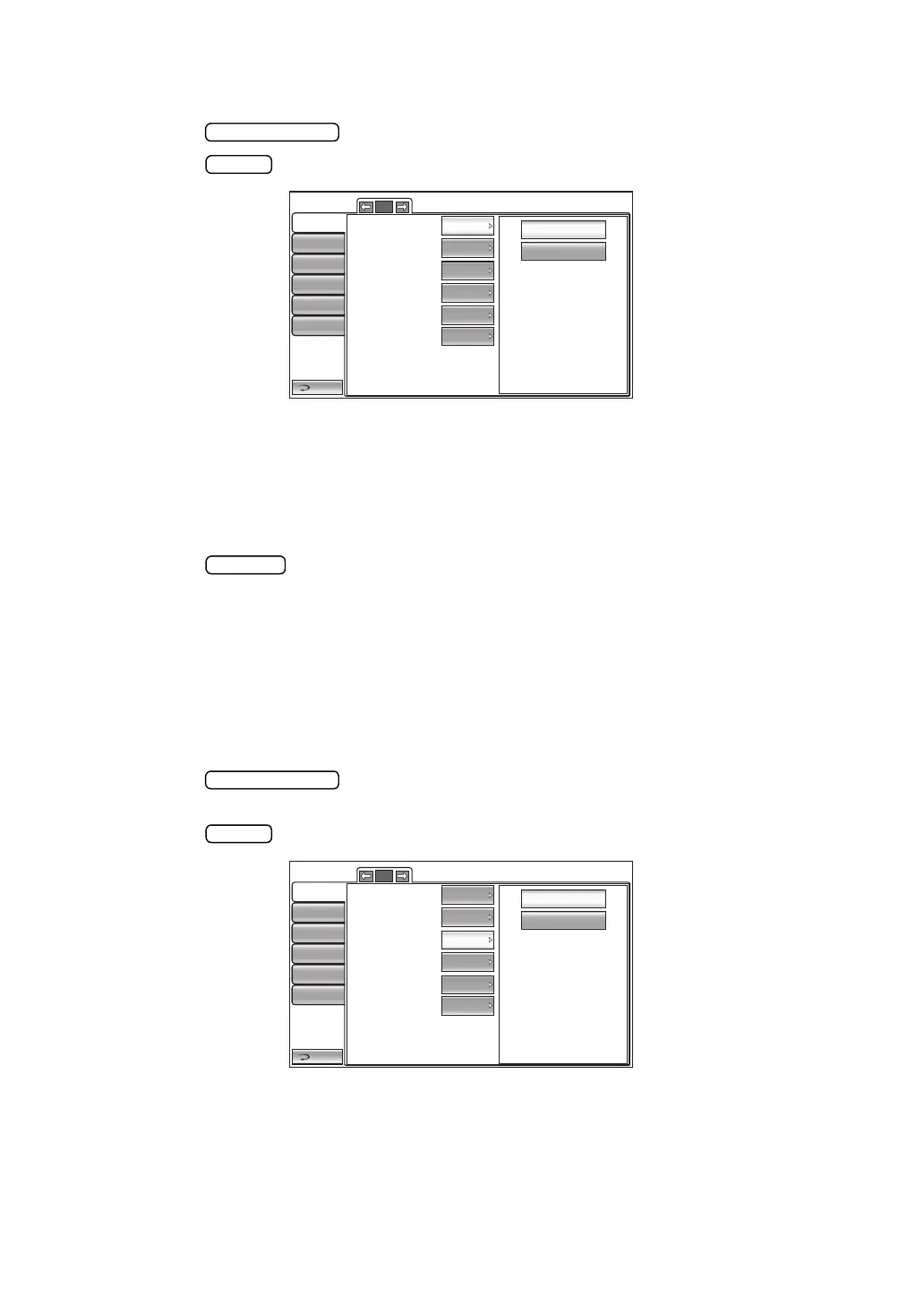
The R/L notation can be set. Before shipment, the default setting is "R/L."
1 Tap the button of the set item display "R/L notation" in the "Initial" menu.
2 Tap the button and select "R/L" or "OD/OS."
3 The setting is complete.
R/L : Right (Right eye), Left (Left eye)
OD/OS : Oculus Dexter (Right eye), Oculus Sinister (Left eye)
SETTING THE PACKING MODE
It is possible to set the machine to the mode for packing.
1 Tap the button of the set item display "Packing mode" in the "Initial" menu.
2 A message "Please wait until packing mode is finished." will be displayed.
3 When the operation is complete, a message "Packing mode is finished. Please turn off the
device." will be displayed.
4 The setting is completed by shutting off the power.
SETTING THE SHADED CHARACTERS
The shaded characters can be set. Before shipment, the default setting is "ON".
1 Tap the button of the set item display "Shaded characters" in the "Initial"
menu.
2 Tap the button and select "ON" or "OFF."
3 The setting is complete.
Return
Initial
Print
Comm
LAN
Special
Operator ID
R/L
OD/OS
5/5
Packing mode
R/L
Shaded characters
R/L notation
ON
ON
XZ MOTOR direction
Adjust
Meas. data recording way
Data wit...
Meas.count change mode
Multi
ON
OFF
Return
Initial
Print
Comm
LAN
Special
Operator ID
5/5
Packing mode
R/L
Shaded characters
XZ MOTOR direction
Adjust
R/L notation
ON
ON
Meas. data recording way
Data wit...
Meas.count change mode
Multi



 To Next Page