71
SETTING FUNCTIONS ON THE SETUP SCREEN
DISPLAYING THE TONO AVERAGE VALUE
It is possible to set whether or not to display the Tono average value. Before shipment, the
default setting is "ON."
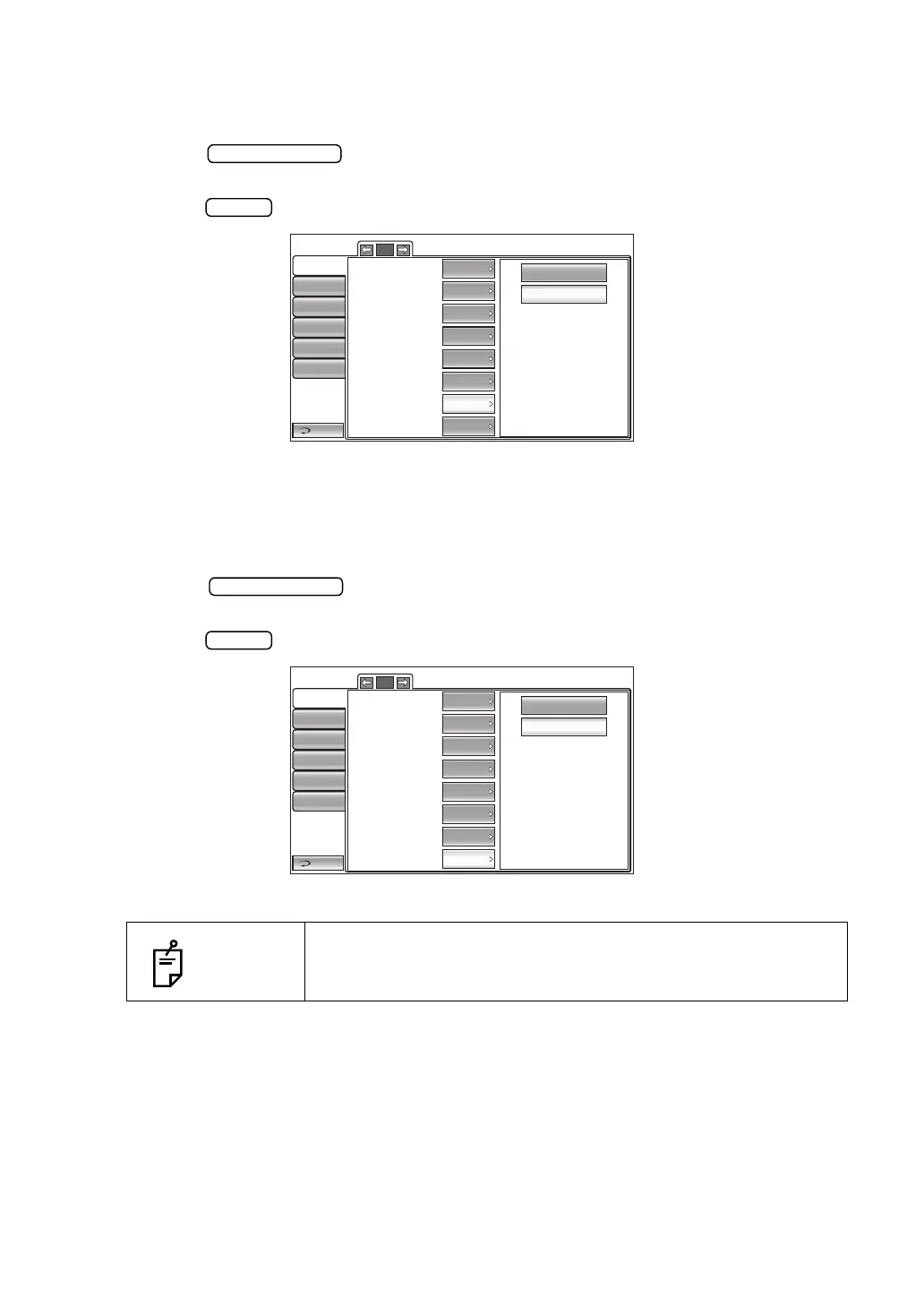
1 Tap the button of the set item display "Show Tono average" in the "Ini-
tial" menu.
2 Tap the button and select "ON" or "OFF."
3 The setting is complete.
DISPLAYING THE ADJUSTED VALUE
It is possible to set whether or not to display the Adjusted value. Before shipment, the default
setting is "ON."
1 Tap the button of the set item display "Show Adj value" in the "Initial"
menu.
2 Tap the button and select "ON" or "OFF."
3 The setting is complete.
NOTES
Only in CT-1P.
OFF
ON
Return
Initial
Print
Comm
LAN
Special
Operator ID
1/5
Buzzer
Start mode
Auto print
Printer
Show Tono value
Show Pacho value
Show Tono average
Show Adj value
Auto
ON
ON
ON
ON
ON
ON
ON
OFF
ON
Return
Initial
Print
Comm
LAN
Special
Operator ID
1/5
Buzzer
Start mode
Auto print
Printer
Show Tono value
Show Pacho value
Show Tono average
Show Adj value
Auto
ON
ON
ON
ON
ON
ON
ON



 To Next Page