52
BASIC OPERATIONS
PRINTOUT OF MEASUREMENT VALUES
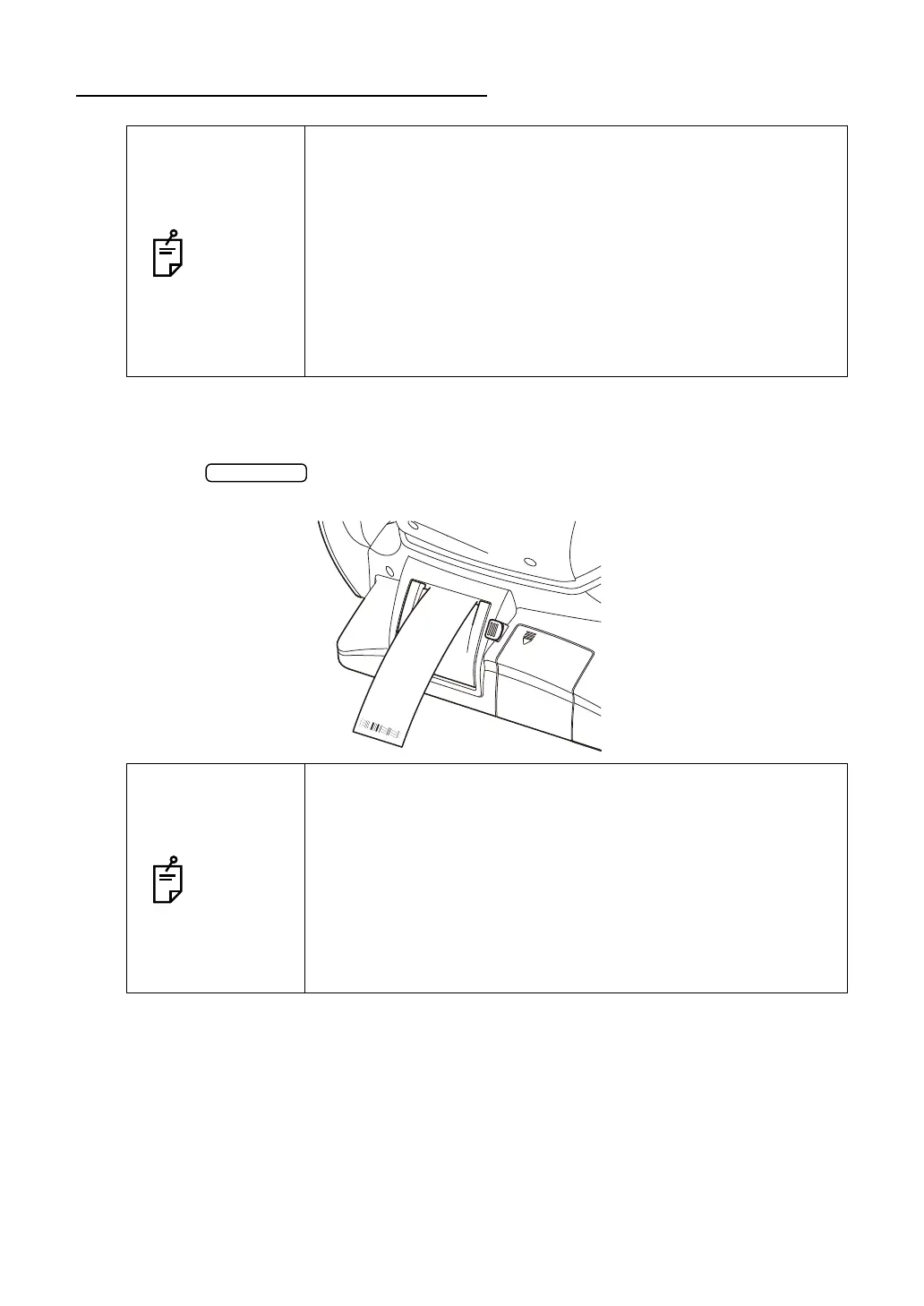
This instrument can print out measurement values with a printer.
1 Check that the Measurement screen is on.
2 Tap the button on the control panel.
Measurement values on the monitor are printed out.
NOTES
• To avoid a paper jam in the printer, do not feed the paper if it is
partly cut or wrinkled.
• To avoid discoloring of the printer paper (particularly the record-
ing area) during storage, use a polypropylene bag and not one
containing plasticizer (PVC, etc.).
• To avoid discoloring of the printer paper (particularly the record-
ing area) after pasting, use water-soluble glue and not one con-
taining solvent.
• Since the printer paper is thermosensitive, it is not suitable for
keeping records for a long period. If necessary, prepare copies
separately.
NOTES
• When a red line is printed at the edge of the printer paper,
replace it with a new one. For details about the replacement of
the printer paper, see “PRINTER PAPER SETTING” on
page 30. 58mm wide printer paper (example: TP-50KJ-R,
Nippon Paper) is recommended.
• "Close printer cover." indicates that the printer cover is left
opened, ensure that the printer cover is completely closed.
• When the auto print setting is "ON" in the initial setting, mea-
surement is performed under Auto mode, and measurement
results are printed out automatically. (See page 69.)
0#/'
6101#
ޛ
4ޜ
OO*I#&,OO*I#&,
AA#/
1+&-GPL[CA
0Q-GPL[CA
50
%6
'44
#8)
#8)
#8)
'44
'44
'44
'44
'44
'44
'44
ޛ.
ޜ
ޛ
4ޜ
ޛ.
ޜ
J2C#&,
J2C#&,
2#%1#
612%10
/GUUCIG
4 OO
. OO



 To Next Page