83
SETTING FUNCTIONS ON THE SETUP SCREEN
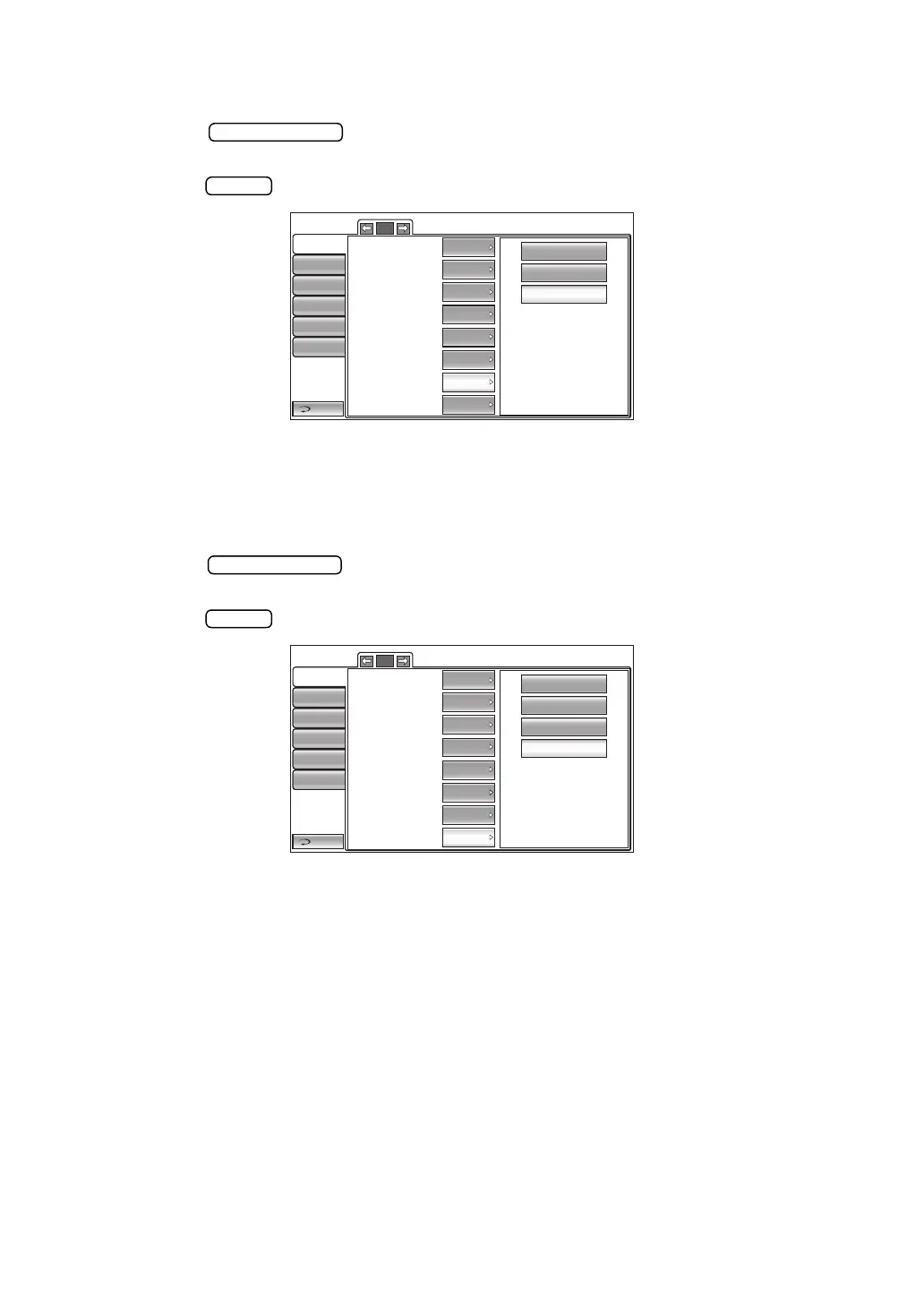
SETTING THE CHINREST HEIGHT
The Chinrest height can be set. Before shipment, the default setting is "Low."
1 Tap the button of the set item display "Chin rest height" in the "Initial"
menu.
2 Tap the button and select "High" , "Center" or "Low."
3 The setting is complete.
SETTING THE CONTROL PANEL BRIGHTNESS
The control panel brightness can be set in 4 steps. Before shipment, the default setting is
"LEVEL 4."
1 Tap the button of the set item display "Control panel brightness" in the
"Initial" menu.
2 Tap the button and select the control panel brightness.
3 The setting is complete.
LEVEL 1 :The brightness of the Control panel is changed to the darkest setting of the four
steps.
LEVEL 2 :The brightness of the Control panel is changed to the second darkest setting of
the four steps.
LEVEL 3 :The brightness of the Control panel is changed to the second brightest setting
of the four steps.
LEVEL 4 :The brightness of the Control panel is changed to the brightest setting of the
four steps.
High
Center
Low
Return
Initial
Print
Comm
LAN
Special
Operator ID
4/5
IOP Adjustment
Center CCT Base
Adjustment Coefficient
545
500
Pupil distance
R/L move
Chin rest height
Low
Control panel brightness
LEVEL 4
Press average Mode Integer
Full Auto
68mm
OFF
LEVEL 1
LEVEL 2
LEVEL 3
LEVEL 4
Return
Initial
Print
Comm
LAN
Special
Operator ID
4/5
IOP Adjustment
Center CCT Base
Adjustment Coefficient
545
500
Pupil distance
R/L move
Chin rest height
Full Auto
68mm
Low
Control panel brightness
LEVEL 4
Press average Mode Integer
OFF



 To Next Page