11
OPUS Projektor Manual
Quick Start Tutorial
2
Quick Start Tutorial
Tour of the program
https://www.youtube.com/playlist?list=PLhLYlu1YL064ENX6BsFDBaUDtaBr6TD4L
This quick start tutorial demonstrates the basic steps to create a display project. Start with
creating a project , then continue with designing the page content , then simulate the
project ..
2.1
Creating a Project
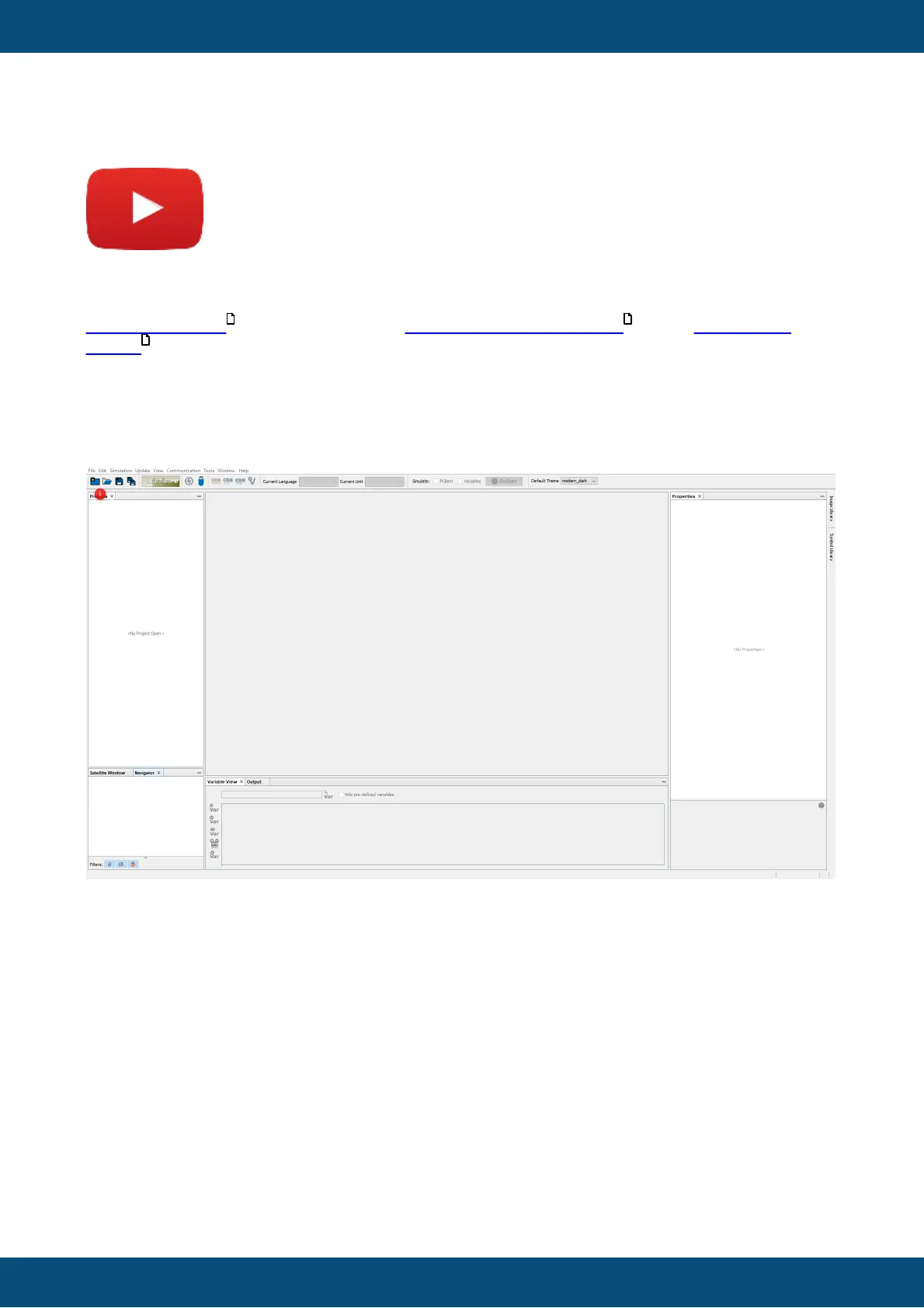
To create a new project, click on the New Project button in the toolbar (1) or use the menu
File -> New Project...
The New Project window opens. Stay on the General category and click the Next button (2)
After you finished the tutorial, you are invited to check out some of the sample projects that
you can access in this dialog.
11 13
28



 To Next Page