601
OPUS Projektor Manual
Simulations
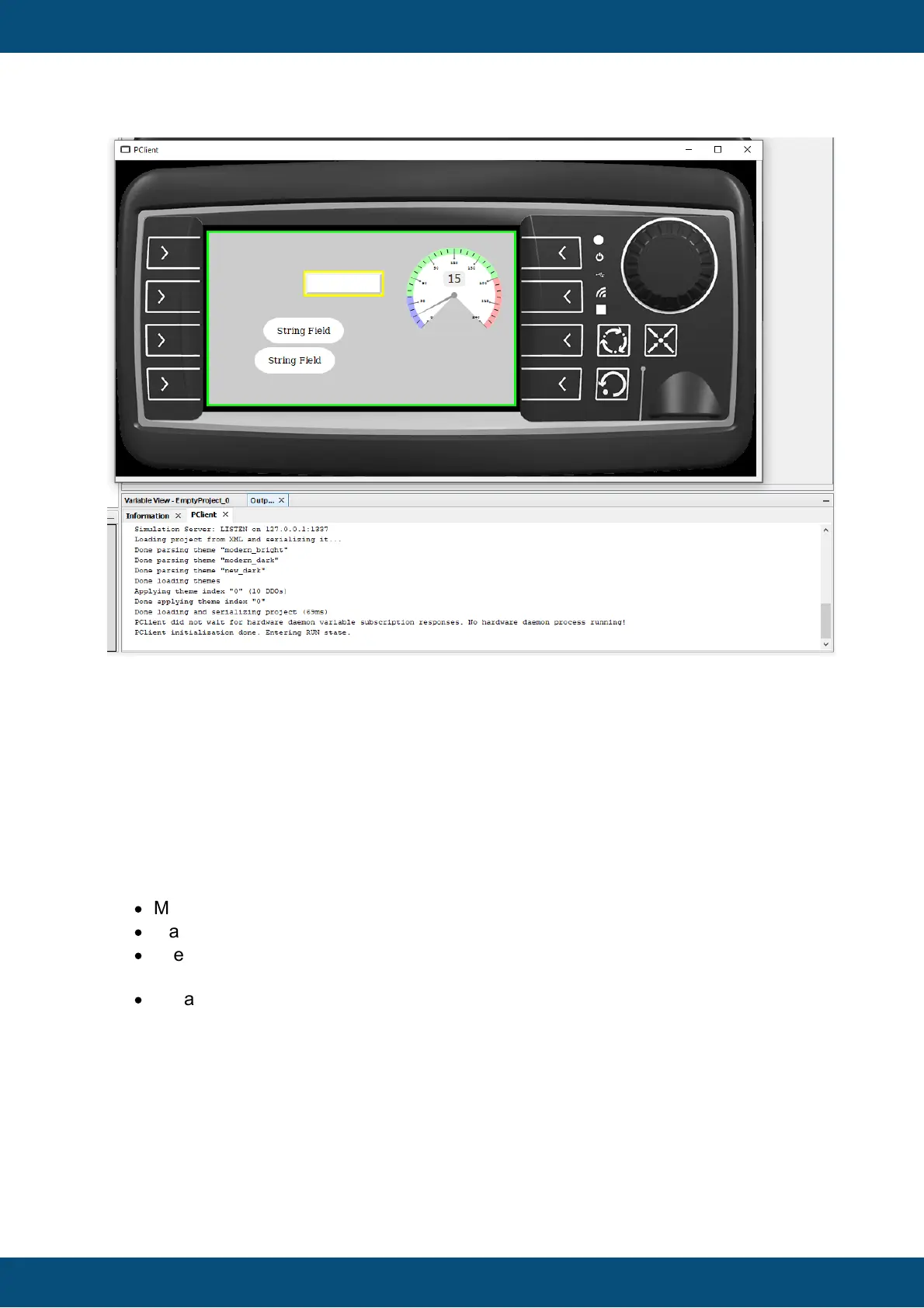
Stopping the PClient simulation
Simply close the window like any other window or hit ALT+F4.
9.3
Variable Simulation Overview
What can be achieved with the variable simulation?
The variable simulation is an application that connects to a PClient (simulated or on a
device) and provides ways to view and change variable values. With the variable simulation
the following can be done:
·
Monitor the values of a running PClient project
·
Manually change the value of each variable
·
Create automatic value generators that can automatically change the value of
variables in different ways
·
Create lists that can set the values of different variables to defined values
How to start the variable simulation
The variable simulation can be started individually or together with a PClient simulation. To
start the variable simulation set the "Variables" checkbox in the tool's simulation toolbar
and then press the (Re)Start button.



 To Next Page