134
OPUS Projektor Manual
User Interface
This project is a ready-to-use dashboard for a trade show, complete with moving needles and
blinking icons. There are 6 pages, with a hardware, a software programming information
screen, a dynamic gauge to see the flexibility of our objects, a camera page and a multimedia
player that can play back a video. The project works for all devices, with the main focus on the
B-series.
3.15
Start Page
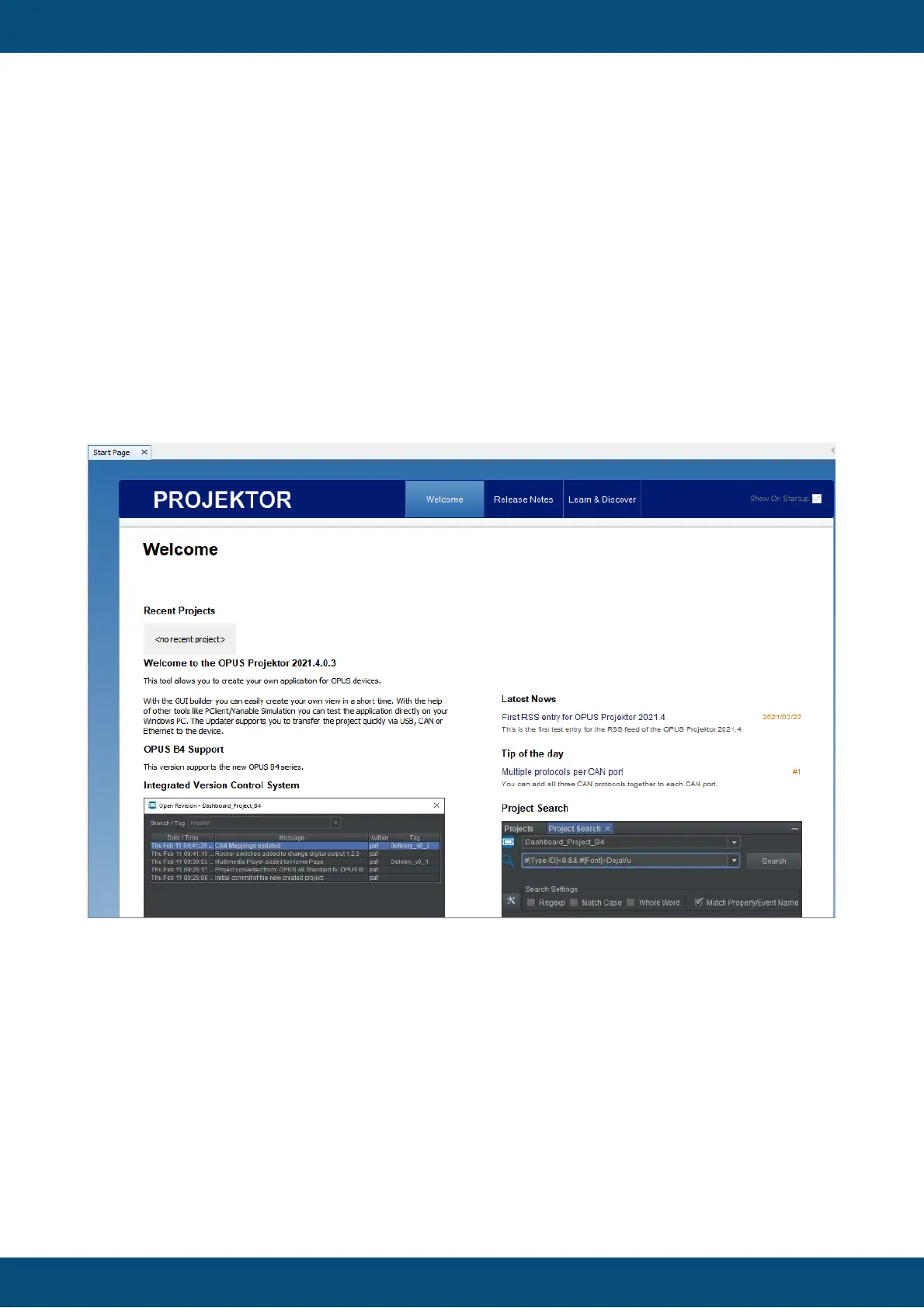
The new Start Page will show the most important information in one tab.
In the Welcome tab you will see the recently opened projects in the top left.
In the top of the right column you will see the RSS feed (Latest News) which will notify you of
Projektor updates and other important information. Don't worry, we will not spam you.
The feed refreshes every hour. If there are any problems reaching our server, a notification will
be shown that there was an error loading the feed. Additionally, a reload button appears. At
this point the feed will not refresh automatically. Only when the feed can be loaded again after
reload has been pressed, the automatic refresh will start again.
Below the RSS feed, a Tip of the day feed is shown. Here you can find a random tip regarding
the OPUS Projektor and the PClient and our devices. Some might be trivial to you, as an
expert, but some will surely give you a tiny bit of new and helpful information.
The feed refreshes every hour.If there are any problems reaching our server, a notification will
be shown that there was an error loading the feed. Additionally, a reload button appears. At
this point the feed will not refresh automatically. Only when the feed can be loaded again after
reload has been pressed, the automatic refresh will start again.



 To Next Page