indexes. Within the next section you can define how to deal with the index. Fill Index gaps
(2) enables the creation of variables with free indices between already existing indices. Fill
SubIndex gaps (3) enables the creation of variables with free sub indices between already
existing sub indices. for a given index. SubIndex start from: sets the starting sub index when
a variable with a new index is created. Please note that the index and subindex is needed
by the program and the runtime on the display, but with these default settings you do not
really need to take care about this. (4) With this check box it is possible to enable/disable
the tooltip of the variables in the Variable View.
All variables can be selected and dragged and dropped onto the designer area and
appropriate objects in the project tree. Drag and drop of multiple variables is not
supported. Read more about Drag and Drop in the chapter Drag and Drop .
3.18.1
The Find Variable Usages will allow the user to see all the usages of a variable at a single
place. A variable can be used in the protocols, mappings and DDOs.
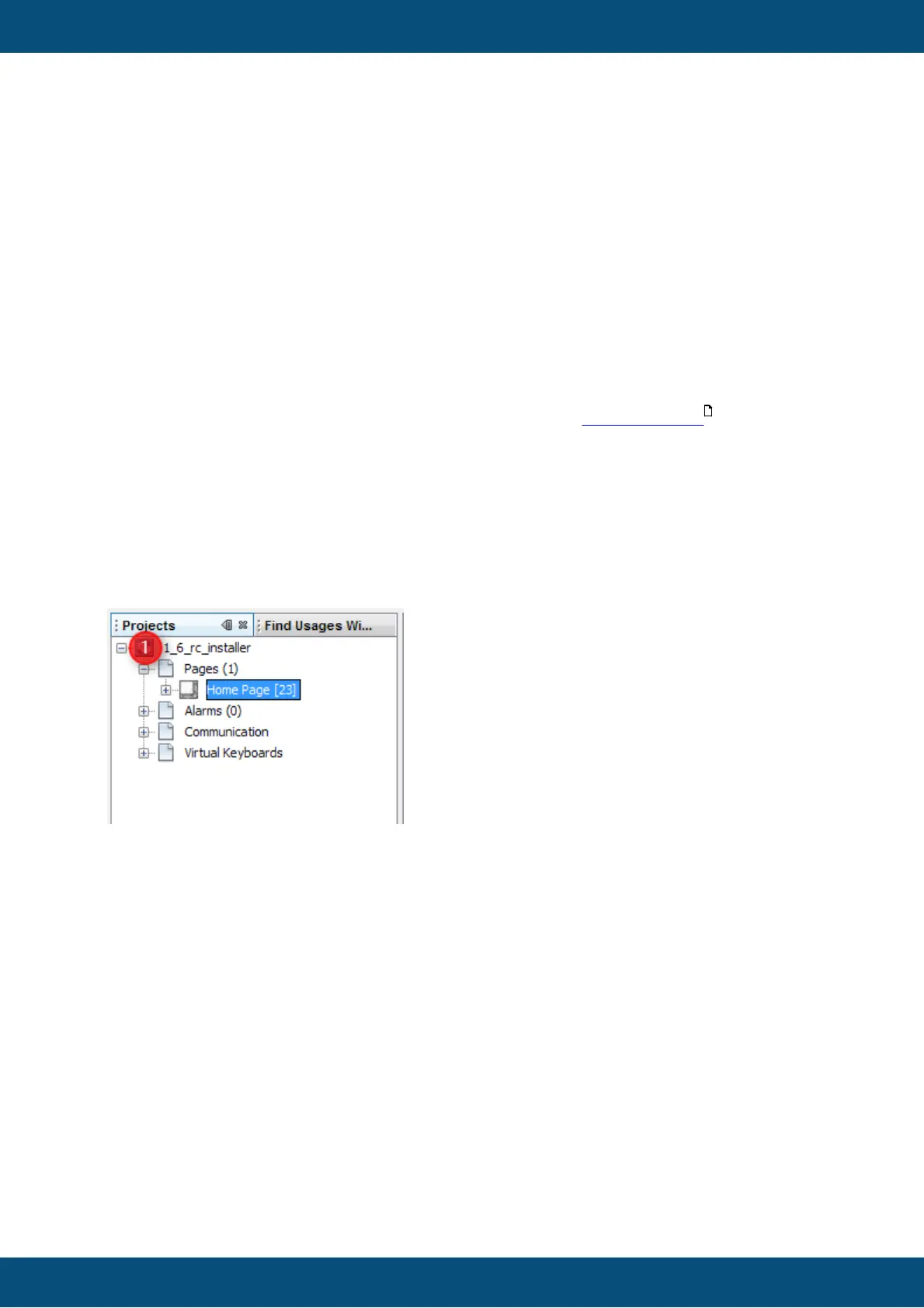
When starting the program you should already find a find usage window beside the project
tree window (1).
If you can not see this window you can enable this window through the window menu. With
this menu you can hide the find usage window too.



 To Next Page