92
OPUS Projektor Manual
User Interface
Day/Night Settings
The Day/Night chapter describes these settings.
Versioning
The Project Versioning chapter describes these settings.
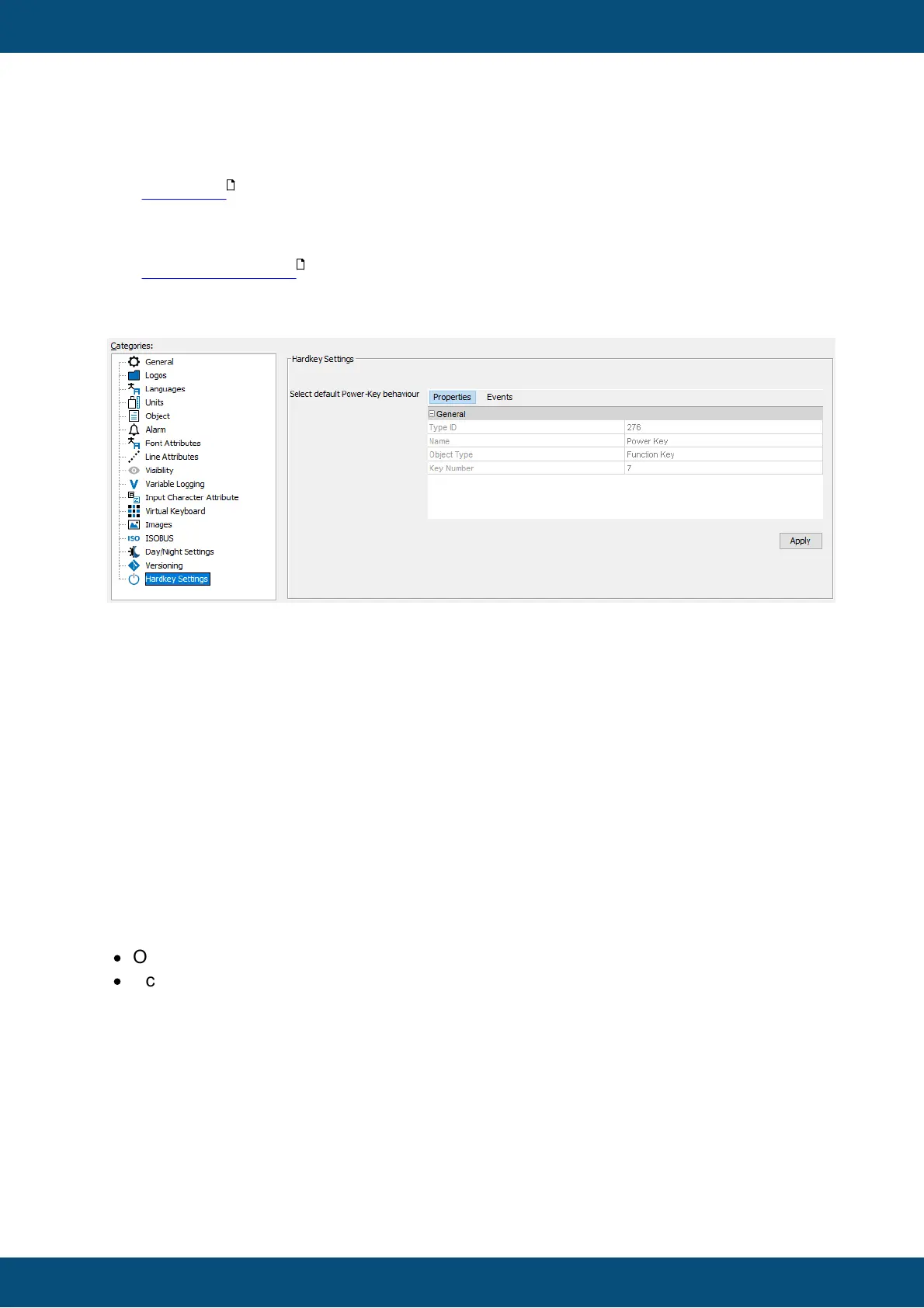
Hardkey settings
For devices with a power button, the project-wide behavior of that button can be defined.
This behavior can be overridden by a per-page setting on each page.
On each page the same events can be configured specifically for that page.
Please note that if ANY event is configured for a specific page, NO action from the project
properties will be executed while on that page, i.e. if you want a specific action OnPress
but the general action OnRelease, you need to put that action into the page event
configuration for the Power Key, as well.
On pages that have no event configured, the actions from the project properties will be
executed.
Please note that a hard shut-off is configured for a press longer than 5 seconds.
3.11.1
Image Handling
This chapter describes how images are handled by the tool.
Thereby two definitions are very important to understand the Image Handling:
·
Original Image
·
Scaled Image
"Original Image" means the image which is added to the project via "Image chooser"
dialog. This image will be copied to "original_images" folder and will never be modified by
the tool.
"Scaled Image" means the image which is created from "Original Image" with e.g. modified
height and witdh. This image is saved in "terminal_files" folder.
Overview
571
123



 To Next Page