151
OPUS Projektor Manual
User Interface
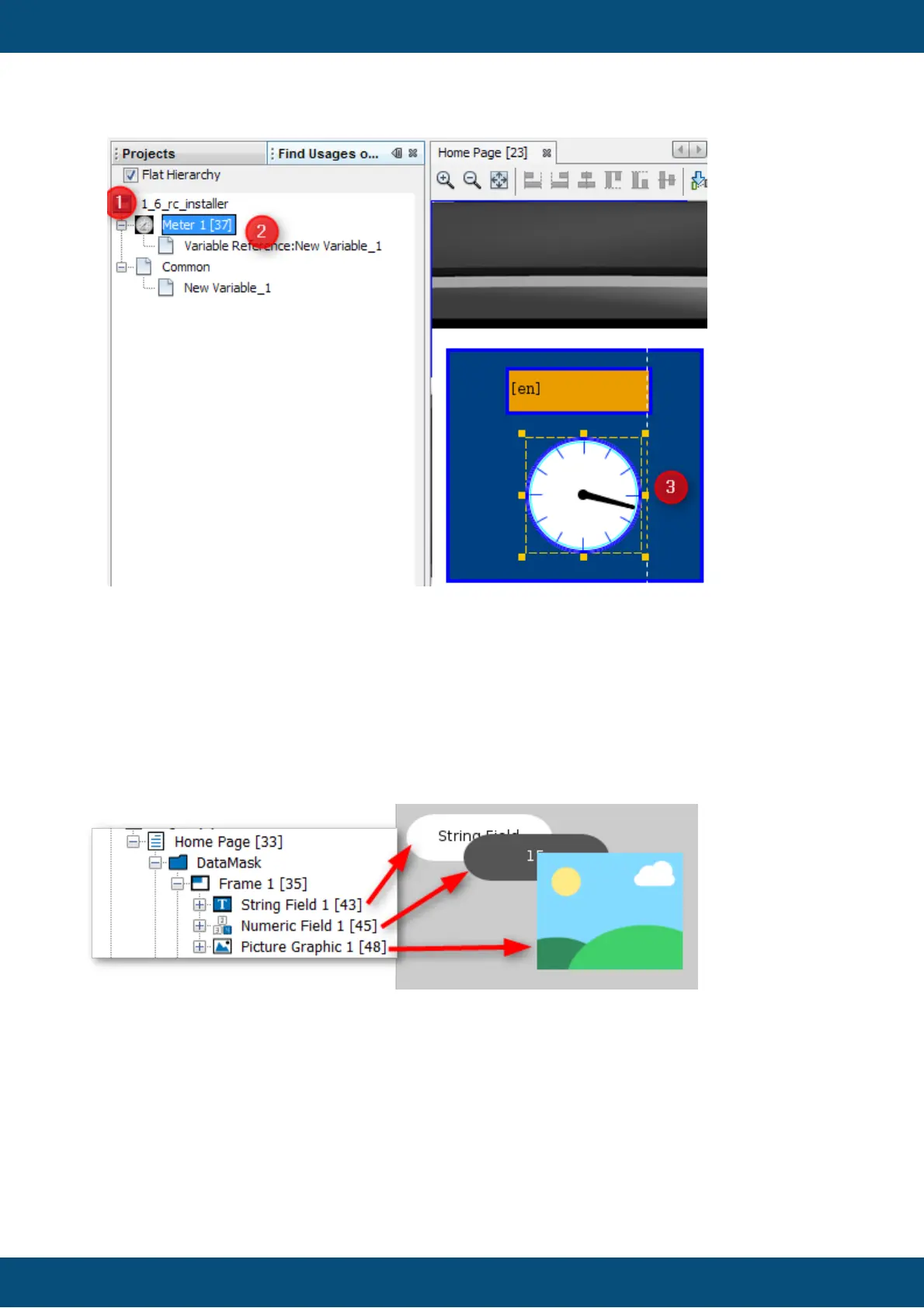
To jump directly to the found page double click directly on the object (2) in the tree (1). This
results in opening the page and selecting the correct object (3).
Known issue: In this version, the double click for the objects that are connected with the
variables is disabled. Please use the project tree to browse to the object manually.
3.19
Z-Order
Objects have a certain order in each page.
The order is represented by the order in the project tree:
The bottom of a level in the project tree represents the foreground, the top represents the
background.
Newly created objects are always put at the bottom of the project tree / in the foreground of the
scene.
The Z-Order can be changed in several ways:
1.



 To Next Page