609
OPUS Projektor Manual
Simulations
To filter the variable tree or to search for a certain variable, a part of the variable name can
be entered in the filter field above the variable tree.
The search is case insensitive: It makes no difference if you search e.g. for CAN, Can,
CaN, cAn, etc.
Wildcards (like *) are not supported in the search.
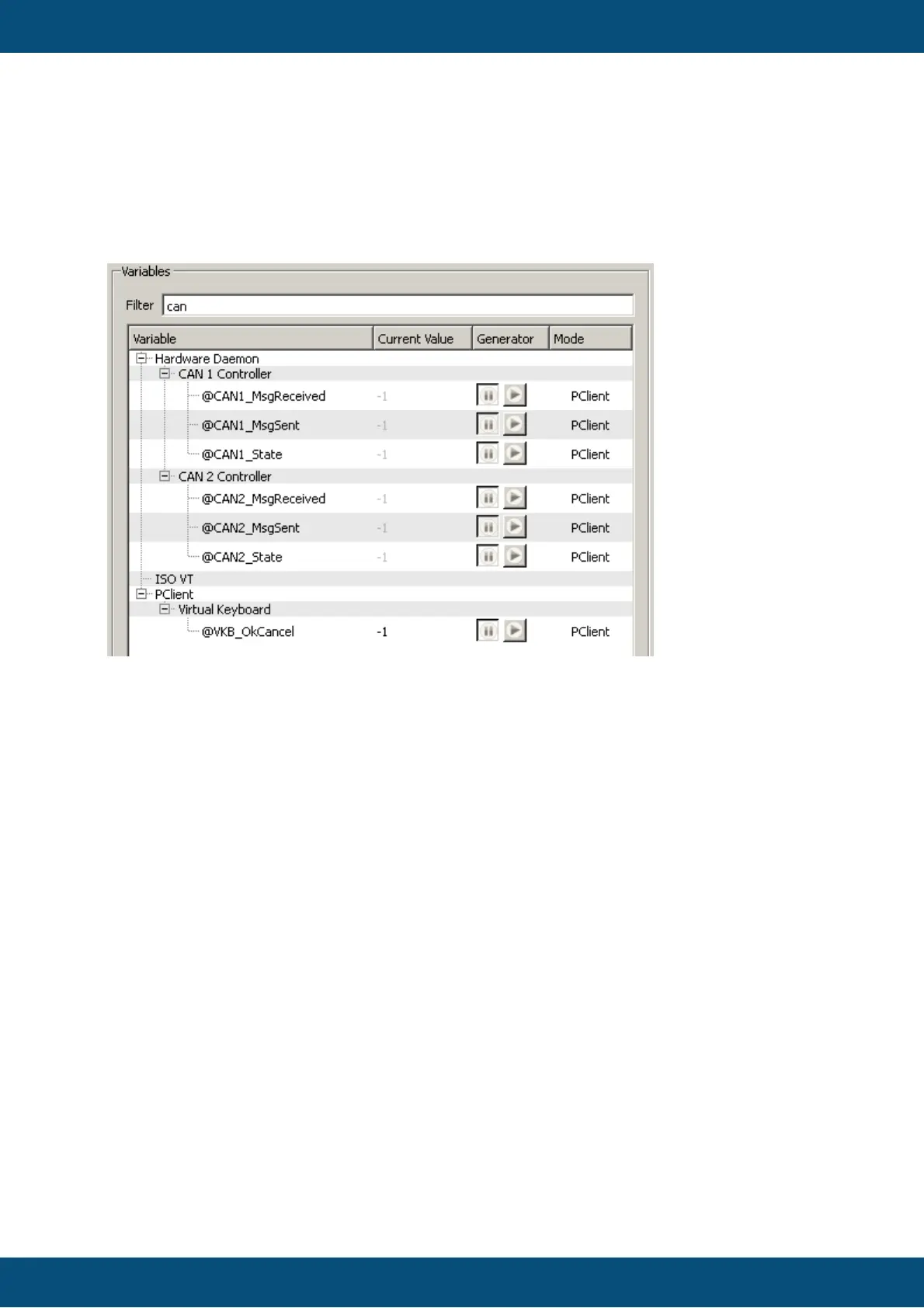
The following screenshots shows all variables that contain "can" in their name:
To show all variables again just remove any text from the filter field.
Note about filtering and filter checkboxes
The text filter and the two checkboxes "Show Favorites Only" and "Hide Pre-Defined
Variables" work in combination. It is possible to filter for a certain text while one or both
checkboxes are active, the result will then only contain favorites and/or user defined
variables.
If you can't see any results, check the checkboxes and maybe remove one or both of the
checkmarks.
9.3.3
Variable Simulation - Value Operations
Common
In the value operations view the value of a selected variable can be changed in various
ways.



 To Next Page