13
OPUS Projektor Manual
Quick Start Tutorial
Continue with designing page content .
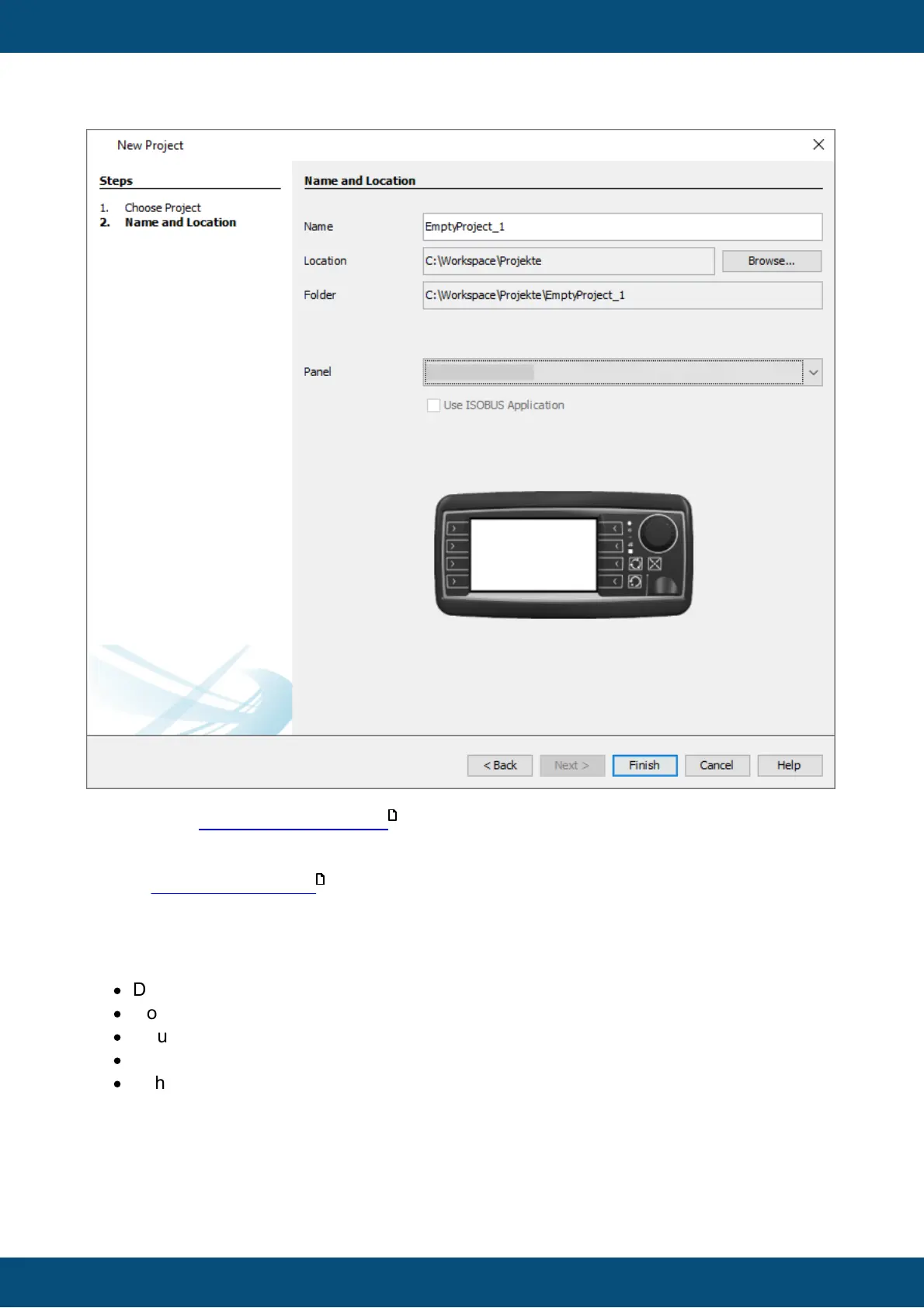
For certain device types the option Use ISOBUS Application can be activated. Read the
chapter ISOBUS Application for more information.
2.2
Designing Page Content
A new project always comes with a page having a default page name. By following the next
steps the page name can be changed.
·
Double click on project name (7)
·
Double click on "Pages" (7)
·
Double click the Home Page in the project tree. (8)
·
The Home Page Editor opens. (9)
·
In the Properties window change the page name into Gauges Page. (10)
13
576



 To Next Page