76
OPUS Projektor Manual
User Interface
3.11
Project Properties
This chapter describes the various properties of a project.
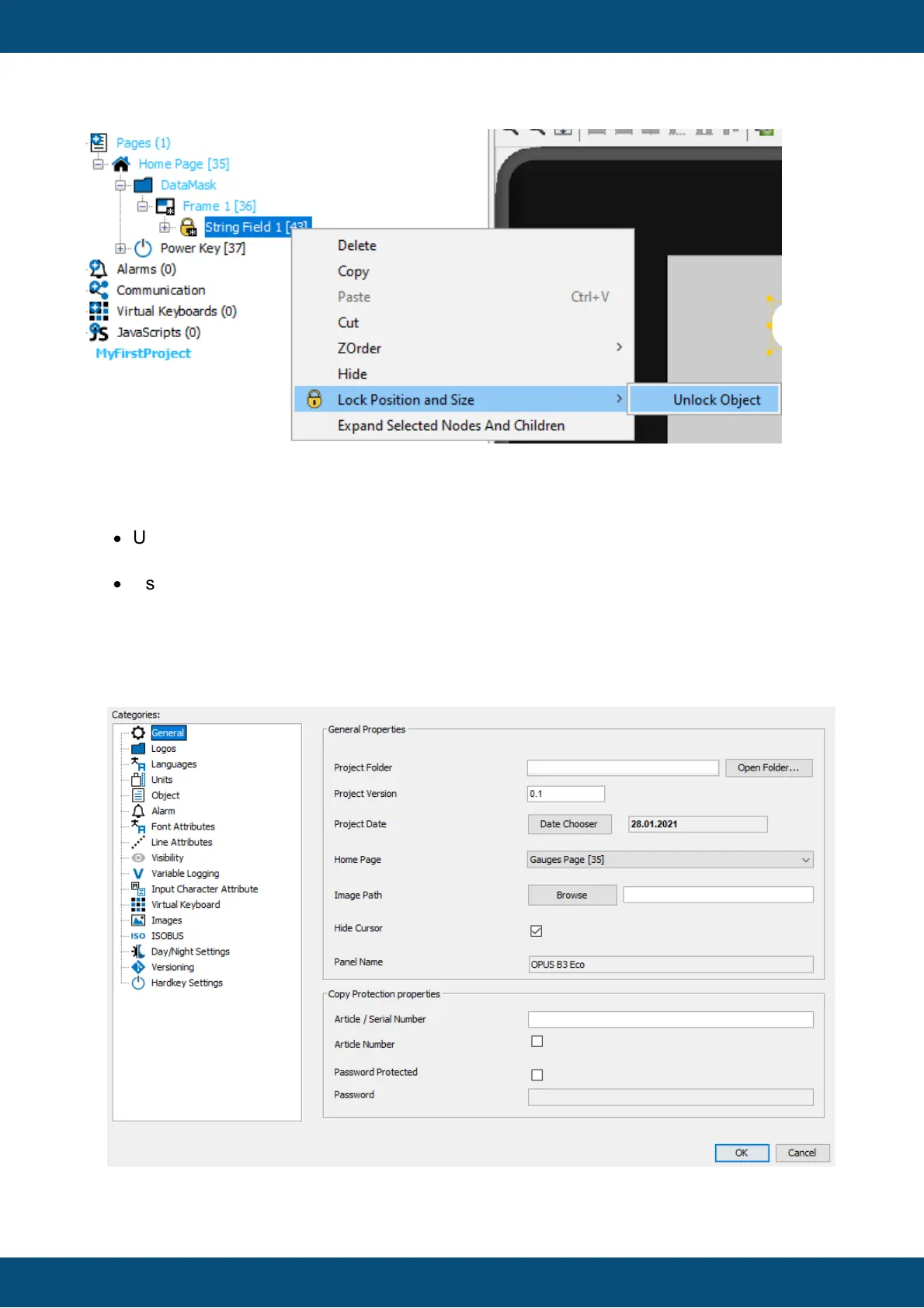
The project properties can be opened in two ways:
·
Using the Properties entry of the right click context menu of the project node in the
Projects tree window.
·
Using the Project Properties entry in the File menu.
Please note that not all properties are available at all times. Only the properties available for
the device in the currently selected project are shown.
General Properties



 To Next Page