75
OPUS Projektor Manual
User Interface
To resize an object and keep the aspect ratio (especially interesting for images), press the
Shift key before clicking one of the corner squares or while resizing.
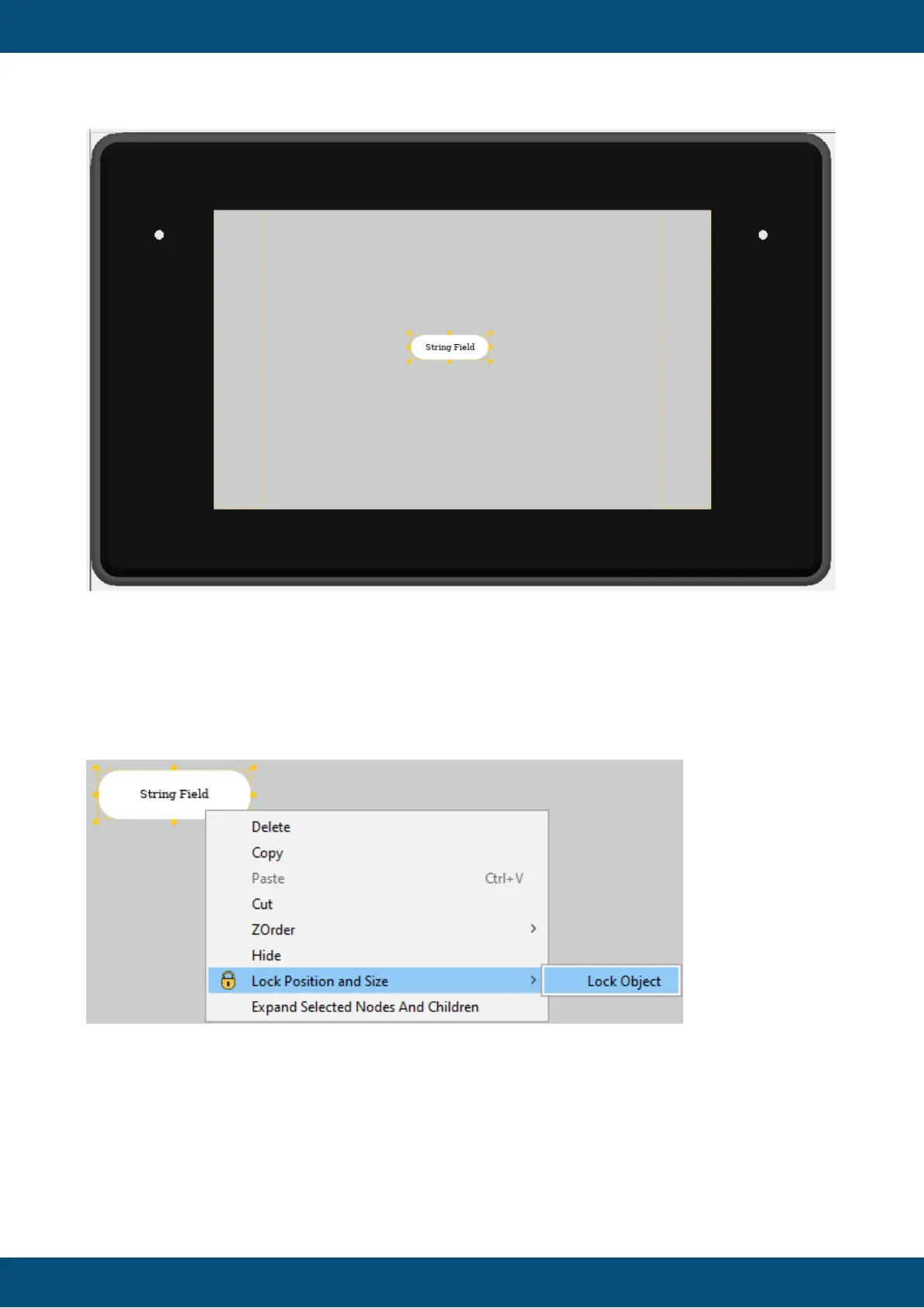
Objects can be locked in place to avoid accidental modifications with the mouse while editing
other objects.
To lock an object, right-click on the object and select Lock Position and Size -> Lock Object.
If the object is already locked, the menu will show Unlock Object instead.
Objects can also be locked / unlocked in the project tree.



 To Next Page