74
OPUS Projektor Manual
User Interface
Objects can be created by dragging and dropping from the object palette or by using copy
& paste from other pages or projects.
Objects can be moved by modifying the X and Y position properties or by moving them with
the mouse.
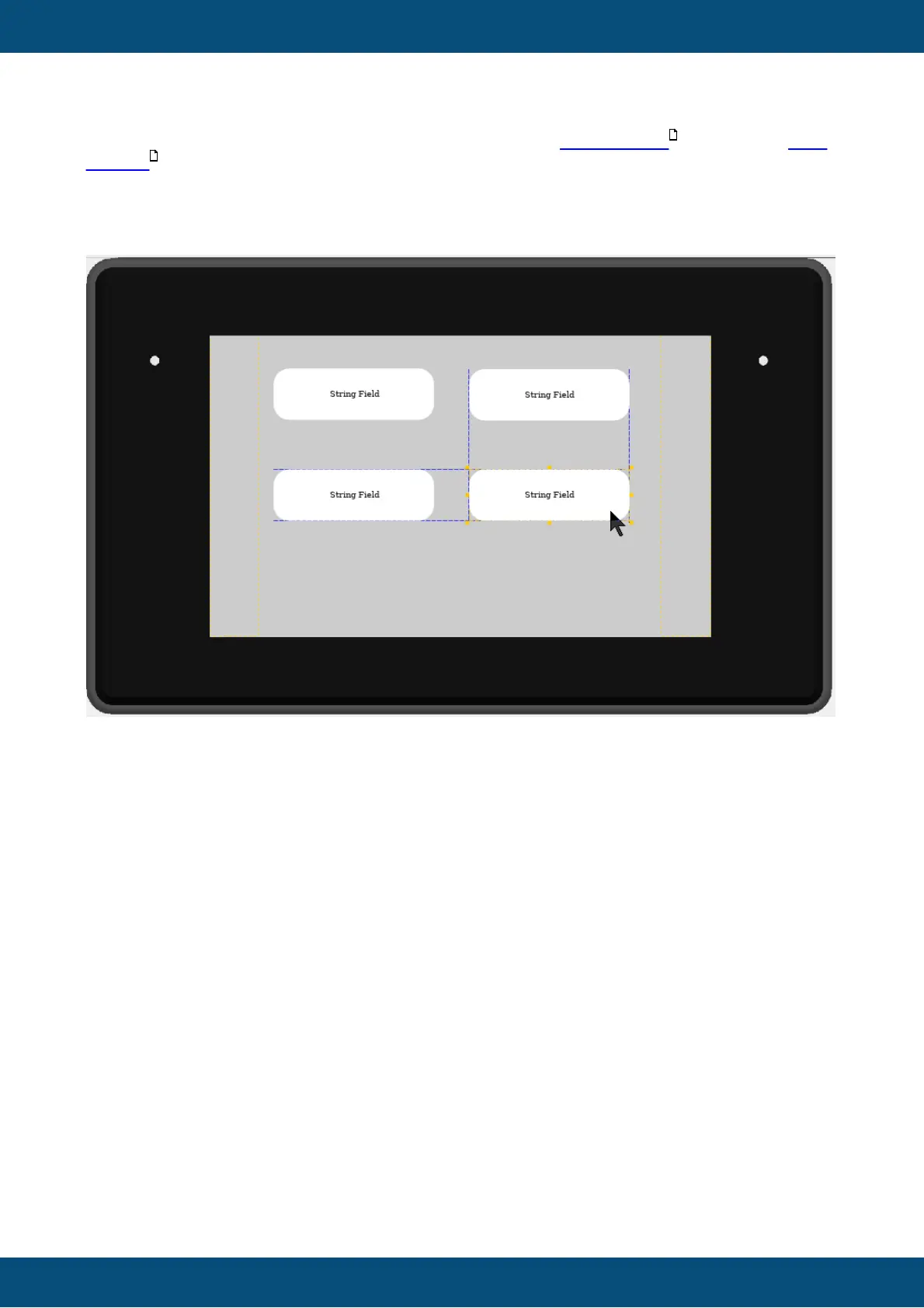
Object swim lanes help positioning objects at the correct distances:
Those can be turned off with the Snap to Object switch in the Page Editor toolbar.
Objects can be resized by modifying the Width and Height properties or by using the orange
squares in the corners and edges of the object.
412
42



 To Next Page